
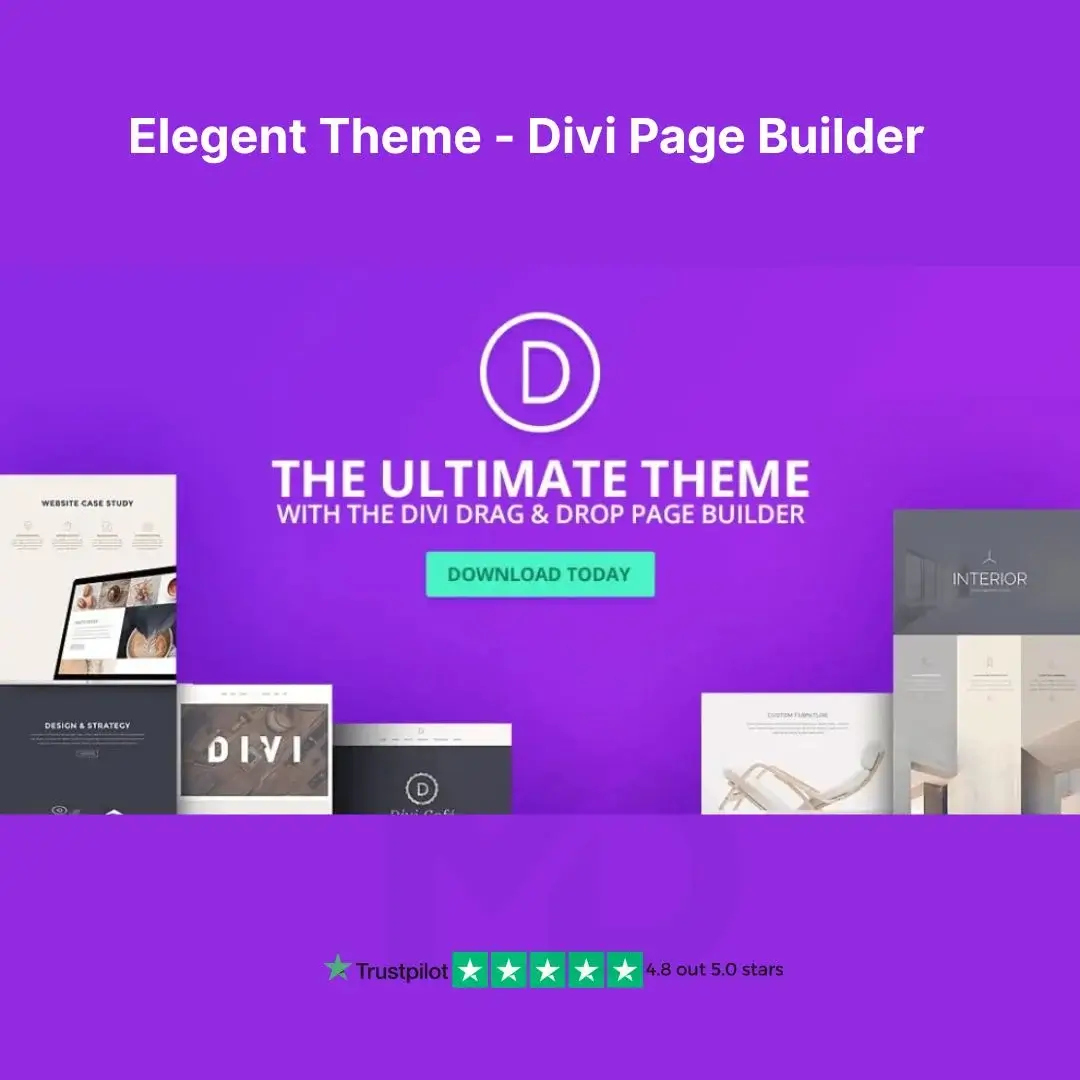


Elegent Themes – The Divi Builder | Ultimate WordPress Page Builder
🚀 Build Beautiful, High-Performing Websites – No Coding Required!
Are you tired of struggling with complex WordPress page builders? Divi Builder by Elegant Themes is here to revolutionize the way you design websites! This powerful drag-and-drop page builder lets you create professional, fully responsive, and high-converting websites in just minutes—without any coding knowledge!
✅ Perfect for bloggers, businesses, agencies, eCommerce stores, and freelancers—Divi Builder is fast, flexible, and feature-packed!
🎯 Why Choose Divi Builder?
🌟 Drag & Drop Editor – Create stunning pages effortlessly using the real-time visual editor. No need to write code!
🌟 50+ Ready-to-Use Modules – Image sliders, pricing tables, call-to-action buttons, testimonials, galleries, and much more!
🌟 Advanced Design Customization – Fully control layouts, fonts, colors, animations, effects, and more!
🌟 Lightning-Fast Performance – Optimized for speed and SEO, ensuring your site loads fast and ranks higher in Google.
🌟 Fully Responsive & Mobile-Friendly – Designs adapt automatically to desktop, tablet, and mobile screens.
🌟 WooCommerce Integration – Create professional eCommerce stores with advanced product layouts.
🌟 Global Elements & Styles – Save time by designing once and applying the same style across multiple pages!
🌟 SEO & Schema Ready – Clean code and SEO-friendly structure help boost your website’s ranking.
🌟 Multi-Language Support – Compatible with WPML, Polylang, and RTL languages for global reach.
🌟 Regular Updates & Secure Code – Stay protected with frequent bug fixes, security patches, and new features.
🚀 Perfect for Any Website Type: Business websites, landing pages, portfolios, blogs, eCommerce stores, membership sites, and more!
🔥 What You’ll Get with Divi Builder?
✔️ 100% Original & Secure Files – No Malware, No Viruses
✔️ GPL Licensed – Use on Unlimited Websites
✔️ Instant Download – No Waiting Time
✔️ One-Time Purchase – Lifetime Access
✔️ 24/7 Customer Support & Assistance
📌 How to Install & Use Divi Builder?
💾 Step 1: Download & Install
1️⃣ Download the Divi Builder ZIP file after purchase.
2️⃣ Log in to your WordPress Dashboard.
3️⃣ Go to Plugins > Add New > Upload Plugin.
4️⃣ Select the Divi Builder ZIP file and click Install Now.
5️⃣ Once installed, click Activate Plugin.
🎨 Step 2: Start Designing Your Website
1️⃣ Go to Pages > Add New and click “Use The Divi Builder”.
2️⃣ Choose a pre-built layout or start designing from scratch.
3️⃣ Drag and drop elements to customize your page.
4️⃣ Adjust fonts, colors, backgrounds, and animations using the easy visual editor.
5️⃣ Click Save & Publish, and your website is live!
⚙️ Step 3: Customize Like a Pro
✅ Use the Theme Builder to create custom headers, footers, and post templates.
✅ Apply Global Styles to maintain brand consistency across your site.
✅ Integrate with WooCommerce to build a stunning online store.
💰 Get Divi Builder at an Unbeatable Price – Limited Time Offer!
Why pay expensive monthly subscriptions when you can get Divi Builder at a fraction of the cost?
🛒 Click “Download Now” & Start Building Professional WordPress Websites Today! 🚀
⚠️ Copyright & Trademark Disclaimer
All product names, logos, and trademarks belong to their respective owners.
Any brand names mentioned are used only for descriptive and identification purposes.
We do not claim ownership of any third-party trademarks or branding.
This is an independently distributed GPL-licensed product, provided in compliance with WordPress and GPL guidelines.
For full docs and more information, visit:🌐www.elegantthemes.com







Reviews
There are no reviews yet