
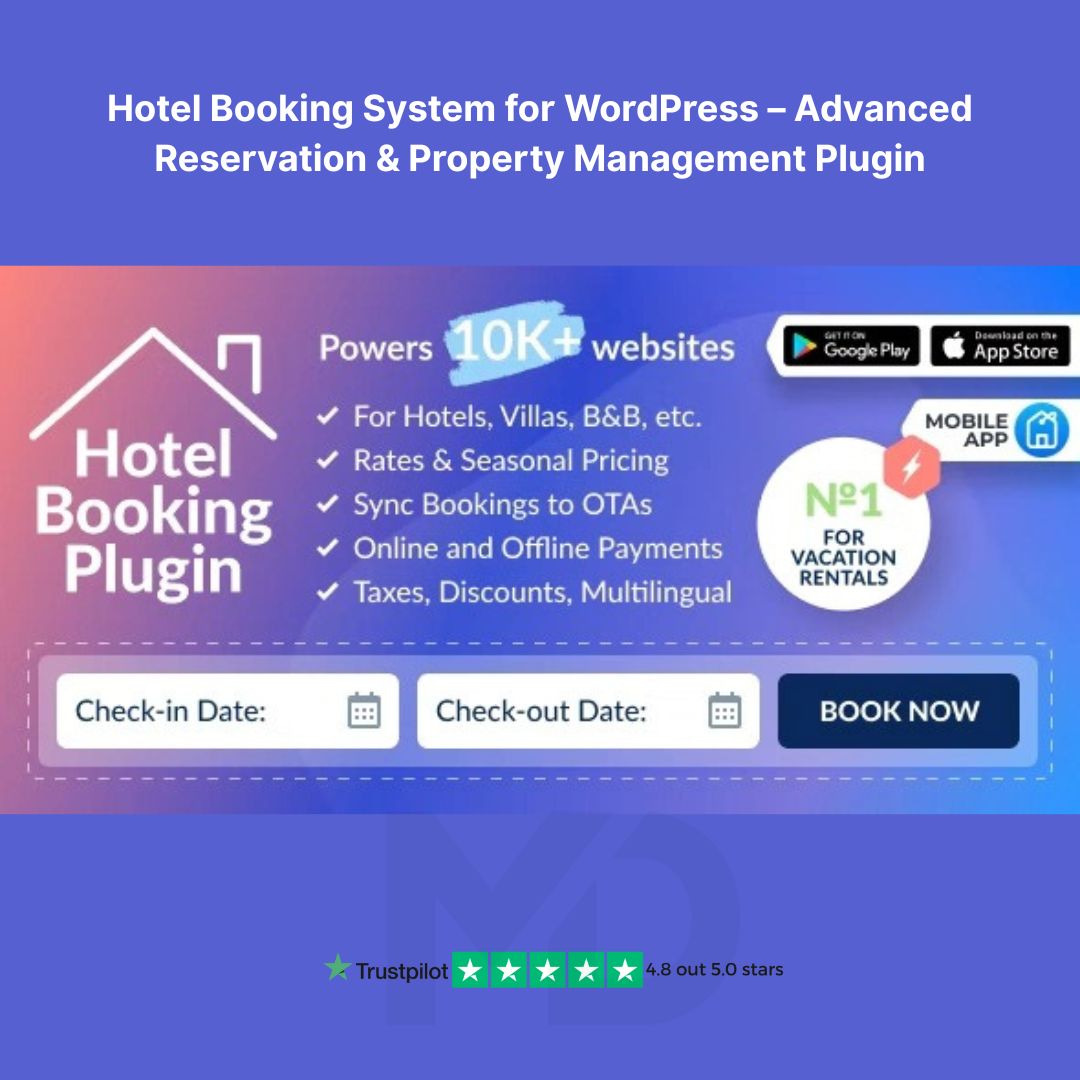


Hotel Booking System for WordPress – Advanced Reservation & Property Management Plugin
🏨 The Ultimate Solution for Online Hotel Bookings & Property Rentals!
The MotoPress Hotel Booking WordPress Plugin is a powerful and user-friendly property management system (PMS) that enables hotel owners, property managers, and vacation rental businesses to seamlessly accept online bookings and reservations. Whether you run a hotel, guesthouse, vacation rental, or apartment business, this all-in-one plugin simplifies the booking process, streamlines payments, and enhances the guest experience.
🌟 Key Features & Benefits:
✔️ Effortless Online Bookings – Allow guests to check availability and book accommodations directly from your website.
✔️ Real-Time Availability Calendar – Avoid overbookings with a synchronized calendar that updates automatically.
✔️ Flexible Booking Rules – Set custom rules for min/max stays, check-in/check-out times, and seasonal pricing.
✔️ Multiple Payment Gateways – Accept PayPal, Stripe, 2Checkout, Braintree, Authorize.net, and more.
✔️ Sync with OTAs (Booking.com, Airbnb, VRBO, etc.) – Keep your reservations updated with iCal synchronization.
✔️ Customizable Rates & Discounts – Offer seasonal rates, special deals, and promo codes to attract more guests.
✔️ Automated Email Notifications – Send booking confirmations, reminders, and follow-up emails automatically.
✔️ Multi-Property Support – Manage multiple hotels, villas, or vacation rentals from a single dashboard.
✔️ Mobile-Friendly & Fully Responsive – Provide a seamless booking experience on any device.
✔️ WooCommerce Integration – Sell extra services or handle payments via WooCommerce.
✔️ Customizable Booking Forms – Collect guest details with an easy-to-use form builder.
✔️ GDPR Compliant – Ensure full compliance with privacy regulations.
🔧 Installation Guide (Step-by-Step)
Follow these easy steps to install and set up the MotoPress Hotel Booking Plugin on your WordPress website:
1️⃣ Install the Plugin:
- Download the MotoPress Hotel Booking Plugin ZIP file.
- Log in to your WordPress Dashboard.
- Navigate to Plugins → Add New.
- Click Upload Plugin and select the ZIP file.
- Click Install Now, then activate the plugin.
2️⃣ Configure Your Hotel Booking System:
- Go to Hotel Booking → Settings to set up general options like currency, time format, and booking rules.
- Add Your Properties: Navigate to Accommodation → Add Accommodation Type, and enter details like images, descriptions, and pricing.
- Set Up a Booking Form: Customize your reservation form and integrate it into any page using the [mphb_booking_form] shortcode.
- Enable Payment Gateways: Go to Payments → Payment Gateways and configure your preferred options.
- Sync with OTAs (if needed): Connect with Airbnb, Booking.com, or other platforms using iCal sync.
💡 How to Use the MotoPress Hotel Booking Plugin
- Customers check availability by entering their dates and selecting a property.
- They fill out a booking form and proceed with payment.
- The system automatically confirms the booking and sends an email confirmation.
- Admins can manage bookings, adjust pricing, and update availability from the WordPress dashboard.
- You can generate custom reports, track revenue, and analyze guest preferences to grow your business.
🚀 Why Choose MotoPress Hotel Booking Plugin?
With over 30,000+ active users, MotoPress Hotel Booking is a trusted solution for hotel owners and rental property managers. Its seamless automation, powerful integrations, and customizable features make it the #1 choice for WordPress-based hospitality businesses.
📌 Don’t Miss Out! Get the MotoPress Hotel Booking Plugin today and start accepting direct bookings without third-party commissions!
🔗 Download Now and Take Your Hotel Business to the Next Level! 🏨💼
⚠️ Copyright & Trademark Disclaimer
All product names, logos, and trademarks are the property of their respective owners.
Any brand names mentioned on this website are used strictly for identification and descriptive purposes only.
We do not claim any ownership of third-party trademarks or branding.
Full credit and respect go to the original developer for their outstanding work in creating this product.
MD Digitals Pro is not affiliated with, endorsed by, or associated with any third-party developers or trademark owners. All products available on this website are distributed under the GNU General Public License (GPL) and are provided in compliance with WordPress licensing guidelines.





Reviews
There are no reviews yet