
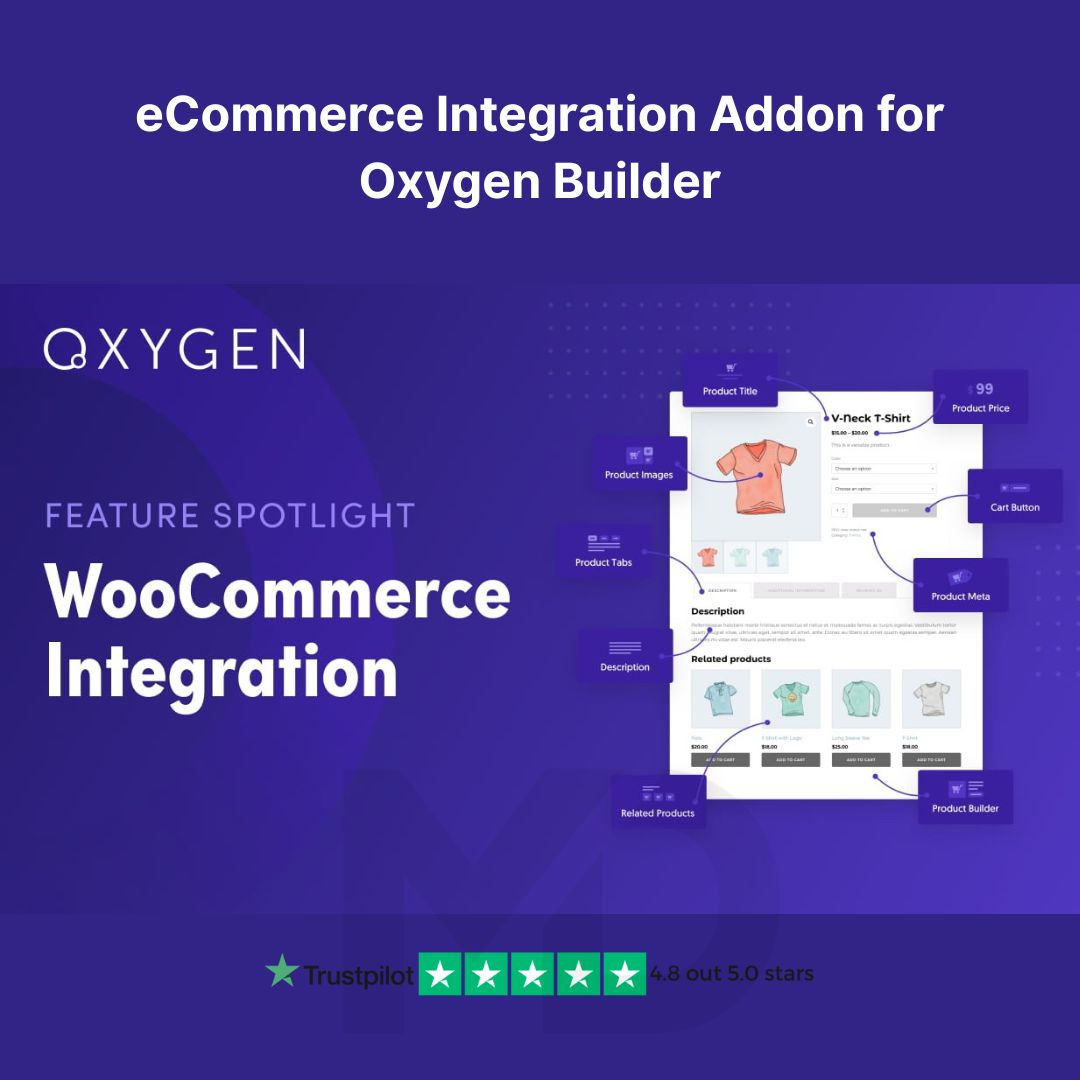


eCommerce Integration Addon for Oxygen Builder – Supercharge Your Online Store!
Take your Oxygen Builder-powered website to the next level with the eCommerce Integration Addon – fully compatible with WooCommerce. This powerful tool bridges the gap between creative freedom and eCommerce functionality, allowing you to build stunning, fully customizable online stores without writing a single line of code.
🚀 Product Overview
The eCommerce Integration Addon for Oxygen Builder is a must-have solution for WordPress users who want full control over their WooCommerce layouts. Whether you’re building product pages, shop archives, or checkout flows, this addon empowers you with deep WooCommerce element integration right inside Oxygen – one of the most powerful visual site builders available.
Perfect for freelancers, agencies, and store owners alike, this addon helps you design beautiful, high-converting online stores with precision and ease.
✅ Key Features & Benefits
🔧 Full WooCommerce Compatibility
Gain complete design control over every WooCommerce element – product grids, single product pages, cart, checkout, account pages, and more.
🎨 Drag & Drop Customization
Use Oxygen Builder’s intuitive interface to drag and drop WooCommerce elements exactly where you want them.
💼 Professional Store Layouts
Build branded and optimized product and checkout pages that increase trust and boost conversions.
⚡ Lightweight & Fast
This addon ensures your store remains performance-optimized with minimal bloat – perfect for SEO and user experience.
🔍 SEO-Optimized Output
Take advantage of clean code and fully responsive layouts that improve search engine rankings and mobile usability.
🔐 GPL Licensed & Secure
This product is 100% original, virus-free, and GPL licensed – ideal for developers and agencies who want reliable tools without the recurring fees.
📦 What’s Included
-
Oxygen Builder WooCommerce Integration Addon (latest version)
-
Documentation for setup and usage
-
GPL License for lifetime use
-
Regular manual updates available from MD Digitals
🛠️ How to Install & Use
-
Prerequisites:
Make sure you have both Oxygen Builder and WooCommerce installed and activated on your WordPress site. -
Installation Steps:
-
Download the plugin ZIP file after purchase.
-
Go to your WordPress Dashboard → Plugins → Add New → Upload Plugin.
-
Upload the ZIP file and click Install Now, then Activate the plugin.
-
Navigate to Oxygen → Settings → WooCommerce to enable WooCommerce features.
-
-
Using the Addon:
-
Launch the Oxygen visual editor on any page or template.
-
Under the +Add panel, find the WooCommerce section.
-
Drag and drop elements like Product Title, Price, Add to Cart Button, Cart, and Checkout into your layout.
-
Customize each element using Oxygen’s styling controls to match your brand.
-
-
Publish and Go Live!
Your WooCommerce store is now fully customizable with Oxygen Builder. Start building high-converting pages today!
💡 Why Choose This Addon from MD Digitals?
-
Instant download after purchase
-
One-time payment – lifetime updates
-
100% original, safe, and pre-verified
-
Trusted by thousands of web professionals
-
Affordable pricing under GPL compliance
👉 Ready to build a powerful and beautifully designed online store with complete freedom? Get the eCommerce Integration Addon for Oxygen Builder today and experience full control over your WooCommerce site!
👉”This product is redistributed under the GPL license. We are not affiliated with or endorsed by oxygenbuilder.com, All trademarks and copyrights belong to their respective owners.”


Reviews
There are no reviews yet