
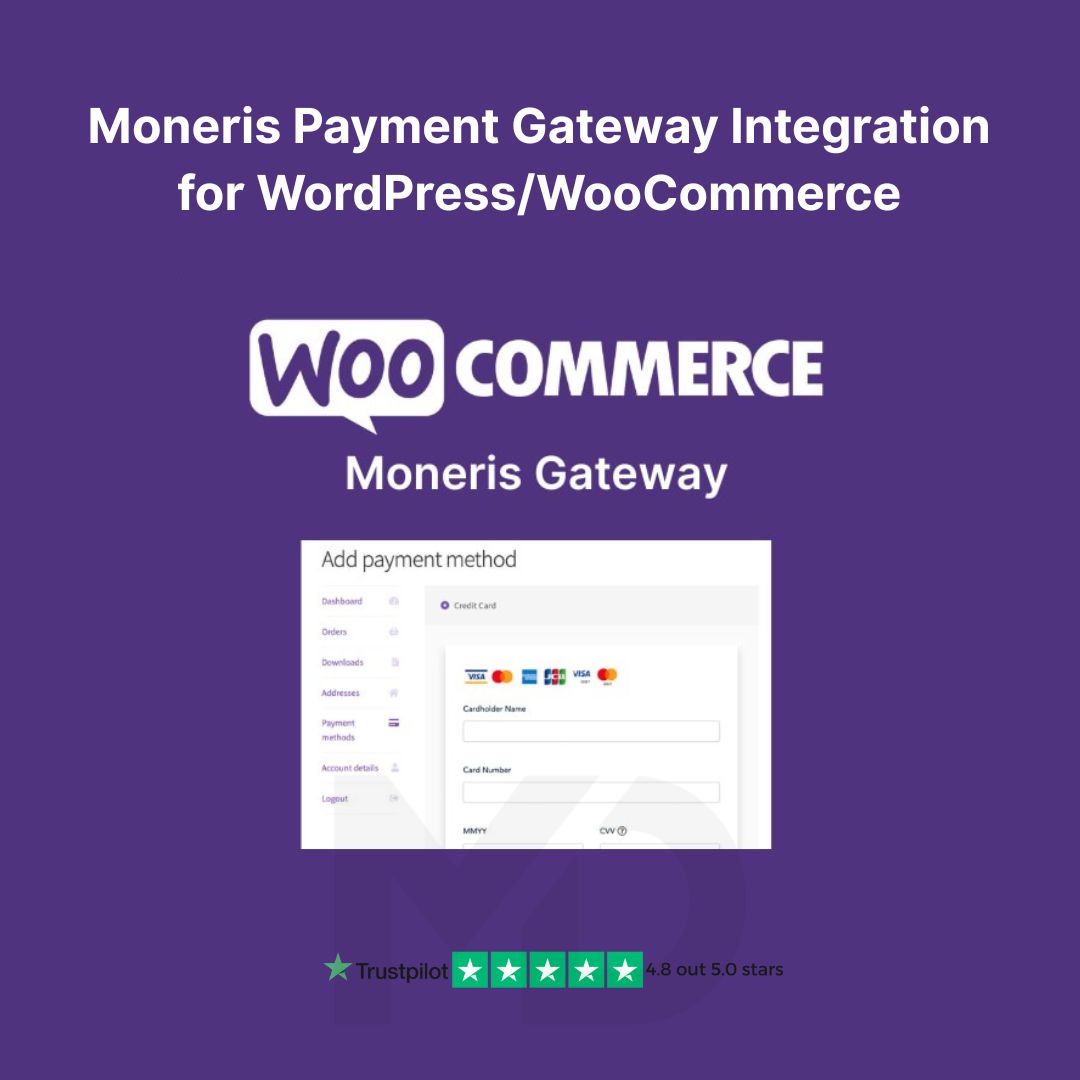


Moneris Payment Gateway Integration for WooCommerce – Seamless, Secure, and Scalable
Accept Credit Card Payments Directly on Your WooCommerce Store with Confidence and Ease!
Bring a new level of payment flexibility and reliability to your online store with our Moneris Payment Gateway Integration for WooCommerce. Designed for WordPress-based eCommerce websites, this powerful plugin enables you to process credit card transactions directly through the Moneris Payment Gateway, Canada’s leading payment processor—without redirecting customers off your website.
🚀 Key Features & Functionalities
✅ Direct On-Site Payments
Keep customers on your checkout page and reduce cart abandonment with seamless on-site credit card payment processing.
✅ Support for Major Credit Cards
Easily accept Visa, MasterCard, AMEX, and other major cards supported by Moneris.
✅ Secure & PCI-Compliant Transactions
The gateway uses Moneris’ secure API to ensure all transactions are encrypted and meet PCI compliance standards—protecting both you and your customers.
✅ Transaction Management
Manage payments, refunds, and voids directly from your WooCommerce dashboard. You can monitor transaction history and track order status with ease.
✅ Pre-Authorization & Capture Support
Authorize payments at checkout and capture funds later when orders are ready to ship—ideal for businesses handling physical inventory.
✅ Multi-Currency Support
Sell globally with Moneris-supported currencies, offering more flexibility to your international customers.
✅ Fail-Proof Payment Processing
Built-in error logging helps you monitor and troubleshoot any issues with payment attempts, ensuring smooth operation.
✅ Compatible with Latest WordPress & WooCommerce Versions
Fully tested with the latest versions, so you can upgrade your site with peace of mind.
🧩 Why Choose This Plugin?
This Moneris integration is perfect for Canadian merchants and businesses looking for a reliable, secure, and fast way to process payments. Unlike external checkout services, this plugin gives you full control of the user experience, helping you build trust and boost conversions.
🛠️ Installation & Usage Guide
Step 1: Upload and Activate the Plugin
-
Download the plugin ZIP file.
-
Go to your WordPress Dashboard → Plugins → Add New → Upload Plugin.
-
Select the ZIP file and click “Install Now.”
-
After installation, click “Activate.”
Step 2: Configure Moneris Gateway Settings
-
Navigate to WooCommerce → Settings → Payments.
-
Enable “Moneris Payment Gateway.”
-
Enter your Moneris API credentials (Store ID & API Token) from your Moneris merchant account.
-
Customize settings such as transaction type, test mode, card types, and more.
Step 3: Start Accepting Payments
That’s it! Your checkout page is now equipped with a reliable, PCI-compliant Moneris payment option for your customers.
🔐 GPL License Assurance – 100% Safe, Original & Limitless
This plugin is distributed under the GPL (General Public License)—the gold standard for open-source software freedom. Here’s why that matters:
-
✅ 100% Original & Untouched Files
-
✅ Virus & Malware Free – Scanned and Safe
-
✅ Unlimited Website Usage – Use it on as many domains as you like!
-
✅ Regular Manual Updates – Stay up to date without the high cost
We source our products from trusted providers, ensuring you get premium functionality at a fraction of the cost—without compromising on safety or performance.
🔥 Boost Conversions. Build Trust. Get Paid Securely.
Don’t let payment friction cost you sales. With our Moneris Payment Gateway for WooCommerce, you gain full control, unbeatable security, and a frictionless checkout experience for your customers.
👉 Start accepting payments like a pro – Get this powerful integration today and supercharge your WooCommerce store!
👉”This product is redistributed under the GPL license. We are not affiliated with or endorsed by woocommerce.com, All trademarks and copyrights belong to their respective owners.”


Reviews
There are no reviews yet