


WP Chat Button for WhatsApp Support
Boost Customer Engagement Instantly – Seamless, Real-Time Support on Your WordPress Site!
Looking for a powerful yet lightweight solution to provide instant customer support on your WordPress website? WP Chat Button for WhatsApp Support is your go-to plugin! This must-have tool lets you add a WhatsApp-powered chat button to your website, enabling visitors to contact you directly via WhatsApp in just a click — no waiting, no confusion, just instant communication!
✅ Key Features & Functionalities:
-
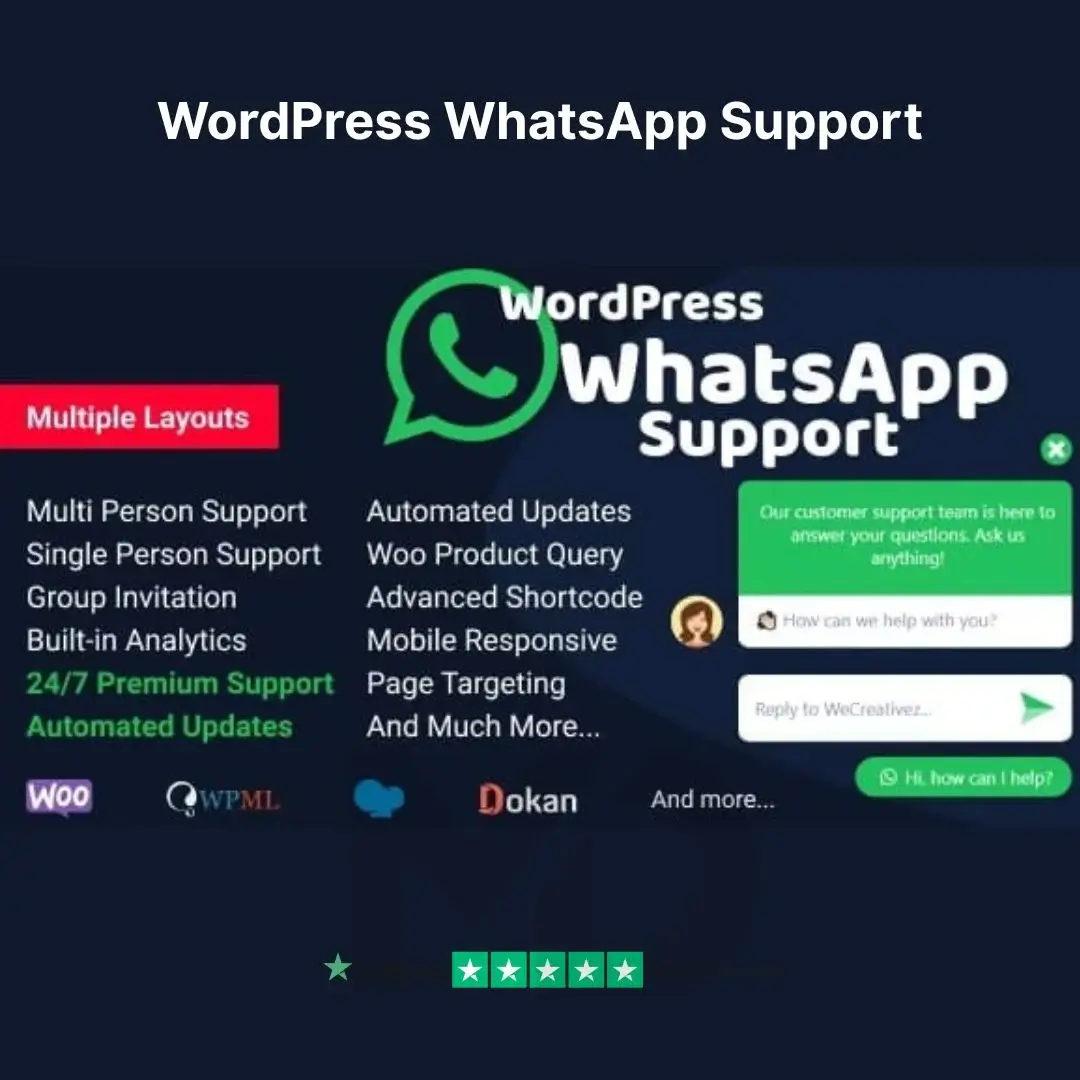
Easy WhatsApp Integration: Add a floating chat button or fixed WhatsApp support box anywhere on your site.
-
Multi-Agent Support: Assign multiple team members or departments with different WhatsApp numbers.
-
Customizable Appearance: Tailor the button style, color, text, position, and pre-set messages to match your brand.
-
Auto User Details Capture: Automatically pulls user information like the current page URL, for better conversation context.
-
Responsive & Lightweight: Fully mobile-friendly and optimized for fast loading without affecting site performance.
-
GDPR-Ready: Compliant with privacy laws to ensure user data is handled securely.
-
Time-Based Agent Availability: Show/hide specific agents based on working hours or time zones.
-
Shortcodes & Widgets: Easily place WhatsApp chat buttons using Gutenberg blocks, Elementor, or shortcodes.
-
Multiple Language Support: Reach your audience in their native language with built-in localization features.
🚀 Benefits You’ll Love:
-
Improve Customer Trust: Direct chat builds confidence and increases your conversion rate.
-
24/7 Support Capability: Set auto-responders or multiple agents to handle queries round the clock.
-
Boost Sales & Lead Generation: Don’t miss a single customer question — capture leads right on your site.
-
Highly Customizable for Your Brand: Ensure your site looks polished with consistent design.
-
Zero Coding Needed: Intuitive interface that’s beginner-friendly and powerful enough for developers.
🔧 Installation & Usage Guide:
-
Download the Plugin ZIP File after purchase.
-
Navigate to your WordPress Dashboard → Plugins → Add New → Upload Plugin.
-
Upload the ZIP file and click Install Now, then activate the plugin.
-
Go to the new “WP WhatsApp Support” settings panel.
-
Add your WhatsApp number(s), set up prefilled messages, customize design, and choose display rules.
-
Save changes — and your WhatsApp chat button is now live on your site!
Use with Elementor, WPBakery, Gutenberg, and almost any theme — no compatibility issues.
🔒 Why Choose GPL Licensed Products?
When you buy from us, you’re not just getting powerful tools — you’re making a smart, risk-free investment:
-
✅ 100% GPL Licensed – Fully legal to use, modify, and distribute.
-
✅ Original Files Only – Direct from developers, never nulled or cracked.
-
✅ Virus-Free & Secure – Scanned and verified for malware and backdoors.
-
✅ Unlimited Website Usage – No limits! Use it on all your personal or client sites.
-
✅ Manual Updates Available – Get updated versions when you need them.
💬 Final Verdict:
If you want to engage visitors in real-time, increase conversions, and offer professional WhatsApp support with ease, WP Chat Button for WhatsApp Support is a no-brainer. It’s the perfect blend of simplicity, power, and flexibility — without breaking the bank.
👉 Add to Cart now and upgrade your customer support experience today!
⚠️ Copyright & Trademark Disclaimer
This product is not affiliated with, endorsed by, or sponsored by the original developer or marketplace.
All product names, logos, and trademarks belong to their respective owners
Any brand names mentioned are used only for descriptive and identification purposes
We do not claim ownership of any third-party trademarks or branding
This is an independently distributed GPL-licensed product, provided in compliance with WordPress and GPL guidelines.




Reviews
There are no reviews yet