
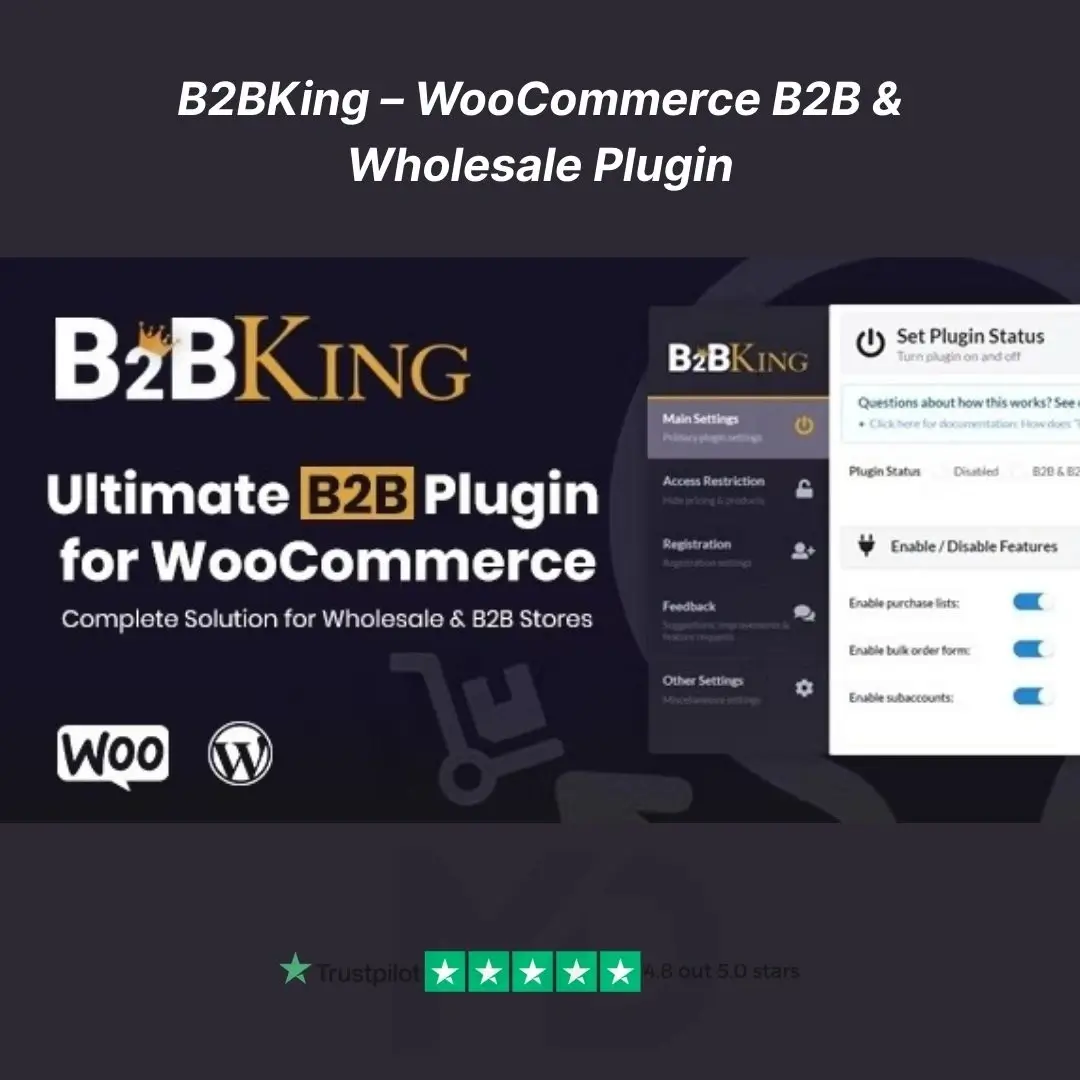


B2BKing –WooCommerce B2B & Wholesale Plugin
Transform your WooCommerce store into a full-featured B2B wholesale powerhouse—with no affiliation to the original vendor.
🚀 Why You’ll Love It
-
Unlocked Full B2B Power – Tiered pricing, group-specific discounts, VAT exemptions, bulk ordering, quote requests, and more. Everything you need to serve B2B clients—under one roof.
-
Hybrid B2B+B2C Control – Seamlessly serve both retail and wholesale customers from a single store by assigning roles and managing visibility.
-
100% GPL Licensed – No hidden fees or license traps. You get full access, freedom to modify, and no strings attached.
-
SEO & Performance-Ready – Optimized for speed and built with structured data in mind. Improves user experience and search visibility.
🔥 Key Features (Packed With Benefits)
| Feature | Why It Matters |
|---|---|
| Tiered & Volume Pricing | Automatically apply discounts based on customer group or order volume—perfect for incentivizing bulk orders. |
| Custom User Roles & Groups | Use custom registration forms and manual approval to control who sees what, with access tailored per user or group. |
| Fast Wholesale Order Form | A spreadsheet-style bulk ordering interface that boosts average order value and speeds checkout. |
| Quote Request & Negotiation Tools | Allow customers to request quotes, upload files, negotiate in-app, and accept offers via generated PDFs. |
| VAT & Tax Automation | Automatically validate EU VAT IDs and apply exemptions—critical for compliant international B2B operations. |
| Catalog & Price Visibility | Restrict pricing or catalogs to registered users; hide prices from guests to drive registrations. |
| Shipping & Payment Control | Assign specific shipping/payment methods based on customer group or order conditions. |
| Product Bundles & Offers | Encourage upsells with bundled discounts and cross-promotional offers. |
| CSV Import/Export & Reporting | Easily manage pricing rules, orders, and reports in bulk with your favorite spreadsheet tools. |
🛠️ Installation & Setup Guide
Step 1: Install the Plugin
-
Download the GPL‑licensed ZIP file from your mddigitals.com account dashboard.
-
Go to WooCommerce → Plugins → Add New → Upload Plugin.
-
Click Activate after installation.
Step 2: Configure License & Essentials
-
Navigate to WooCommerce → B2BKing Settings.
-
Enter your license key (found in your dashboard) to receive updates and support.
-
Set your default customer groups (e.g., Retail, Wholesale, VIP).
Step 3: Define User Groups & Pricing Rules
-
In Groups & Permissions, create groups and assign store access rights.
-
In Pricing Settings, build tiered pricing or group-specific discounts (e.g., 10% off for 50+ units).
Step 4: Enable Wholesale Order Form
-
Visit Order Forms, choose the layout, and embed it on any page via shortcode
[b2bking_order_form]. -
Customers can now bulk select SKUs and quantities in one view.
Step 5: Set Up Quote Workflow
-
Activate Quote Requests in settings.
-
Customise email templates, PDF branding, and enable internal messaging for negotiations.
Step 6: VAT & Tax Validations
-
Enable VAT/VIES Validation, set exempt countries, and define tax rules.
-
The plugin auto-validates VAT IDs and applies exemptions.
Step 7: Finalize Visibility & Checkout Rules
-
Control which customer group accesses which products, prices, and shipping/payment options.
-
Optional: Enable Hide Price to encourage user registration.
Step 8: Go Live and Optimize
-
Conduct a test order as both retail and wholesale users.
-
Monitor orders via reports.
-
Fine-tune pricing, set up bundles, and enable caching for optimal performance.
🎯 Ideal For
-
Small to mid‑sized B2B businesses moving into e-commerce.
-
WooCommerce stores serving both B2C and B2B customers.
-
Agencies and developers implementing wholesale features—but want the flexibility of GPL licensing.
✅ Take Action Now
-
Easy to Buy — Download instantly after purchase.
-
Fully GPL — Modify and redistribute as you wish.
-
Supported & Documented — Includes quick-start guides and clear inline help.
-
Risk‑Free — No vendor lock-in, no official affiliations, just full control.
🧭 Next Steps
Add to cart and download your plugin ZIP.
Install and activate it in WooCommerce (takes under 2 minutes).
Follow the quick setup guide above to configure your B2B price rules, groups, and order forms.
Launch your B2B capabilities and start selling smarter today.
⚠️ Copyright & Trademark Disclaimer
This is a GPL-distributed version. No official support. Clean, secure, and legally redistributed under the GPL license.
All product names, logos, and trademarks are the property of their respective owners.
Any brand names mentioned on this website are used strictly for identification and descriptive purposes only.
We do not claim any ownership of third-party trademarks or branding.
Full credit and respect go to the original developer for their outstanding work in creating this product.





Reviews
There are no reviews yet