
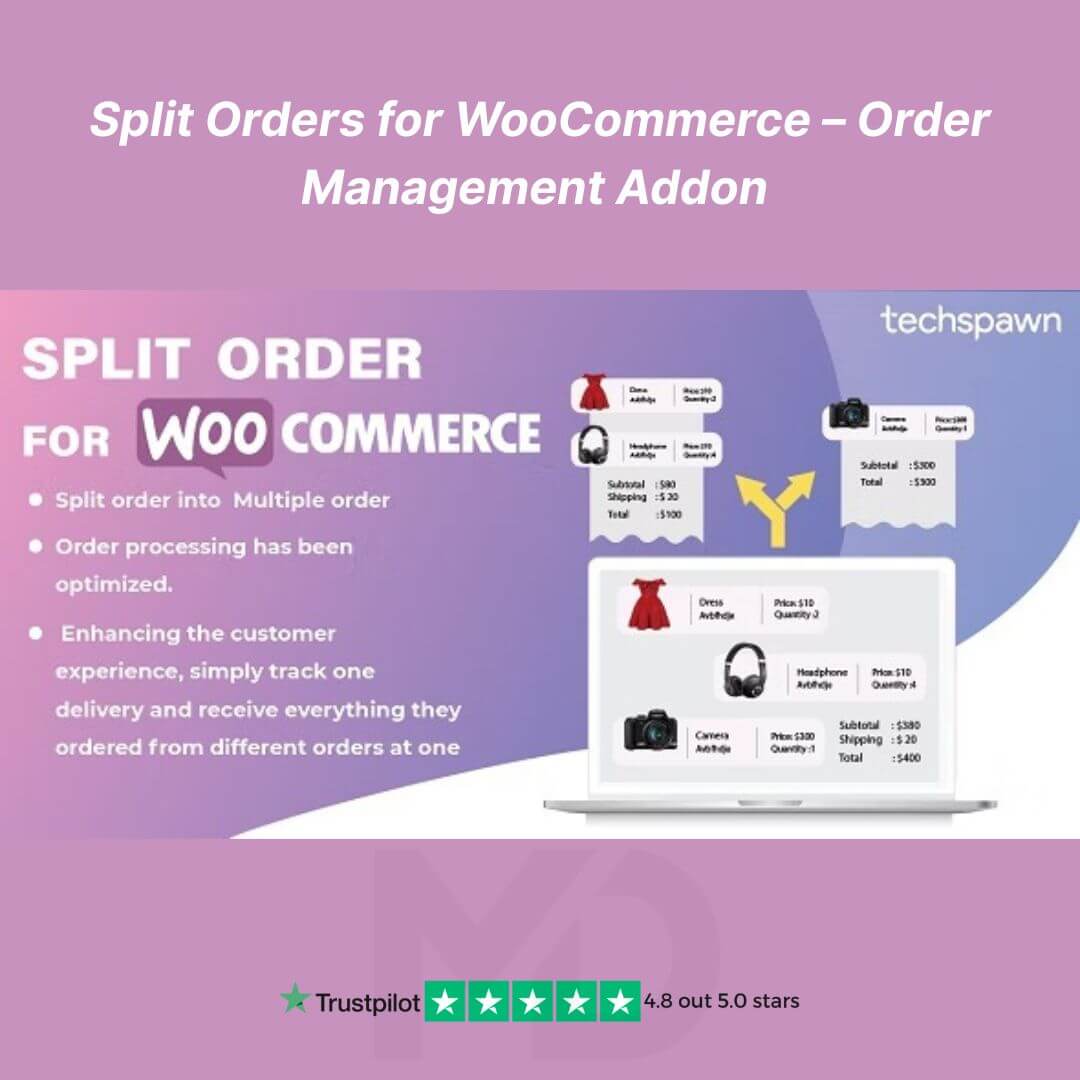


Split Orders for WooCommerce – Order Management Addon
Effortlessly Manage and Automate Order Splitting in Your WooCommerce Store
Managing large or complex orders in WooCommerce can be challenging — especially when customers purchase multiple items that need separate shipping, vendors, or fulfillment methods. The Split Orders for WooCommerce – Order Management Addon (GPL Licensed) helps you simplify this process by automatically or manually dividing a single order into multiple sub-orders based on your preferred rules.
This addon enhances your store’s efficiency, reduces manual work, and improves customer satisfaction by keeping every order organized, accurate, and easy to track.
💡 Why You Need This Plugin
If your WooCommerce store handles:
-
Multi-vendor or marketplace products
-
Orders shipped from different warehouses
-
Custom, backordered, or made-to-order items
-
Partial or staged fulfillment workflows
Then this plugin is essential for maintaining smooth operations and better customer experiences.
⚙️ Key Features
🔹 Automatic Order Splitting
Automatically split large orders into multiple sub-orders based on product category, vendor, or shipping class — no manual effort needed.
🔹 Manual Splitting Control
Need flexibility? You can manually create sub-orders from any parent order directly inside the WooCommerce admin.
🔹 Independent Order IDs
Each sub-order gets its own order ID, payment status, invoice, and shipping details, making tracking and logistics simple.
🔹 Vendor or Category-Based Rules
Perfect for multi-vendor or dropshipping stores — split orders by vendor, category, or fulfillment type automatically.
🔹 Compatible with All Payment Gateways
Works seamlessly with popular payment gateways such as PayPal, Stripe, and WooCommerce Payments without breaking transactions.
🔹 User-Friendly Configuration
Clean, intuitive settings panel — no coding knowledge required. Works right out of the box with WooCommerce.
🔹 Fully Compatible
Supports the latest versions of WooCommerce and popular extensions like Dokan, WCFM, and WooCommerce Shipping.
🚀 Benefits at a Glance
-
Automate your fulfillment workflow
-
Minimize order management errors
-
Improve delivery tracking and transparency
-
Save admin time and effort
-
Enhance customer satisfaction
🧩 How to Install and Use
Step 1: Download the plugin ZIP file from your MD Digitals account.
Step 2: Go to WordPress Dashboard → Plugins → Add New → Upload Plugin.
Step 3: Upload the file, click Install Now, and then Activate.
Step 4: Go to WooCommerce → Settings → Split Orders to configure your split conditions (by category, vendor, or shipping class).
Step 5: Save changes, and the addon will automatically manage your order splits!
🔒 GPL Licensed & Safe to Use
This product is distributed under the GNU General Public License (GPL) — ensuring you have full freedom to use, modify, and install it on unlimited websites. The plugin is 100% original, malware-free, and manually verified by the MD Digitals team.
🛍️ Why Buy from MD Digitals
-
✅ 100% Genuine GPL Product
-
🔄 Lifetime Usage – No Expiry
-
⚡ Regular Manual Updates
-
🧠 Expert Support Team
-
💰 Affordable One-Time Payment
⚖️ GPL Licensing & Copyright Disclaimer
All product names, logos, and trademarks are the property of their respective owners.
Any brand names mentioned are used strictly for identification and descriptive purposes only.
We do not claim ownership of any third-party trademarks or branding. Full credit goes to the original developers for their work.
This product is distributed under the GPL (General Public License) in compliance with WordPress licensing guidelines.
MD Digitals provides access to these products under the GPL model with transparency, affordability, and lifetime usage rights.
Optimize your WooCommerce order workflow today with the Split Orders for WooCommerce – Order Management Addon (GPL Licensed)!
➡️ Download instantly and start managing your orders like a pro!







Reviews
There are no reviews yet