
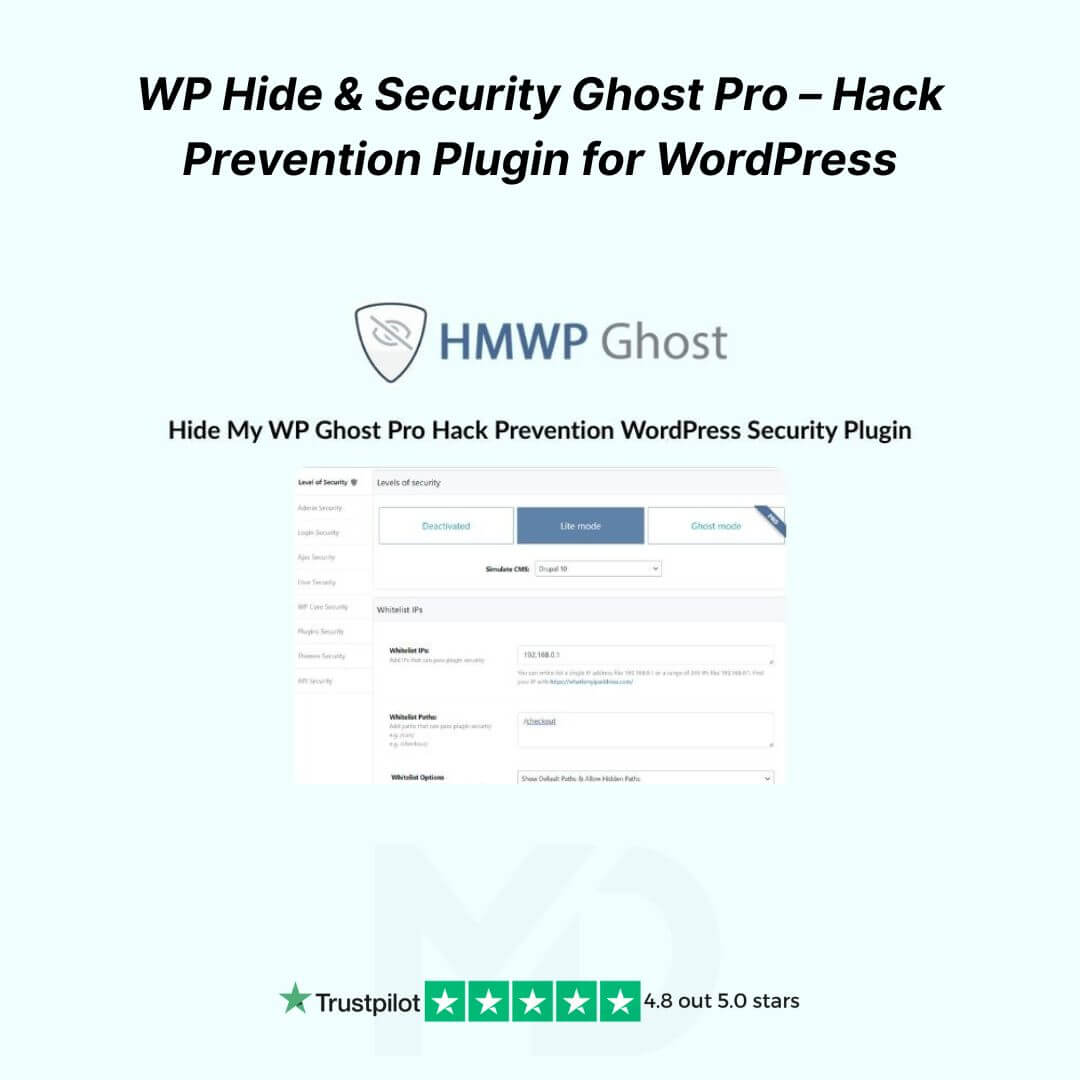


WP Hide & Security Ghost Pro – Advanced Hack Prevention Plugin for WordPress (GPL)
Protect your WordPress website like a pro! 🛡️ With WP Hide & Security Ghost Pro, you can secure your website from hackers, malware, and unwanted bots while completely hiding your WordPress core, themes, plugins, and login paths from prying eyes. This plugin is perfect for businesses, blogs, e-commerce stores, and developers who want a stealthy, rock-solid security layer without complicated server setups.
Why Choose WP Hide & Security Ghost Pro?
✅ Advanced Hack Prevention – Blocks brute force attacks, unauthorized login attempts, and common WordPress vulnerabilities.
✅ Hide Core WordPress Paths – Change or hide wp-admin, wp-login, wp-includes, plugins, and themes paths to keep attackers guessing.
✅ Stealth Mode for Themes & Plugins – Prevent hackers from discovering installed plugins or themes that might be vulnerable.
✅ Customizable Login & Admin URL – Secure your login page by changing its URL, stopping 99% of automated bot attacks.
✅ Lightweight & High Performance – Minimal impact on website speed while providing maximum security.
✅ Full Compatibility – Works seamlessly with WooCommerce, Elementor, WP Rocket, caching plugins, and popular themes.
✅ One-Click Fixes & Updates – Easy-to-use dashboard lets you implement security measures instantly.
Key Features That Make It Actionable for You
🔹 Hide WordPress Core Files: Prevent attackers from targeting known WordPress vulnerabilities.
🔹 Protect Sensitive URLs: Keep wp-login.php, wp-admin, and admin-ajax.php hidden from unwanted access.
🔹 Block Hackers & Bots: Automatically block malicious IPs and suspicious traffic.
🔹 Customize File & Directory Names: Rename your plugin and theme folders for added stealth.
🔹 Login Protection: Limit login attempts, add CAPTCHA, and change the default login URL.
🔹 Error Logging & Monitoring: Keep track of blocked attacks and potential vulnerabilities.
Installation & Usage Guide
-
Download the Plugin from your MD Digitals account.
-
Go to WordPress Dashboard → Plugins → Add New → Upload Plugin.
-
Upload the ZIP file and click Install Now, then Activate.
-
Navigate to WP Hide & Security Ghost → Settings.
-
Configure your admin, login, and plugin paths as desired.
-
Enable security features such as login protection, file hiding, and IP blocking.
-
Test your website to ensure everything is functioning smoothly. ✅
Tip: Always clear your cache and test login paths after making changes.
GPL License & Copyright Disclaimer
⚠️ Copyright & Trademark Disclaimer
This product is not affiliated with, endorsed by, or sponsored by the original developer or marketplace.
All product names, logos, and trademarks belong to their respective owners.
Any brand names mentioned are used only for descriptive and identification purposes.
We do not claim ownership of any third-party trademarks or branding.
This is an independently distributed GPL-licensed product, provided in compliance with WordPress and GPL guidelines.
Why Buy From MD Digitals?
-
✅ 100% Virus-Free & Authentic GPL Version
-
✅ Lifetime Use & Updates
-
✅ Instant Download After Purchase
-
✅ Manual Updates from Reliable Sources
Secure your WordPress website today and stop hackers before they start! 🚀





Reviews
There are no reviews yet