
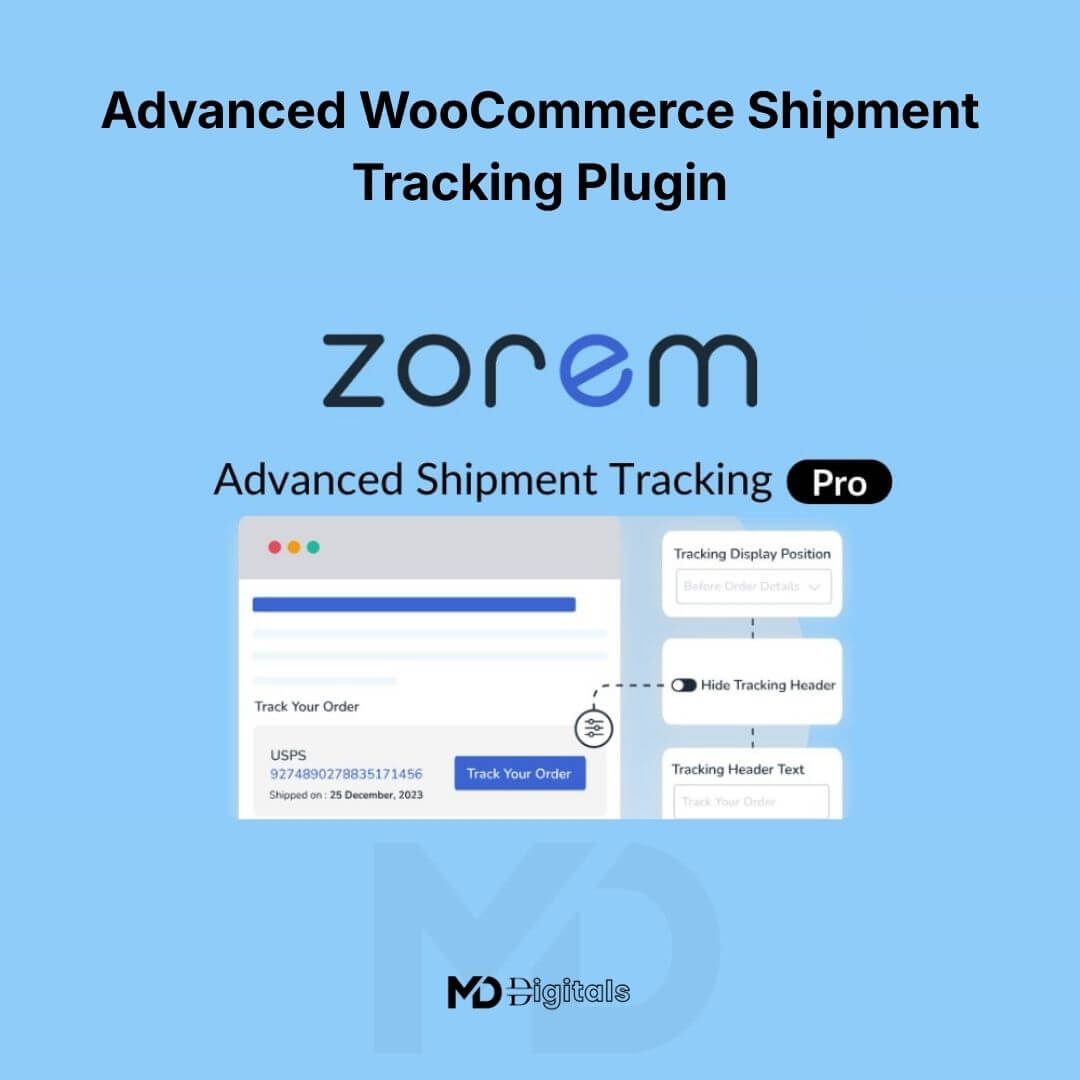


Advanced WooCommerce Shipment Tracking Plugin
Streamline your order fulfillment. Keep customers informed. Reduce support tickets instantly.
The Advanced WooCommerce Shipment Tracking Plugin is a powerful shipping management solution designed to help store owners automatically add, manage, and display tracking information for every order. Whether you’re working with multiple carriers or handling high daily order volumes, this plugin ensures your customers receive accurate tracking details and real-time shipment updates — directly from their WooCommerce account and email notifications.
Perfect for eCommerce businesses, dropshippers, fulfillment teams, and agencies managing client stores.
No coding required. No complex setup. Just smarter shipment tracking.
🚀 Why Your Store Needs Advanced Shipment Tracking
Customers expect real-time delivery updates. When tracking information is missing, support requests increase and trust decreases.
This plugin helps you:
-
Automatically attach tracking numbers to orders
-
Support multiple shipping carriers worldwide
-
Display tracking links in customer emails and My Account pages
-
Reduce “Where is my order?” tickets
-
Improve customer confidence and repeat purchases
🔑 Key Features & Benefits
📦 1. Add Tracking Information to Orders
Easily assign tracking numbers and shipping carriers to WooCommerce orders. Tracking details appear in:
-
Order confirmation emails
-
Shipment notification emails
-
Customer My Account dashboard
This ensures customers always know the status of their delivery.
🌍 2. Supports 300+ Global Carriers
Integrates with major international and regional shipping providers. Automatically generate tracking links based on the selected carrier.
Ideal for:
-
International stores
-
Dropshipping businesses
-
Multi-location fulfillment setups
🔄 3. Automatic Shipment Status Updates
Trigger automated order status changes when tracking is added (for example, change status to “Shipped” once tracking is assigned).
This improves workflow automation and keeps customers informed without manual follow-ups.
📧 4. Shipment Tracking in Emails
Automatically include tracking details in:
-
Completed order emails
-
Custom shipment notification emails
Professional tracking emails reduce confusion and improve brand credibility.
📊 5. Bulk Tracking Import
Import tracking numbers in bulk using CSV files — perfect for high-volume stores.
Save hours of manual data entry.
🧩 6. Seamless WooCommerce Integration
Works natively with WooCommerce and integrates smoothly into your order management dashboard without affecting performance.
🎯 7. Customizable Tracking Display
-
Customize tracking labels
-
Modify email templates
-
Control where tracking appears
Maintain consistent branding throughout the customer journey.
💼 Who Is This Plugin For?
-
WooCommerce store owners
-
Dropshippers
-
Fulfillment centers
-
Agencies managing client stores
-
High-volume eCommerce brands
🛠 How to Install
-
Download the plugin ZIP file from your account.
-
Log in to your WordPress admin dashboard.
-
Navigate to Plugins → Add New → Upload Plugin.
-
Click Choose File and upload the ZIP file.
-
Click Install Now, then Activate.
After activation, the shipment tracking settings will appear inside your WooCommerce dashboard.
⚙️ How to Use
-
Go to WooCommerce → Orders.
-
Open any order.
-
Add the tracking number and select the shipping carrier.
-
Save or mark the order as shipped.
-
The customer will automatically receive tracking information via email.
For bulk imports:
-
Use the provided CSV template
-
Upload tracking data through the import tool
-
Automatically assign tracking numbers to multiple orders at once
📈 SEO & Conversion Benefits
Using an advanced shipment tracking system helps:
-
Improve customer retention
-
Increase repeat purchases
-
Reduce refund requests
-
Strengthen brand trust
-
Enhance post-purchase experience
Search-optimized keywords included:
-
WooCommerce shipment tracking
-
WooCommerce tracking plugin
-
Order tracking for WooCommerce
-
Shipping tracking management
🖥 System Requirements
-
WordPress (latest version recommended)
-
WooCommerce installed and activated
-
PHP 7.4 or higher recommended
⚠️ Copyright & Trademark Disclaimer
This product is an independent digital distribution offered by mddigitals.com.
WooCommerce is a trademark of WooCommerce.
WordPress is a trademark of WordPress Foundation.
All product names, logos, brands, and trademarks are property of their respective owners. The use of these names is for identification and compatibility purposes only and does not imply affiliation, endorsement, or sponsorship with the original developers or trademark holders.





Reviews
There are no reviews yet