
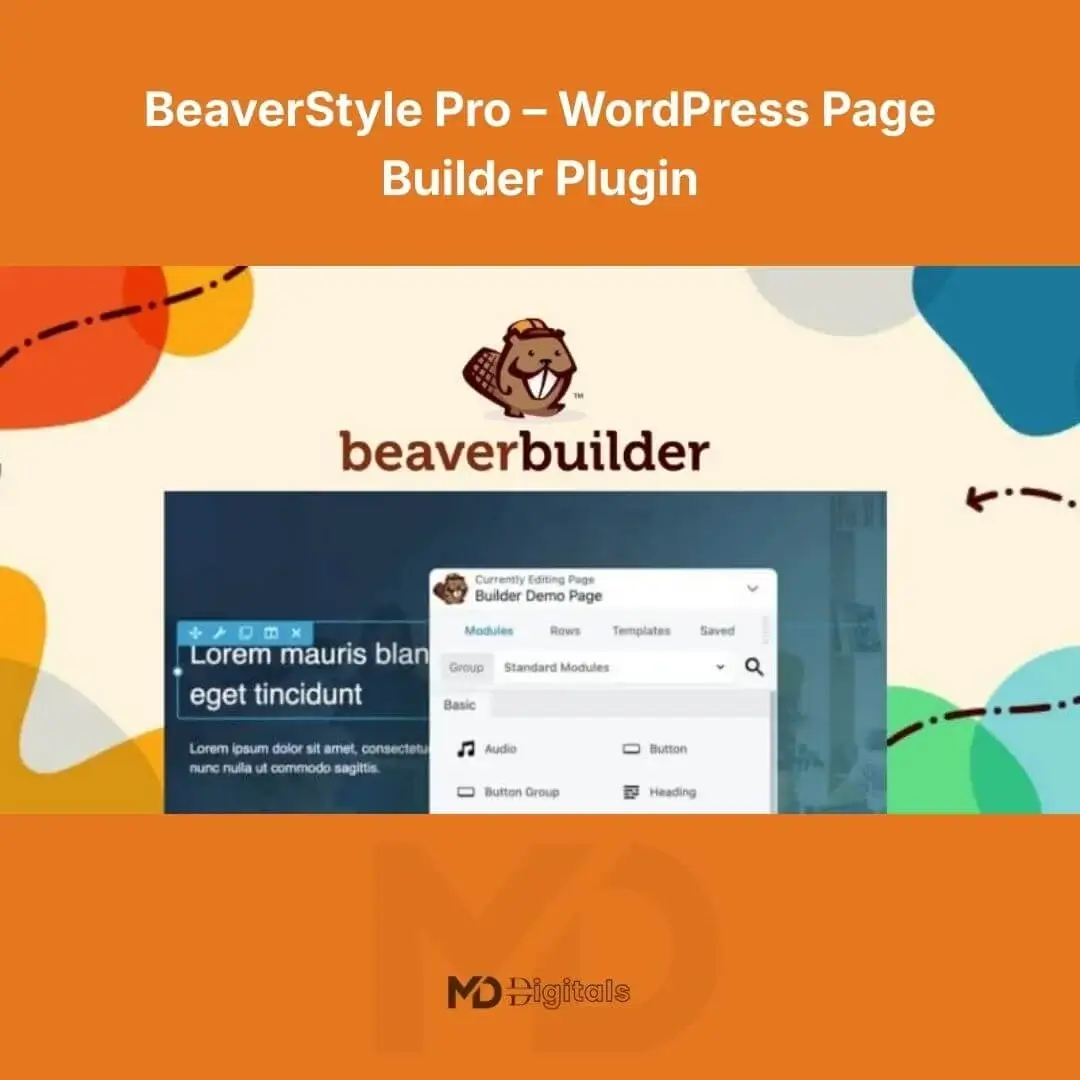


BeaverStyle Pro – WordPress Page Builder Plugin
Build stunning, high-converting websites without touching a single line of code. BeaverStyle Pro – WordPress Page Builder Plugin is a powerful drag-and-drop visual builder designed for entrepreneurs, agencies, freelancers, bloggers, and eCommerce store owners who want full creative control over their WordPress website.
Whether you’re creating landing pages, sales funnels, business websites, portfolios, or WooCommerce stores, BeaverStyle Pro gives you the flexibility, speed, and professional design tools you need to launch fast and scale confidently.
🚀 Why Choose BeaverStyle Pro?
In today’s competitive digital space, design, speed, and usability directly impact conversions. BeaverStyle Pro is engineered to help you:
-
Create visually stunning layouts in minutes
-
Optimize pages for speed and performance
-
Customize every section without coding
-
Build mobile-responsive websites effortlessly
-
Increase engagement and conversions
This plugin combines ease of use with professional-grade customization tools, making it ideal for beginners and advanced developers alike.
🔥 Key Features (Designed to Convert & Perform)
🎨 1. Front-End Drag & Drop Builder
Design your pages visually in real time. Simply drag elements into place, adjust spacing, and style sections without switching between preview and backend.
Action Benefit: Build faster and reduce development time by up to 70%.
📦 2. Pre-Designed Templates & Layout Packs
Access ready-made templates for:
-
Landing pages
-
Business websites
-
Sales funnels
-
About pages
-
Service pages
-
Contact pages
Action Benefit: Launch professional websites instantly without starting from scratch.
📱 3. Fully Responsive & Mobile Optimized
All designs automatically adapt to desktop, tablet, and mobile devices.
Action Benefit: Improve user experience and increase mobile conversions.
⚡ 4. Performance-Optimized Code
Built with clean, lightweight code to ensure fast loading speeds and improved SEO rankings.
Action Benefit: Boost page speed scores and enhance Google visibility.
🧩 5. Advanced Content Modules
Includes powerful modules such as:
-
Buttons & Call-To-Actions
-
Pricing Tables
-
Testimonials
-
Accordions & Tabs
-
Image Galleries
-
Sliders
-
Countdown Timers
-
Forms Integration
Action Benefit: Create engaging, interactive pages that convert visitors into customers.
🛍 6. WooCommerce Compatibility
Seamlessly design custom product pages, shop layouts, and checkout sections.
Action Benefit: Create a conversion-focused online store without hiring a developer.
🔐 7. Developer-Friendly & Extendable
Supports custom CSS, shortcodes, and third-party integrations.
Action Benefit: Perfect for agencies managing multiple client projects.
🌍 8. SEO-Friendly Structure
Clean HTML markup, schema compatibility, and fast performance help improve search engine rankings.
Action Benefit: Drive more organic traffic to your website.
💼 Who Is This Plugin For?
-
Digital marketers
-
Web design agencies
-
Freelancers
-
Bloggers
-
Small business owners
-
eCommerce entrepreneurs
-
Course creators
If you want total control over your website’s design without coding complexity, BeaverStyle Pro is your solution.
🛠 How to Install BeaverStyle Pro
Follow these simple steps:
Step 1: Download the Plugin
Download the plugin ZIP file from your account dashboard on mddigitals.com.
Step 2: Upload to WordPress
-
Log in to your WordPress dashboard
-
Navigate to Plugins > Add New
-
Click Upload Plugin
-
Select the ZIP file
-
Click Install Now
-
Activate the plugin
Step 3: Start Building
After activation:
-
Go to any page or post
-
Click “Edit with BeaverStyle Pro”
-
Start designing using the drag-and-drop interface
🎯 How to Use BeaverStyle Pro Effectively
✔ Create Your First Page
-
Click “Add New Page”
-
Launch the builder
-
Choose a pre-designed template or start blank
-
Drag modules into your layout
-
Customize fonts, colors, spacing
-
Save & Publish
✔ Optimize for Conversions
-
Add strong call-to-action buttons
-
Use testimonials for social proof
-
Insert countdown timers for urgency
-
Design clear pricing tables
✔ Improve SEO
-
Use optimized headings (H1, H2, H3)
-
Add alt text to images
-
Keep layouts clean and structured
-
Ensure fast loading speed
💡 Pro Tips for Maximum Results
-
Use consistent brand colors
-
Keep sections clean and uncluttered
-
Focus on strong headlines
-
Test different layouts for conversions
-
Combine with an SEO plugin for maximum visibility
📈 SEO Keywords Naturally Included
WordPress page builder plugin, drag and drop WordPress builder, visual website builder, responsive WordPress design tool, WooCommerce page builder, professional WordPress layout plugin.
🔒 Copyright & Trademark Disclaimer
This product is not affiliated with, endorsed by, sponsored by, or associated with any third-party brand or trademark holder. Any referenced product names, trademarks, or registered trademarks are the property of their respective owners and are used strictly for identification purposes only.
All brand names and trademarks remain the property of their respective owners.


Reviews
There are no reviews yet