
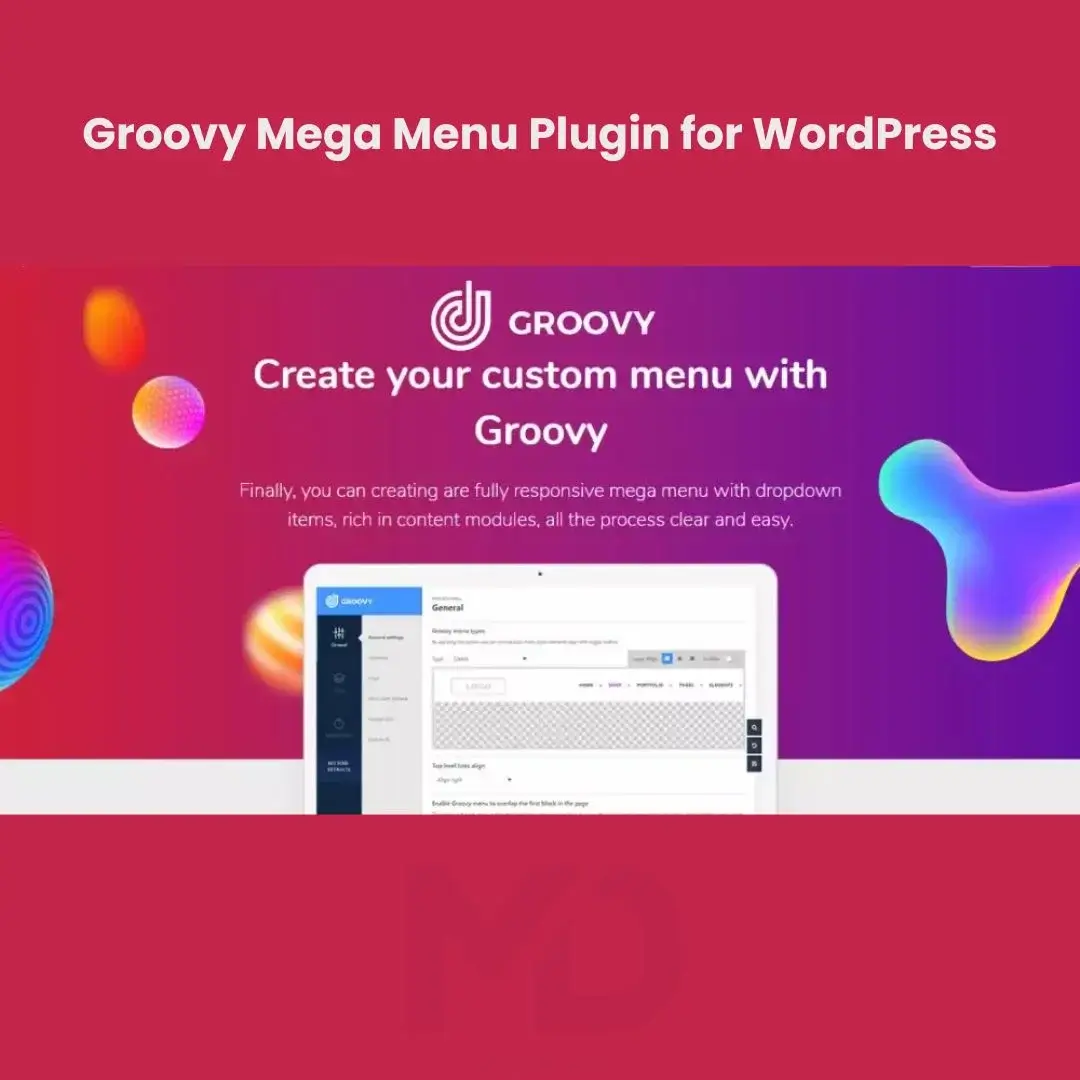


Groovy Mega Menu Plugin for WordPress
Create Stunning, Responsive & Conversion-Focused Navigation Menus for Your WordPress Website
Your website’s navigation menu is one of the most important elements affecting user experience, engagement, and conversions. A poorly designed menu can confuse visitors, increase bounce rates, and reduce sales opportunities.
Groovy Mega Menu Plugin for WordPress is a powerful menu builder solution that allows you to create beautiful, responsive, and highly customizable navigation menus for your WordPress website. Whether you’re running an eCommerce store, business website, blog, portfolio, educational platform, or membership site, this plugin helps you design professional navigation systems that improve user experience and make content easier to discover.
With advanced mega menu functionality, responsive layouts, customizable styling options, and flexible menu structures, you can create modern navigation experiences that enhance usability and increase customer engagement.
Why Website Navigation Matters
Many website owners focus on design and content while overlooking one of the most important factors affecting user behavior: navigation.
Poor navigation often results in:
❌ Visitors leaving your website quickly
❌ Lower conversion rates
❌ Poor user experience
❌ Reduced product discovery
❌ Increased bounce rates
❌ Customer frustration
A well-designed navigation system helps users:
✅ Find information faster
✅ Discover more products and services
✅ Stay longer on your website
✅ Improve shopping experiences
✅ Increase conversions
✅ Enhance overall user satisfaction
Key Features
🎨 Advanced Mega Menu Builder
Create highly customizable mega menus that display multiple content sections within a single navigation panel.
Perfect for displaying:
- Product categories
- Featured products
- Services
- Blog posts
- Images
- Promotional content
- Custom widgets
Build professional navigation experiences that improve content discovery.
📱 Fully Responsive Design
Ensure your navigation menus work flawlessly across all devices, including:
- Desktop computers
- Laptops
- Tablets
- Smartphones
Provide a seamless browsing experience regardless of screen size.
🖱 Drag-and-Drop Menu Builder
Design and organize navigation menus visually without writing code.
Benefits include:
- Faster menu creation
- Easy customization
- Improved workflow
- Greater flexibility
Create professional menus in minutes.
🛒 WooCommerce-Friendly Navigation
Enhance online store navigation by displaying:
- Product categories
- Featured products
- Promotions
- Sale items
- Shopping sections
Help customers find products faster and improve conversion opportunities.
🎯 Conversion-Focused Menu Design
Use navigation strategically to guide visitors toward important pages and offers.
Promote:
- Featured products
- Services
- Landing pages
- Promotions
- Sales campaigns
Improve user engagement and encourage action.
🖼 Rich Content Support
Display multiple content types within your menus.
Supported content may include:
- Images
- Icons
- Widgets
- Text blocks
- Product listings
- Promotional banners
Create visually engaging navigation experiences.
🌈 Advanced Styling & Customization
Customize virtually every aspect of your menus, including:
- Colors
- Typography
- Icons
- Backgrounds
- Layouts
- Animations
- Hover effects
Match your website’s branding perfectly.
⚡ Performance Optimized
Designed to deliver powerful functionality while maintaining good website performance.
Benefits include:
- Faster page loading
- Better user experience
- Improved SEO performance
- Reduced bounce rates
🔍 Improved User Experience
Organized navigation helps visitors:
- Find content faster
- Explore more pages
- Discover products easily
- Navigate complex websites efficiently
A better user experience often leads to better business results.
🌐 Multi-Purpose Website Support
Suitable for virtually any type of WordPress website.
Build navigation systems for:
- Online stores
- Corporate websites
- Portfolios
- Educational platforms
- Membership websites
- News websites
- Blogs
- Service businesses
Perfect For
This plugin is ideal for:
- WooCommerce Stores
- Corporate Websites
- Agency Websites
- Business Websites
- Educational Platforms
- Membership Sites
- Portfolio Websites
- Blogs
- Magazine Websites
- Multi-Vendor Marketplaces
- Service Businesses
- Enterprise Websites
If your website contains large amounts of content or products, a mega menu can dramatically improve user experience.
Business Benefits
Increase Product Visibility
Display more products and categories directly within navigation menus.
Improve User Experience
Help visitors find information faster and reduce frustration.
Increase Conversions
Guide visitors toward important pages and promotions.
Reduce Bounce Rates
Improve navigation efficiency and encourage deeper browsing.
Enhance Website Appearance
Create modern, professional navigation systems that build trust.
Improve Website Organization
Organize large websites and online stores more effectively.
Real-World Use Cases
WooCommerce Stores
Display product categories, featured products, promotions, and collections.
Corporate Websites
Organize services, departments, and company information.
Educational Platforms
Display courses, categories, instructors, and learning resources.
Membership Websites
Create organized navigation for members and private content.
News & Magazine Websites
Show categories, featured articles, and trending content.
Agency Websites
Highlight services, case studies, and portfolio projects.
Installation Guide
Make it clearer and easier to understand.
How to Install Groovy Mega Menu Plugin for WordPress
Download the plugin ZIP file from your MDDigitals account. Log in to your WordPress dashboard and go to Plugins → Add New → Upload Plugin. Select the ZIP file, click Install Now, and then Activate the plugin.
After activation, open the plugin settings and configure your menu layouts, styling options, and navigation preferences. You can then assign the mega menu to your website’s primary navigation area.
How to Use
Step 1: Create a Navigation Menu
Go to:
Appearance → Menus
Create a new menu or edit an existing navigation menu.
Step 2: Enable Mega Menu Functionality
Activate the mega menu options for selected menu items.
Configure:
- Layout structure
- Columns
- Content areas
- Display settings
Step 3: Add Content
Include content such as:
- Product categories
- Images
- Widgets
- Icons
- Promotional banners
- Featured content
Create engaging navigation experiences.
Step 4: Customize the Design
Adjust:
- Colors
- Fonts
- Backgrounds
- Hover effects
- Icons
- Responsive settings
Match your website branding.
Step 5: Optimize for Mobile Devices
Review menu behavior on:
- Smartphones
- Tablets
- Desktop devices
Ensure consistent navigation experiences.
Step 6: Publish Your Menu
Assign the menu to your desired navigation location and make it available to visitors.
Best Practices for Maximum Results
✔ Keep navigation organized
✔ Avoid excessive menu complexity
✔ Highlight important products and services
✔ Use descriptive menu labels
✔ Optimize for mobile users
✔ Test navigation regularly
✔ Include visual elements strategically
✔ Monitor user behavior and engagement
Technical Highlights
- WordPress Compatible
- Mega Menu Builder
- Responsive Navigation
- Drag-and-Drop Menu Management
- WooCommerce Compatible
- Mobile Optimization
- Rich Content Support
- Advanced Styling Controls
- Custom Layout Options
- Visual Navigation Builder
- Multi-Column Menus
- User-Friendly Interface
Why Website Owners Choose This Plugin
Website navigation directly affects how users interact with your content, products, and services. Poor navigation can lead to lost sales, reduced engagement, and frustrated visitors.
Groovy Mega Menu Plugin for WordPress helps website owners create visually appealing, user-friendly navigation systems that improve website organization, increase engagement, and support better conversion rates.
Whether you’re managing an online store, corporate website, membership platform, or educational portal, this plugin provides the flexibility and design options needed to create a professional navigation experience.
Copyright & Trademark Disclaimer
WordPress®, WooCommerce®, Groovy Menu®, and all related product names, logos, trademarks, and registered trademarks are the property of their respective owners.
This is a GPL-distributed version. No official support. Clean, secure, and legally redistributed under the GPL license.
We do not claim any ownership of third-party trademarks or branding.
Full credit and respect go to the original developer for their outstanding work in creating this product.






Reviews
There are no reviews yet