
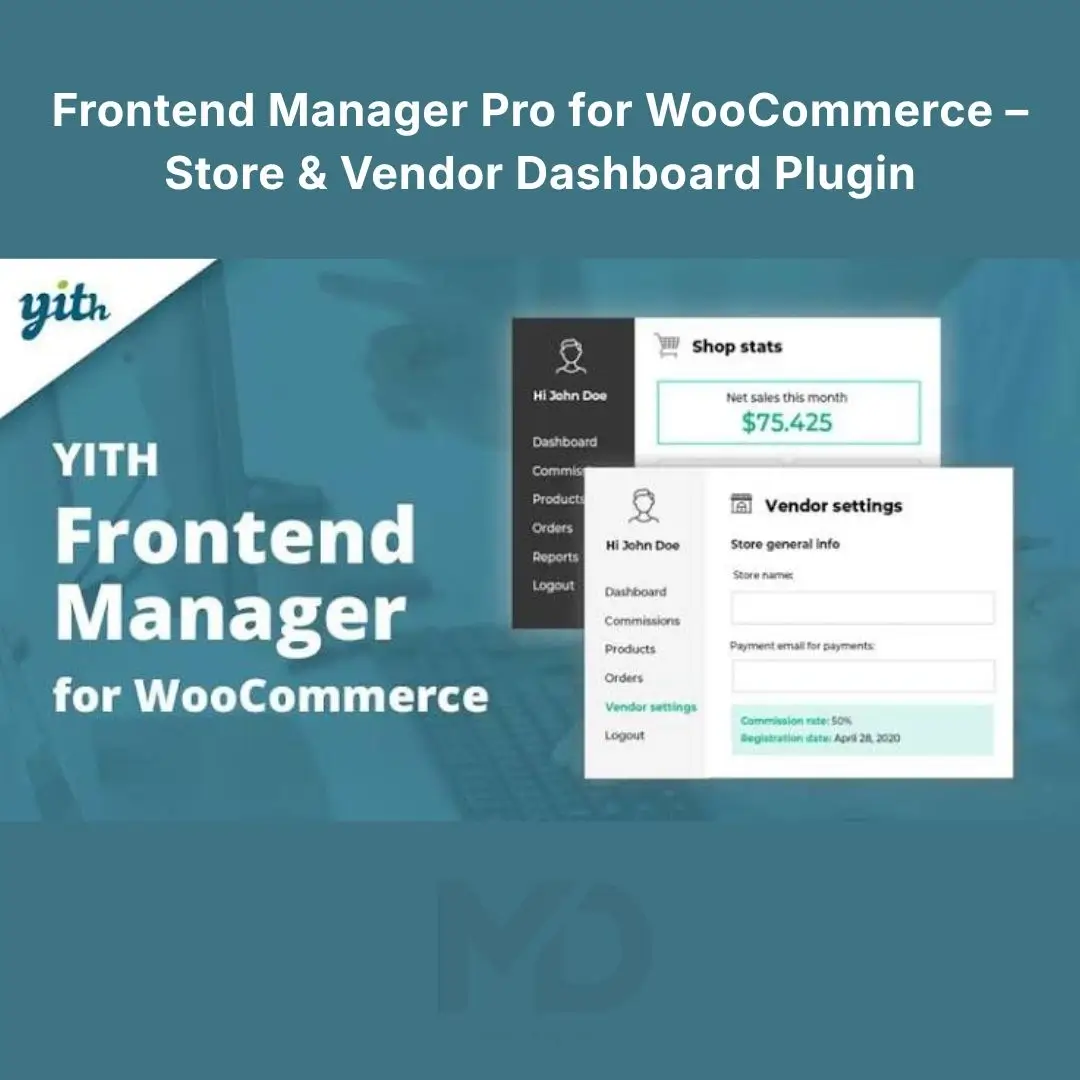


Frontend Manager Pro for WooCommerce – Store & Vendor Dashboard Plugin
Manage your WooCommerce store more efficiently with Frontend Manager Pro for WooCommerce, a practical solution for simplifying store administration through a frontend management interface. Instead of relying entirely on the WordPress backend for everyday tasks, you can provide authorized users with a more convenient way to access supported store-management functions directly from your website.
Whether you operate an online shop, manage a team of store administrators, or run a multi-vendor business with compatible extensions, a frontend dashboard can help streamline product management, order handling, and routine store operations.
Reduce unnecessary navigation, simplify daily workflows, and create a more convenient store-management experience.
Managing an online store through the WordPress administration area can become time-consuming, especially when multiple users need access to different store functions.
Frontend Manager Pro for WooCommerce helps address this challenge by providing a frontend interface for supported management tasks. With the right configuration, authorized users can manage selected store activities without needing to navigate the entire WordPress backend.
Key benefits include:
-
Simplify everyday WooCommerce store administration.
-
Manage supported products and orders from a frontend interface.
-
Provide authorized users with convenient access to store functions.
-
Improve store-management workflows.
-
Reduce unnecessary navigation between dashboard sections.
-
Support a more organized management experience for growing businesses.
Key Features
1. Frontend Store Management Dashboard
Give authorized users a convenient place to access supported WooCommerce management tools directly from your website.
A frontend dashboard can make routine operations easier for store owners, staff members, and other permitted users.
Benefits:
-
Access supported management functions from the frontend.
-
Simplify everyday store administration.
-
Organize common store tasks in one interface.
-
Reduce dependence on the WordPress backend for routine activities.
2. Product Management
Keep your product catalog organized through supported frontend product-management tools.
Depending on the plugin configuration, authorized users may be able to perform tasks such as adding products, editing product details, updating prices, and managing product information.
Potential benefits include:
-
Simplify product catalog maintenance.
-
Update product descriptions and pricing more conveniently.
-
Manage product information without navigating multiple backend screens.
-
Reduce the time spent on routine catalog updates.
For stores with large inventories, a convenient product-management interface can make regular maintenance more manageable.
3. WooCommerce Order Management
Order administration is an essential part of running an online store. A frontend management interface can help authorized users access supported order information and perform available order-related tasks.
Depending on the installed version and configuration, these functions may include viewing orders, reviewing order details, or updating supported order information.
Use this functionality to help streamline daily order handling and improve the organization of store operations.
4. Customer and Store Information
Managing customer-related information is important for providing reliable service and maintaining accurate store records.
Where supported, frontend management tools can help authorized users access relevant customer or order information without navigating the entire WordPress backend.
Benefits include:
-
Improve access to relevant store records.
-
Simplify selected customer-service workflows.
-
Make routine order inquiries easier to manage.
-
Support a more organized administration process.
Access to customer information should always be restricted according to user permissions and applicable privacy requirements.
5. Role-Based Access and Permissions
Not every user needs access to every store-management function. A store employee may need to review orders, while a product manager may only need to update catalog information.
Configure WordPress roles and available plugin permissions to help limit access to appropriate management functions.
This can help you:
-
Reduce unnecessary access to administrative settings.
-
Separate responsibilities among team members.
-
Improve store-management security.
-
Create a more controlled working environment.
Review all role and permission settings carefully before allowing staff or external users to manage your store.
6. Frontend Product Editing
Make routine product updates more convenient for authorized users.
Depending on the available controls, frontend product editing can help streamline tasks such as modifying product descriptions, changing prices, and maintaining product information.
This is particularly useful for stores that frequently update product catalogs or work with multiple product managers.
7. Reporting and Store Insights
Understanding store performance helps business owners make better operational decisions.
If supported by your installed version, dashboard reporting features can provide convenient access to selected store information and management statistics.
Use available reports to review relevant store activity, identify operational issues, and make informed decisions about product and order management.
The exact reporting features depend on the supplied version and installed integrations.
8. Support for Growing Store Operations
As a WooCommerce business expands, store administration often becomes more complex. A frontend management interface can help establish more consistent workflows for teams handling routine store tasks.
Potential applications include:
-
Small and medium-sized online stores.
-
Businesses with dedicated product managers.
-
Shops that delegate order-related responsibilities.
-
Stores requiring a simplified management interface.
-
Compatible multi-vendor setups requiring additional vendor functionality.
Important: A frontend management plugin is not necessarily a complete multi-vendor marketplace solution. Vendor registration, independent vendor dashboards, commission management, and vendor payouts may require separate compatible extensions.
9. A More Convenient User Experience
A well-organized frontend dashboard can make store administration easier for users who do not need full access to the WordPress backend.
By presenting supported management options through a more focused interface, you can create a workflow tailored to the tasks your team performs most often.
Who Should Use This Plugin?

WooCommerce Store Owners
Simplify daily product and order management through a more convenient frontend interface.

Store Managers and Employees
Access supported store-management tasks without navigating the entire WordPress administration area.

WordPress Developers
Create a more focused store-management experience for clients and authorized website users.

Growing eCommerce Businesses
Organize store operations and delegate supported responsibilities as the business expands.
Installation Guide
Follow these steps to install Frontend Manager Pro for WooCommerce on your WordPress website.
-
Download the plugin ZIP file. Save the installation package to your computer.
-
Back up your website. Create a backup of your WordPress files and database before installing new plugins.
-
Open your WordPress dashboard. Sign in with an administrator account.
-
Navigate to Plugins. Select Plugins → Add New Plugin.
-
Upload the plugin. Click Upload Plugin, select the ZIP file, and choose Install Now.
-
Activate the plugin. Click Activate Plugin once installation is complete.
-
Check the requirements. Ensure WooCommerce is installed and activated, and verify compatibility with your WordPress and PHP versions.
-
Configure the plugin. Open the available settings and review dashboard, role, permission, and frontend-page options.
-
Test the interface. Sign in with a test account and verify that authorized users can access only the functions they need.
Menu labels and setup requirements may differ depending on the supplied plugin version.
How to Use the Plugin
Step 1: Configure the frontend management area
Create or select the appropriate frontend page according to the plugin’s setup instructions. Configure the available dashboard components and management options.
Step 2: Set user permissions
Determine which roles or users should be able to manage products, view orders, or access other supported functions.
Avoid granting administrative permissions when a more restricted role is sufficient.
Step 3: Configure product-management options
Review the available product-management controls and determine which users can add or edit product information.
Test changes using a sample product before applying the workflow to your live catalog.
Step 4: Review order-management functions
Confirm which order-related actions are available through the frontend interface. Test the process with suitable sample orders and verify that order information remains accurate.
Step 5: Test with different user roles
Log in using representative accounts to confirm that the dashboard displays the correct tools and that restricted functions remain inaccessible.
Step 6: Monitor and maintain your setup
After launch, periodically review permissions, plugin updates, compatibility, and user feedback. Test important functions again after major WooCommerce or WordPress updates.
Important Compatibility Notes
-
WooCommerce must be installed and activated for WooCommerce-specific functionality.
-
Available features depend on the installed plugin version and configuration.
-
Some advanced vendor or marketplace features may require separate compatible extensions.
-
Review the plugin’s compatibility requirements before updating a live store.
-
Restrict access to customer information and order-management functions according to business needs.
-
Test the frontend dashboard with a staging site or test account before deploying it to a production store.
Frequently Asked Questions
Does this plugin let users manage WooCommerce from the frontend?
It provides a frontend management interface for supported functions, subject to the installed version and configuration.
Can users add or edit products?
Product-management capabilities depend on the available frontend controls and assigned permissions.
Can it manage WooCommerce orders?
It can provide access to supported order-management functions. Confirm the exact actions available in your installed version.
Is it a complete multi-vendor marketplace plugin?
Not necessarily. Vendor registration, commissions, independent vendor stores, and payouts may require separate marketplace extensions.
Can I control which users access the dashboard?
Use the available plugin permissions and WordPress roles to restrict access to appropriate users and functions.
Copyright & Trademark Disclaimer
WooCommerce®, WordPress®, and all related product names, logos, trademarks, and registered trademarks are the property of their respective owners.
Frontend Manager Pro for WooCommerce is a descriptive product listing name used to identify the software’s intended functionality. MDDigitals is an independent distributor and is not affiliated with, endorsed by, or sponsored by the original developer or trademark owners unless expressly stated otherwise.


Reviews
There are no reviews yet