
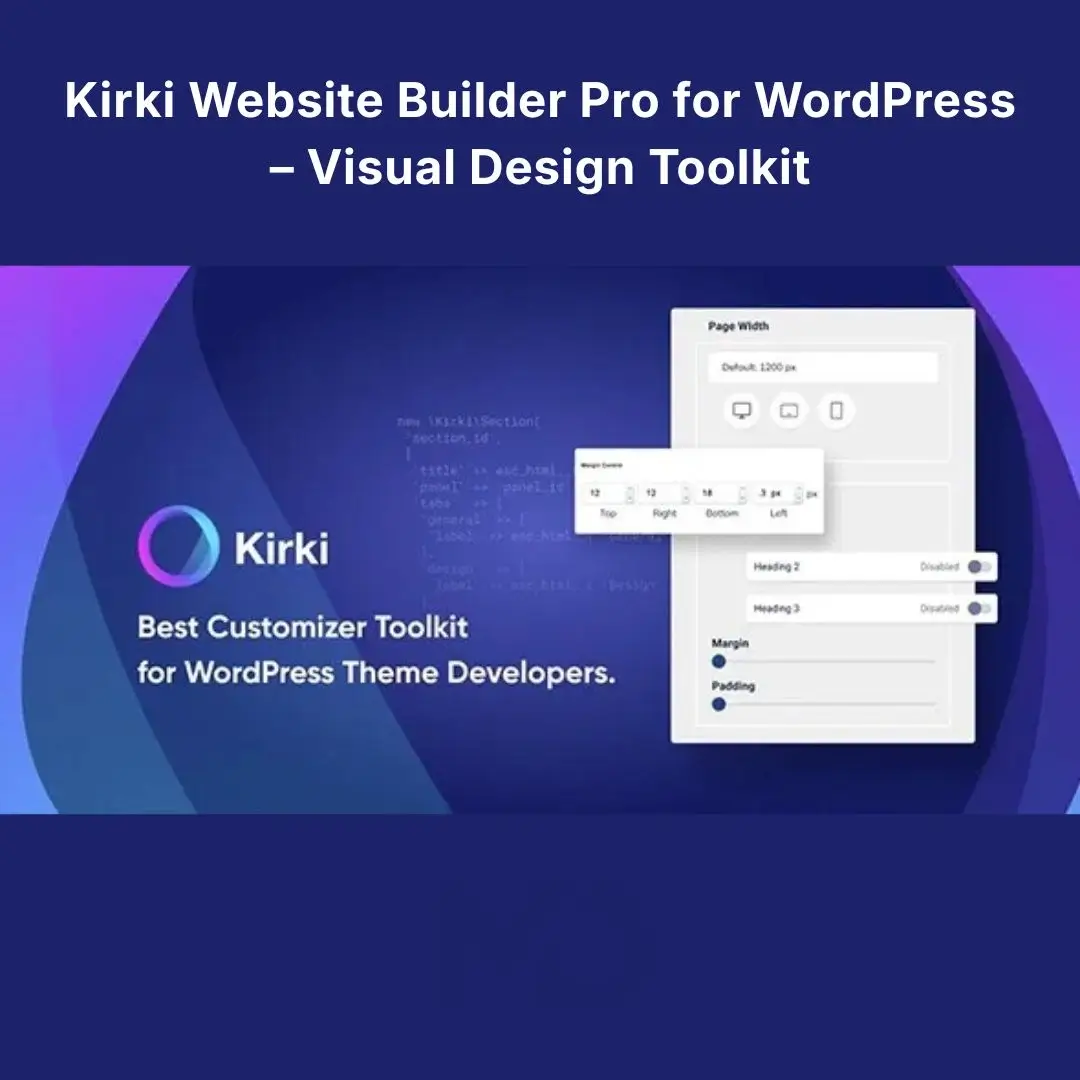


Kirki Website Builder Pro for WordPress – Visual Design Toolkit
Build modern, professional WordPress websites with greater creative freedom and less dependence on complicated coding. Kirki Website Builder Pro helps website creators design pages visually, customize layouts, create engaging interactions, and build dynamic website experiences from within WordPress.
Whether you’re creating a business website, landing page, blog, portfolio, or client website, this visual design toolkit offers a flexible environment to turn your ideas into polished web pages. Its freeform canvas gives you more control over the placement and appearance of website elements compared with conventional section-and-column layouts.
With advanced design tools, dynamic content features, interactive effects, popup functionality, and ready-made templates, you can streamline your workflow and build websites tailored to your needs.
Why choose Kirki Website Builder Pro?
Creating a website can become time-consuming when you’re working with restrictive layouts, repeatedly adjusting responsive designs, or relying on multiple plugins for additional functionality. This website builder offers a visual approach that helps simplify these tasks and gives you greater flexibility.
Instead of settling for generic layouts, customize your website’s appearance, refine the visitor experience, and create a distinctive online presence. It’s suitable for freelancers, agencies, business owners, designers, and WordPress developers who want more control over their website design process.
Key features
1. Freeform Visual Website Design
Design pages on a flexible canvas instead of being restricted to conventional rows and columns. Arrange and style page elements to create unique layouts for business websites, landing pages, portfolios, and more.
2. Responsive Editing for Different Devices
Create a consistent experience across desktop, tablet, and mobile screens. Adjust layouts for different screen sizes to keep content readable, navigation usable, and important calls to action visible.
3. Dynamic Content and CMS Capabilities
Build data-driven layouts using dynamic content, structured fields, and reusable templates. These tools can help when creating portfolios, directories, content pages, and other websites where information needs to follow a consistent structure.
4. Advanced Interactions and Animations
Add movement and interactive effects to make website experiences more engaging. Depending on the available settings, interactions can respond to scrolling, hovering, clicking, and other visitor actions.
5. Forms and Popup Tools
Create contact forms, lead-generation experiences, and promotional popups to encourage visitors to get in touch, subscribe, or take the next step. The available functionality depends on the installed version and enabled features.
6. Ready-Made Website Templates
Save time with pre-designed templates instead of building every page from scratch. Customize layouts, colors, typography, images, and content to match your business or client’s branding.
7. Consistent Styling and Design Controls
Fine-tune visual details and maintain a cohesive look across your website. Styling controls help you manage colors, typography, spacing, and other design elements consistently.
8. Collaboration and Developer-Friendly Tools
Supported collaboration features can help teams review designs and exchange feedback. Developer-oriented tools may also provide greater control for advanced customization and project handoffs.
What can you create with Kirki?
-
Business websites: Present your company, services, team, and contact information professionally.
-
Landing pages: Create focused pages for advertising campaigns, product launches, and lead generation.
-
Portfolio websites: Showcase projects, case studies, and creative work in customized layouts.
-
Blogs and content-driven websites: Use structured templates to present articles and other dynamic content.
-
Client websites: Give freelancers and agencies greater flexibility when designing websites for different industries.
-
Interactive web experiences: Add animations and interactions that support your website’s goals.
How it helps solve common website-building problems
| Common challenge | How this toolkit helps |
|---|---|
| Conventional layouts feel restrictive | Create more flexible, customized page designs. |
| Pages need adjustments for mobile devices | Refine responsive layouts for different screen sizes. |
| Repetitive pages take too long to build | Reuse templates and dynamic content structures. |
| Websites need more engaging interactions | Add supported animations and interactive effects. |
| Client projects require design reviews | Use available collaboration features to support teamwork. |
A visual builder can simplify design work, but performance, accessibility, SEO rankings, and conversion rates still depend on your website’s configuration, content, hosting, and optimization practices.
Installation and setup guide
Follow these steps to install the plugin on your WordPress website. Menu names may vary depending on the version provided.
1. Prepare your WordPress website
Make sure WordPress is installed and working. Back up your website before installation and, if possible, test the plugin on a staging site.
2. Download the plugin ZIP file
Download the plugin package supplied with your purchase and save it to your computer. Keep the ZIP file compressed unless the installation instructions require extraction.
3. Upload the plugin
Log in to your WordPress dashboard and navigate to Plugins → Add New Plugin → Upload Plugin. Select the downloaded ZIP file and click Install Now.
4. Activate the plugin
After installation, click Activate Plugin. Open the plugin dashboard or builder interface and confirm that it loads correctly.
5. Check Pro access and licensing
Follow the activation instructions applicable to your package. Pro features and license activation depend on the version and distribution terms. Do not assume that a third-party download includes an official developer license, support, or update entitlement.
6. Choose a template or start from scratch
Open the website builder, select a suitable template if included, or create a new design. Replace demo content with your own text, images, branding, and links.
7. Customize and preview your website
Adjust layouts, typography, colors, and spacing. Test interactive elements and forms, and preview the design on desktop, tablet, and mobile screens.
8. Publish and test
Save your changes and publish when you’re satisfied. Check important pages, navigation, forms, loading performance, and mobile usability before sharing your website with visitors.
How to use it effectively
-
Start with a clear goal: Decide whether you’re building a business website, landing page, portfolio, or content-driven website.
-
Build a consistent design: Choose colors, typography, spacing, and a visual style that match your brand.
-
Focus on the visitor journey: Make your primary service, product, contact details, or call to action easy to find.
-
Use dynamic content where appropriate: For repeatable content such as projects or listings, structured fields and templates can reduce manual work.
-
Keep animations purposeful: Use effects to guide attention rather than distract visitors or slow down the experience.
-
Test before launch: Check responsive layouts, forms, links, accessibility, and compatibility with your active WordPress theme and other plugins.
Frequently asked questions
Do I need coding skills to use this product?
The visual website-building approach allows many design tasks to be completed without writing code. Advanced customization may still benefit from development knowledge.
Can I use it with my current WordPress theme?
Compatibility can vary depending on your theme and other installed plugins. Test the combination on a staging website before launching.
Is the Pro version different from the free version?
Pro packages may include additional capabilities such as advanced dynamic content, interaction controls, popup tools, premium templates, and collaboration features. Exact functionality depends on the version supplied.
Will it automatically improve SEO or website speed?
No plugin can guarantee better search rankings or faster loading on every website. Results depend on your content, hosting, theme, configuration, and optimization practices.
Does the purchase include official support and updates?
This depends on the applicable license and the package supplied. Check the product details before assuming that official support, automatic updates, or license activation are included.
Copyright & Trademark Disclaimer
Kirki® and all related product names, logos, trademarks, and registered trademarks are the property of their respective owners.
MD Digitals is an independent third-party website and is not affiliated with, endorsed by, or officially connected to the original developer unless explicitly stated.
We do not claim ownership of third-party trademarks, branding, or intellectual property. Product availability, licensing, activation, updates, and support are subject to the applicable license terms and the package supplied.
All credit and intellectual property rights remain with their respective owners.







Reviews
There are no reviews yet