
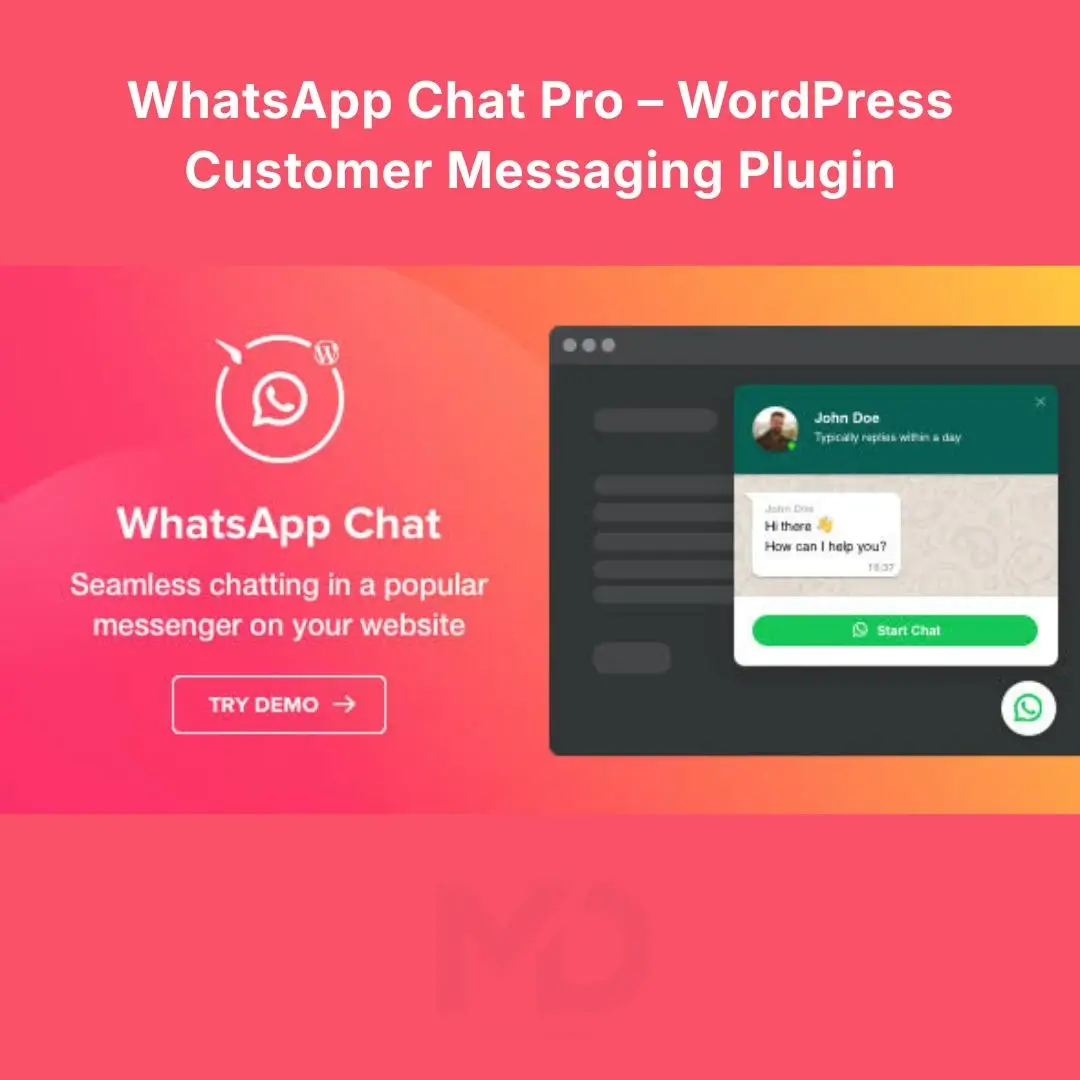


WhatsApp Chat Pro – WordPress Customer Messaging Plugin
Turn website visitors into real conversations with WhatsApp Chat Pro, a customer messaging solution designed to help WordPress website owners make it easier for visitors to contact their business through WhatsApp.
When customers have questions about pricing, products, services, or orders, they often want quick answers before making a decision. If contacting your business feels complicated, they may leave without taking action. A convenient WhatsApp chat option can reduce this friction and give potential customers a familiar way to reach you.
Whether you run an online store, a service-based business, an agency, or a company website, this plugin can help make customer communication more accessible and support a smoother visitor experience.
Why Choose WhatsApp Chat Pro?
A website should do more than display information. It should make it easy for customers to take the next step.
WhatsApp Chat Pro is designed to help businesses create a more direct communication path between website visitors and their customer service team.
-
Make contacting your business easier: Give visitors a familiar messaging option instead of requiring them to search for contact information.
-
Encourage customer inquiries: Help interested visitors ask questions before purchasing a product or requesting a service.
-
Improve the shopping experience: Provide an additional communication channel for customers who want clarification before completing an order.
-
Support customer confidence: Make your business more approachable by offering a convenient way to start a conversation.
-
Complement your existing website: Add messaging functionality to a WordPress website without replacing your existing pages or contact methods.
Key Features and Benefits

1. Convenient Website Chat Access
Give visitors a straightforward way to initiate a conversation from your website. A visible chat entry point can make it easier for potential customers to reach you when they need more information.
Buyer benefit: Reduce the effort required to contact your business.

2. Direct Customer Messaging
Help customers move from browsing your website to a messaging conversation. This is useful for product questions, service inquiries, appointment requests, and general customer assistance.
Buyer benefit: Give interested visitors a practical next step when they need answers.

3. Support for E-commerce Websites
Offer an additional communication channel for shoppers who have questions about product details, availability, shipping, or ordering.
Buyer benefit: Help customers resolve uncertainty before deciding whether to buy.

4. WordPress Website Integration
Add messaging functionality to a compatible WordPress website while keeping your existing site structure and content.
Buyer benefit: Enhance communication without rebuilding your entire website.

5. A More Approachable Customer Experience
Make it easier for visitors to ask questions in a communication channel they already know. This can be particularly valuable for businesses where customers need guidance before purchasing.
Buyer benefit: Create more opportunities to answer questions and build customer relationships.
Note: Available customization, placement controls, display rules, and other advanced options depend on the specific plugin version supplied with your download.
Who Should Use WhatsApp Chat Pro?

Online Stores
Help shoppers ask questions about products, delivery, and orders before completing a purchase.

Service-Based Businesses
Make it easier for prospective clients to inquire about pricing, availability, and services.

Agencies and Freelancers
Provide clients with another convenient way to discuss projects, request quotations, or ask questions.

Local Businesses
Make your website more useful for visitors looking for quick answers about your business.
Installation Guide
Follow these steps to install the plugin on your WordPress website.
-
Download the plugin: Save the supplied plugin ZIP file to your computer.
-
Log in to WordPress: Open your website’s administration dashboard.
-
Navigate to Plugins: Go to Plugins → Add New Plugin.
-
Upload the ZIP file: Click Upload Plugin, select the downloaded ZIP file, and choose Install Now.
-
Activate the plugin: Once installation finishes, click Activate Plugin.
-
Open the plugin settings: Locate the plugin’s settings page in your WordPress dashboard and review the available configuration options.
-
Save and test: Configure your messaging details and display options, save your changes, and test the chat feature on your website.
Before installation: Back up your website and verify compatibility with your WordPress version. If the download contains multiple ZIP files, make sure you select the actual installable plugin package.
How to Configure and Use the Plugin
Step 1: Set up your WhatsApp contact details
Enter the business WhatsApp number or contact information requested by the plugin. Use the correct country code and check the number carefully to avoid sending visitors to the wrong destination.
Step 2: Configure the chat display
Review the available settings for the chat button, position, appearance, or other display options supported by your version. Choose a placement that is easy to find without obstructing important website content.
Step 3: Match the design to your website
Where customization options are available, select a suitable appearance that complements your site’s branding and remains visible on desktop and mobile screens.
Step 4: Publish and test
Open your website in a private browser window and test the chat option. Check that it opens the intended WhatsApp contact or conversation and that the link works correctly on both desktop and mobile devices.
Step 5: Respond to customer inquiries
Keep your business messaging account monitored during your advertised service hours. A chat button makes it easier to contact you, but timely replies are still important for delivering a positive customer experience.
Important Compatibility and Usage Notes
-
WhatsApp account: You need an appropriate WhatsApp contact number for customers to reach your business.
-
Internet connection: Visitors need internet access and a compatible WhatsApp or WhatsApp Web experience to continue the conversation.
-
Plugin compatibility: Confirm compatibility with your WordPress version, theme, and other active plugins.
-
Customer privacy: Review your privacy policy and applicable data protection requirements when adding third-party communication tools.
-
Performance and testing: Check your pages after activation to ensure the chat interface does not obstruct navigation or interfere with other site elements.
-
Features vary by version: Do not assume that automated replies, multi-agent support, analytics, or advanced targeting are included unless they are explicitly available in your supplied version.
Frequently Asked Questions
1. What is WhatsApp Chat Pro?
WhatsApp Chat Pro is a WordPress customer messaging plugin intended to make it easier for website visitors to initiate a WhatsApp conversation with a business.
2. Can I use it on a WooCommerce store?
It may be suitable for a compatible WooCommerce website, allowing shoppers to contact your business with product or order questions. Test it with your current theme and checkout setup before publishing.
3. Does the plugin automatically reply to customers?
A chat entry point does not necessarily provide automated messaging. Automatic replies and other advanced messaging features depend on the capabilities of the specific version you install.
4. Will it work on mobile devices?
The purpose of a website chat option is to make communication accessible to visitors, including mobile users. Test the installed version on common mobile screen sizes to confirm the display and contact flow work as expected.
5. Do I need coding knowledge?
Basic installation can generally be completed through the WordPress dashboard. Some websites may require additional troubleshooting if theme conflicts or custom configurations are involved.
6. Does installing the plugin guarantee more sales?
No plugin can guarantee sales. A convenient contact option may help reduce communication friction, but results depend on your website, products, pricing, traffic quality, and how effectively you respond to customers.
Copyright & Trademark Disclaimer
WhatsApp® and all related names, logos, and brand assets are trademarks of Meta Platforms, Inc. or their respective owners. WordPress® and WooCommerce® are trademarks of their respective owners.
This product listing is provided for identification and compatibility purposes only. MD Digitals does not claim ownership of any third-party trademarks or branding. The use of a third-party name does not imply affiliation with, sponsorship by, or endorsement from its owner.






Reviews
There are no reviews yet