
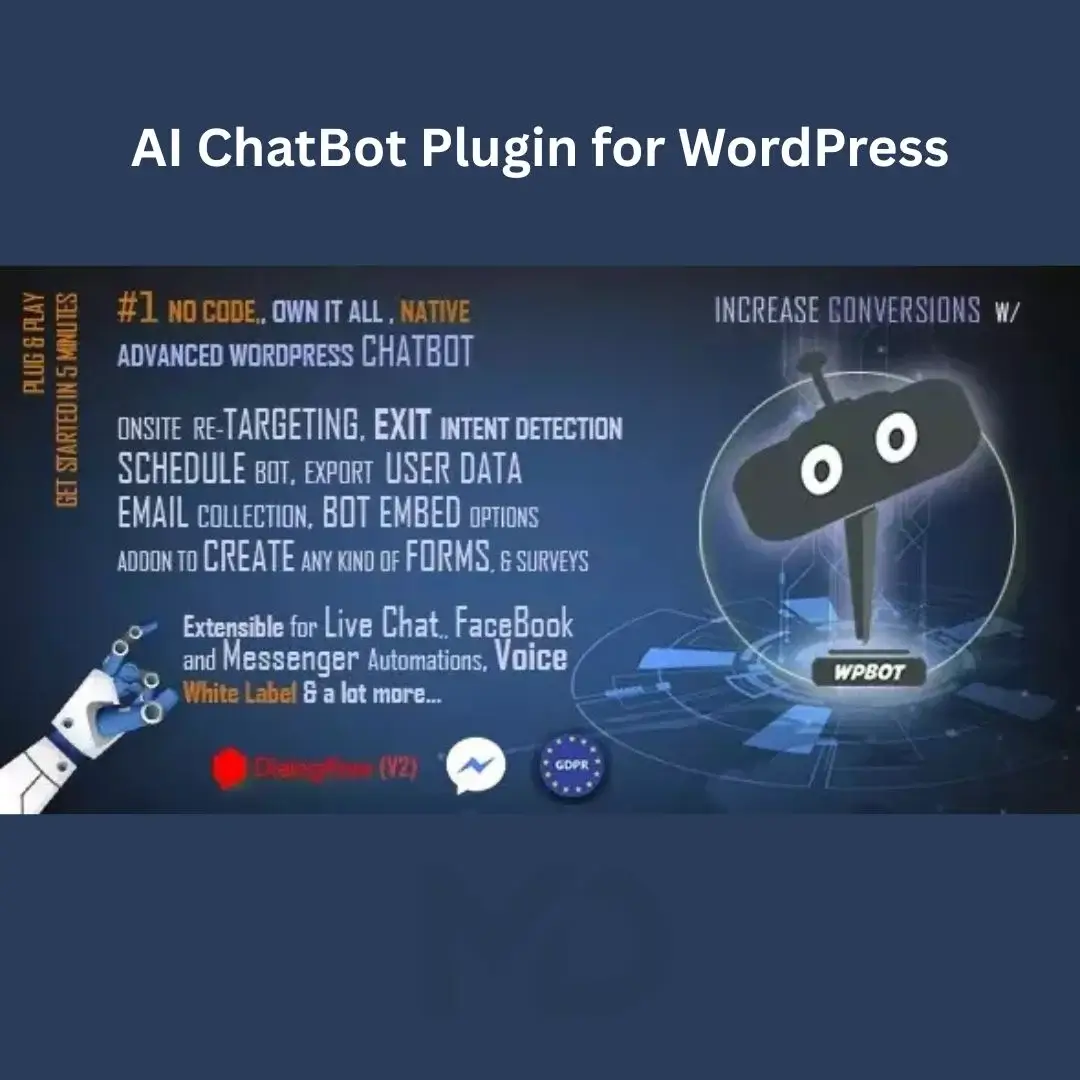


AI ChatBot Plugin for WordPress
Automate Customer Support, Increase Engagement & Provide Instant Responses on Your Website
Modern website visitors expect immediate answers to their questions. Whether you’re running an eCommerce store, business website, membership platform, educational portal, or service-based website, delayed responses can lead to lost sales, reduced customer satisfaction, and missed opportunities.
AI ChatBot Plugin for WordPress is a powerful customer communication and automated chat solution designed to help website owners provide instant support, improve visitor engagement, and automate customer interactions directly from their WordPress website.
Whether you want to answer frequently asked questions, generate leads, assist customers, improve support efficiency, or increase conversions, this plugin provides a professional chatbot experience that operates 24/7 without requiring constant human intervention.
Why Your Website Needs a ChatBot
Many businesses face common customer support challenges:
❌ Slow response times
❌ Lost leads and inquiries
❌ High customer support workload
❌ Poor visitor engagement
❌ Reduced conversion rates
❌ Limited support availability
❌ Missed sales opportunities
A professional chatbot solution helps businesses:
✅ Provide instant responses
✅ Improve customer satisfaction
✅ Increase lead generation
✅ Reduce support costs
✅ Improve website engagement
✅ Offer support around the clock
Key Features
🤖 Automated Customer Support
Provide instant responses to visitors without requiring manual intervention.
Benefits include:
- Faster customer service
- Reduced support workload
- Improved visitor satisfaction
- Better customer experiences
Deliver support 24 hours a day.
💬 Live Chat & Automated Conversations
Create interactive conversations that help visitors find information quickly.
Use chatbots to:
- Answer common questions
- Provide support information
- Guide customers
- Offer product recommendations
- Collect inquiries
Improve customer engagement.
🛒 WooCommerce Customer Assistance
Support customers throughout their shopping journey.
Assist visitors with:
- Product information
- Order questions
- Purchase guidance
- Checkout assistance
- Customer inquiries
Help improve eCommerce conversions.
📈 Lead Generation & Customer Capture
Convert website visitors into potential customers.
Collect information such as:
- Names
- Email addresses
- Contact details
- Service requests
- Customer inquiries
Generate more business opportunities.
🎯 Custom Conversation Flows
Create chatbot conversations that match your business requirements.
Customize:
- Welcome messages
- Questions
- Responses
- Support workflows
- Customer journeys
Build personalized experiences.
🔔 Instant Visitor Interaction
Engage visitors immediately when they arrive on your website.
Benefits include:
- Reduced bounce rates
- Increased engagement
- Better customer retention
- Improved user experience
Start conversations when they matter most.
📱 Mobile-Friendly Chat Experience
Provide seamless chat support on:
- Smartphones
- Tablets
- Laptops
- Desktop computers
Ensure customers receive support on any device.
🌍 Multi-Purpose Business Support
Suitable for various industries, including:
- eCommerce stores
- Service businesses
- Educational platforms
- Membership websites
- Real estate agencies
- Healthcare providers
- Agencies and consultants
Adapt the chatbot to your business needs.
⚡ Performance Optimized
Designed to provide interactive customer support while maintaining efficient website performance.
Benefits include:
- Faster website loading
- Better user experience
- Improved engagement
- Enhanced customer satisfaction
🔒 Improved Customer Communication
Provide customers with a convenient way to communicate with your business.
Benefits include:
- Better support accessibility
- Increased customer trust
- Enhanced communication efficiency
- Improved customer relationships
Perfect For
This plugin is ideal for:
- WooCommerce Stores
- Online Businesses
- Service Providers
- Digital Agencies
- Educational Platforms
- Membership Websites
- SaaS Companies
- Real Estate Agencies
- Healthcare Providers
- Consultants
- Corporate Websites
- Customer Support Teams
If your business interacts with customers online, this plugin can significantly improve communication.
Business Benefits
Increase Sales Opportunities
Provide immediate assistance to potential customers.
Improve Customer Satisfaction
Reduce response times and improve support quality.
Generate More Leads
Capture visitor information automatically.
Reduce Support Costs
Automate repetitive customer inquiries.
Increase Visitor Engagement
Keep visitors active and engaged on your website.
Provide 24/7 Customer Support
Support customers even when your team is offline.
Real-World Use Cases
WooCommerce Stores
Help customers find products and answer shopping questions.
Service Businesses
Capture leads and provide service information.
Educational Websites
Assist students and answer course-related questions.
Membership Platforms
Provide support for members and subscribers.
Real Estate Agencies
Answer property inquiries and collect leads.
Corporate Websites
Offer professional customer support and information.
Installation Guide
Make it clearer and easier to understand.
How to Install AI ChatBot Plugin for WordPress
Download the plugin ZIP file from your MDDigitals account. Log in to your WordPress dashboard and go to Plugins → Add New → Upload Plugin. Select the ZIP file, click Install Now, and then Activate the plugin.
After activation, open the chatbot settings panel to configure conversations, support options, appearance settings, and customer interaction workflows.
How to Use
Step 1: Configure Your ChatBot
Access the plugin settings and configure:
- Welcome messages
- Business information
- Chat behavior
- Support options
- Conversation settings
Customize the chatbot experience.
Step 2: Create Conversation Flows
Set up automated conversations by creating:
- Frequently asked questions
- Response options
- Customer journeys
- Lead collection forms
- Support workflows
Build intelligent interactions.
Step 3: Customize Chat Appearance
Adjust:
- Chat window position
- Icons
- Text labels
- Display behavior
- Mobile settings
Match the chatbot with your website design.
Step 4: Configure Lead Collection
Enable collection of:
- Customer names
- Email addresses
- Phone numbers
- Inquiry details
- Contact requests
Generate valuable business leads.
Step 5: Test Customer Interactions
Verify:
- Chat functionality
- Response flows
- Mobile compatibility
- Lead capture
- Customer experience
Ensure everything works correctly.
Step 6: Launch and Monitor Performance
Publish your chatbot and monitor:
- Customer engagement
- Support requests
- Lead generation
- User satisfaction
Continuously optimize performance.
Best Practices for Maximum Results
✔ Create helpful welcome messages
✔ Keep responses clear and concise
✔ Include frequently asked questions
✔ Optimize chatbot placement
✔ Test mobile functionality
✔ Monitor customer interactions
✔ Update conversation flows regularly
✔ Use chatbot analytics to improve performance
Technical Highlights
- WordPress Compatible
- Automated ChatBot System
- Customer Support Automation
- Lead Generation Tools
- WooCommerce Support
- Conversation Builder
- Mobile Responsive Design
- Visitor Engagement Features
- Customer Communication Tools
- Support Workflow Automation
- User-Friendly Dashboard
- Business Integration Support
Why Businesses Choose This Plugin
Website visitors expect immediate assistance, and businesses that fail to respond quickly often lose potential customers. Traditional customer support methods can be expensive, time-consuming, and difficult to scale.
AI ChatBot Plugin for WordPress helps businesses automate customer interactions, improve support quality, generate more leads, and increase customer satisfaction through an intelligent and professional chatbot experience.
Whether you’re running an online store, service business, membership website, or corporate platform, this plugin provides the tools needed to deliver modern customer support and improve business growth.
Copyright & Trademark Disclaimer
WordPress® and all related product names, logos, trademarks, and registered trademarks are the property of their respective owners.
This is a GPL-distributed version. No official support. Clean, secure, and legally redistributed under the GPL license.
We do not claim any ownership of third-party trademarks or branding.
Full credit and respect go to the original developer for their outstanding work in creating this product.





Reviews
There are no reviews yet