
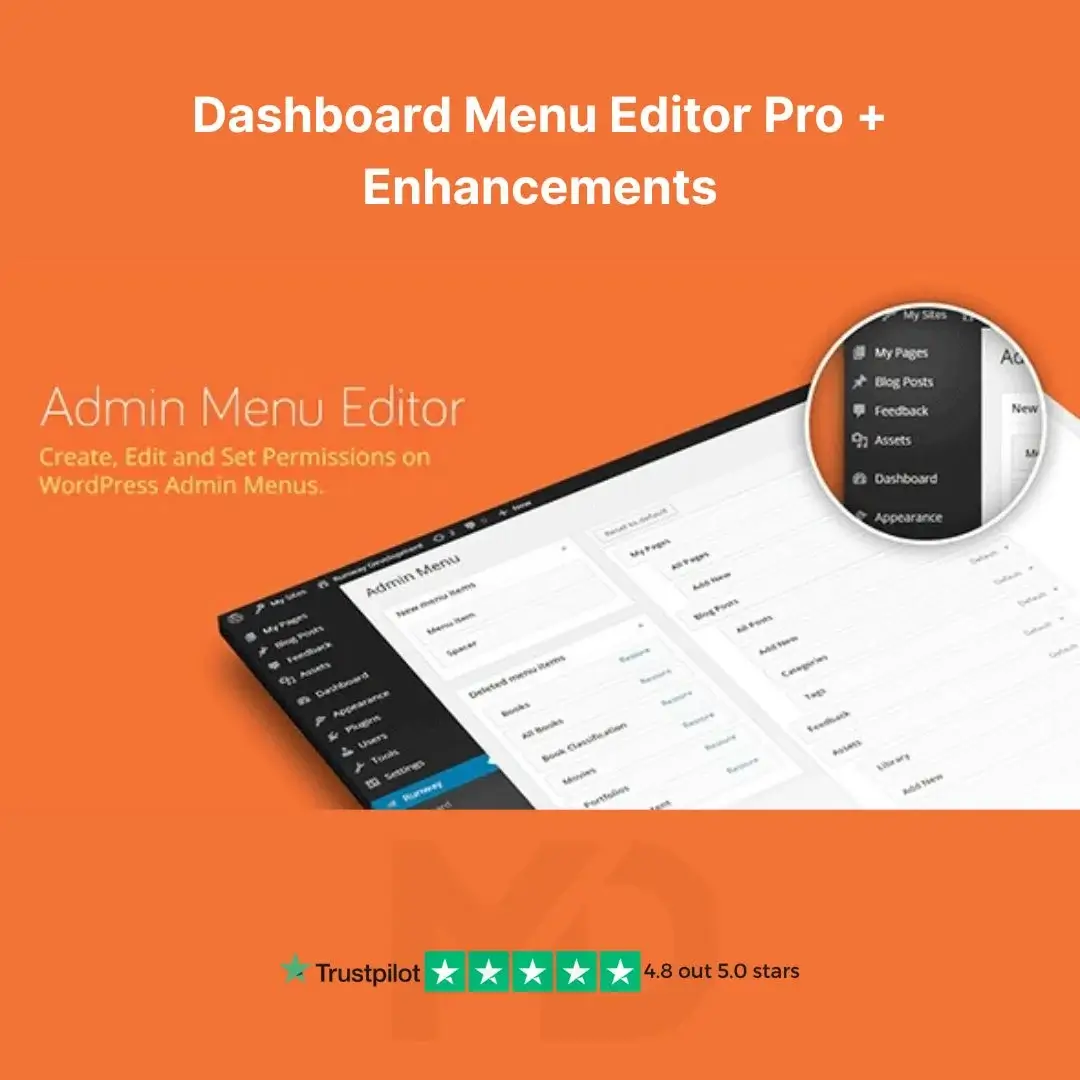


Dashboard Menu Editor Pro + Enhancements (WordPress Tool)
Customize, Simplify & Take Full Control of Your WordPress Admin Dashboard — No Coding Required
Looking to declutter the WordPress admin panel, streamline user roles, or tailor the backend experience for clients or team members?
Dashboard Menu Editor Pro + Enhancements is your ultimate solution to customize, reorder, hide, or rename WordPress admin menus with just a few clicks.
This powerful GPL-licensed tool helps you build a clean, branded, and user-friendly dashboard — ideal for freelancers, agencies, developers, or site owners managing multi-user WordPress environments.
✅ What’s Included in This Package:
-
Dashboard Menu Editor Pro Plugin
-
Enhanced Features Bundle:
-
Role-based menu visibility
-
Custom menu creation
-
Icon and submenu customization
-
Admin UI tweaks & themes
-
🔥 Key Features That Sell:
🧩 Drag-and-Drop Admin Menu Builder
Easily reorder, nest, or remove dashboard menus in a visual interface. No code. Just drag and drop.
👥 Role-Based Menu Access Control
Show or hide specific menu items for certain user roles like editors, contributors, or custom roles. Perfect for client sites or membership platforms.
✏️ Rename, Reorganize, or Hide Any Menu
Customize menu titles, icons, URLs, and visibility to make the dashboard less cluttered and more focused.
🔗 Add Custom Menu Items
Add your own admin links — such as documentation, support pages, or external tools — directly to the dashboard menu.
🎨 Admin Panel Branding & UI Styling
Change admin panel aesthetics using included enhancements to match your or your client’s brand identity.
🔄 Export & Import Settings
Quickly duplicate your admin layout settings to other sites. Perfect for developers working on multiple client installations.
⚙️ Fully Compatible
Works seamlessly with:
-
WooCommerce
-
Custom Post Types
-
Membership Plugins
-
Multisite Installations
📦 GPL Licensed – Use It on Unlimited Sites
This product is released under the GPL license. That means:
-
✅ Use on unlimited domains
-
✅ Lifetime use
-
✅ 100% original and safe
-
✅ Manual updates provided via MD Digitals
🚀 How to Install & Use This Plugin
Step 1: Download the ZIP file from your MD Digitals account after purchase.
Step 2: Go to your WordPress Dashboard → Plugins → Add New → Upload Plugin.
Step 3: Upload the ZIP file, install, and activate it.
Step 4: Navigate to Settings → Menu Editor to start customizing your dashboard menu.
Step 5 (Optional): Use the “Import Settings” option if you’re migrating from another install.
💡 Tip: Always back up your site before making admin changes for the first time.
🔍 Why Buy From MD Digitals?
-
✔️ 100% Clean & Untouched GPL Files
-
✔️ Instant Digital Delivery
-
✔️ No Malware, No Ads, No Bloat
-
✔️ Trusted by Developers, Freelancers, and Agencies
Take control of your WordPress dashboard today — make it faster, cleaner, and more professional.
Get Dashboard Menu Editor Pro + Enhancements now and elevate your backend experience!
⚠️ Copyright & Trademark Disclaimer
This product is not affiliated with, endorsed by, or sponsored by the original developer or marketplace.
All product names, logos, and trademarks belong to their respective owners
Any brand names mentioned are used only for descriptive and identification purposes
We do not claim ownership of any third-party trademarks or branding
This is an independently distributed GPL-licensed product, provided in compliance with WordPress and GPL guidelines.
You have to make sure this product title is infringement-free for mddigitals.com and remains recognizable to customers.





Reviews
There are no reviews yet