
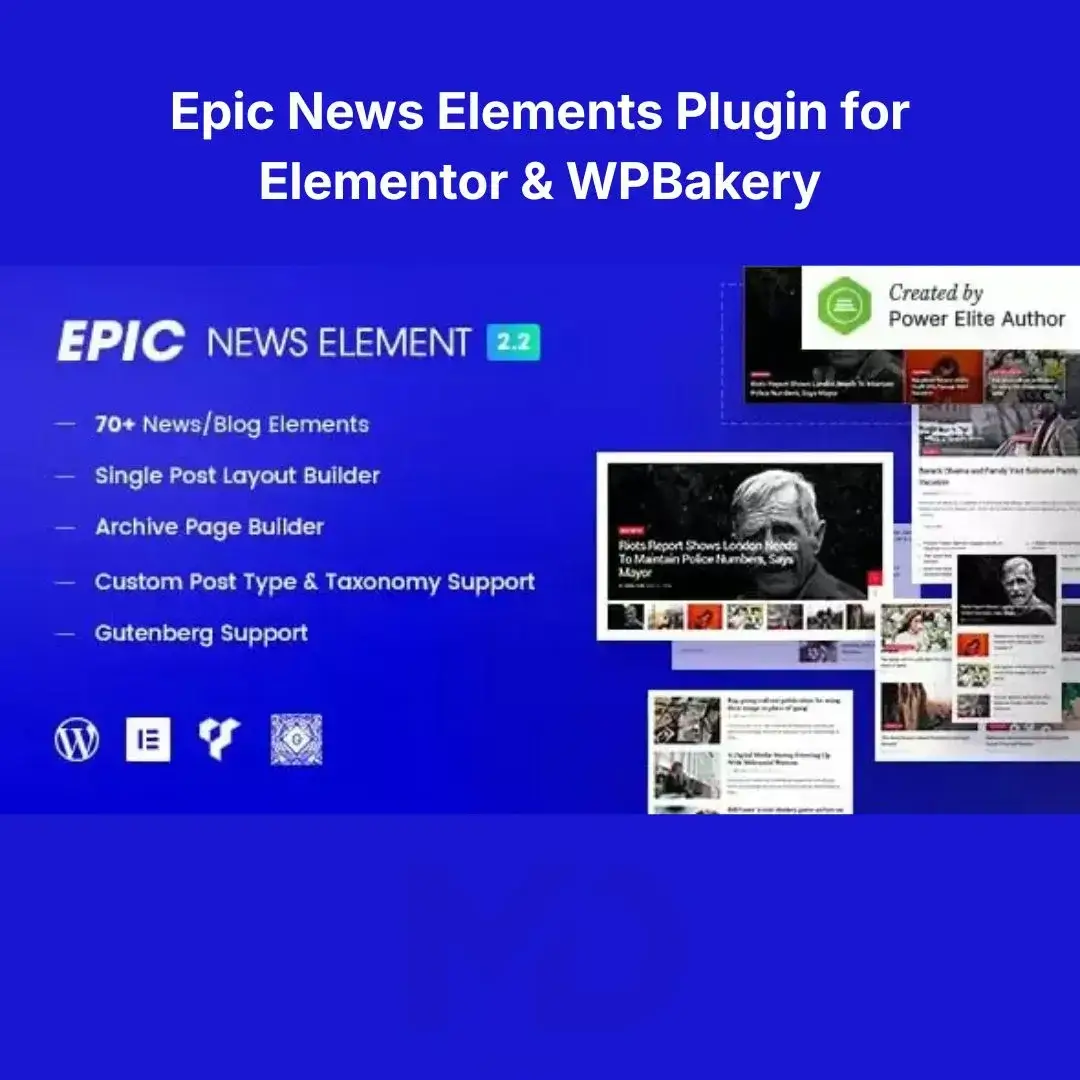


Epic News Elements Plugin for Elementor & WPBakery
Create Professional News, Magazine & Blog Websites with Powerful Content Widgets and Layout Builders
Building a modern news portal, online magazine, editorial website, or professional blog requires more than standard WordPress post layouts. Visitors expect visually appealing content displays, organized article sections, engaging featured posts, and responsive layouts that improve readability and user engagement.
Epic News Elements Plugin for Elementor & WPBakery is a comprehensive content builder solution designed specifically for creating professional news, magazine, editorial, and blog websites. It provides a wide range of advanced content elements, post layouts, news blocks, magazine widgets, and blog display options that integrate seamlessly with both Elementor and WPBakery Page Builder.
Whether you’re building an online newspaper, digital magazine, technology blog, sports portal, business news website, lifestyle publication, or personal blog, this plugin provides the tools needed to create visually stunning and highly engaging content experiences.
Why Professional Content Layouts Matter
Many websites struggle with:
❌ Poor content organization
❌ Low visitor engagement
❌ Outdated blog layouts
❌ Difficult navigation
❌ Low page views
❌ Poor mobile experience
❌ Reduced advertising opportunities
Professional content presentation helps websites:
✅ Increase user engagement
✅ Improve content discovery
✅ Boost page views
✅ Enhance reader experience
✅ Improve website appearance
✅ Support monetization strategies
Key Features
📰 Advanced News & Magazine Layouts
Create professional news and magazine websites using a wide variety of content layouts.
Perfect for displaying:
- Breaking news
- Featured articles
- Trending posts
- Editorial content
- Magazine sections
- Category highlights
- Popular stories
Present your content in a modern and engaging format.
🎨 Elementor & WPBakery Compatibility
Build professional layouts directly inside:
- Elementor
- WPBakery Page Builder
Benefits include:
- Visual editing
- Faster design workflow
- No coding required
- Greater customization flexibility
Create beautiful websites using your preferred page builder.
📝 Professional Blog Layouts
Display blog content using multiple layout styles.
Examples include:
- Grid layouts
- List layouts
- Masonry layouts
- Featured article sections
- Card-based designs
- Editorial layouts
Improve content presentation and readability.
⭐ Featured Posts & Trending Content Blocks
Highlight your most important content.
Display:
- Featured articles
- Popular posts
- Trending stories
- Editorial picks
- Recommended content
Increase user engagement and content visibility.
🗂 Category-Based Content Organization
Organize articles and blog posts efficiently by categories.
Benefits include:
- Better navigation
- Improved user experience
- Easier content discovery
- Enhanced website structure
Help readers find content quickly.
📱 Fully Responsive Design
Ensure your news and blog layouts work perfectly across:
- Smartphones
- Tablets
- Laptops
- Desktop computers
Provide an excellent reading experience on every device.
⚡ High-Performance Content Loading
Display large amounts of content efficiently while maintaining good website performance.
Benefits include:
- Faster page loading
- Improved SEO performance
- Better user experience
- Increased visitor retention
🔍 SEO-Friendly Content Display
Well-structured content layouts can help improve:
- User engagement
- Content discoverability
- Search engine visibility
- Internal linking opportunities
Support your website’s SEO strategy.
🎯 Advertisement-Friendly Layouts
Ideal for publishers and bloggers who monetize content.
Display:
- Banner advertisements
- Sponsored content
- Promotional sections
- Featured campaigns
Maximize revenue opportunities.
🌐 Multi-Purpose Publishing Support
Suitable for various content-based websites, including:
- News websites
- Online magazines
- Editorial websites
- Business publications
- Technology blogs
- Sports portals
- Lifestyle websites
- Personal blogs
Create virtually any type of publishing platform.
Perfect For
This plugin is ideal for:
- News Websites
- Online Magazines
- Editorial Platforms
- Personal Blogs
- Technology Websites
- Business News Portals
- Sports Websites
- Entertainment Portals
- Fashion Magazines
- Educational Publications
- Corporate Blogs
- Content Publishers
If your website publishes articles regularly, this plugin can significantly improve content presentation.
Business Benefits
Increase Reader Engagement
Professional layouts encourage visitors to explore more content.
Improve Page Views
Feature related articles and trending content more effectively.
Enhance User Experience
Help visitors discover content quickly and easily.
Increase Advertising Revenue
Create layouts optimized for content monetization.
Improve Website Appearance
Build modern, professional publishing websites.
Strengthen Your Brand
Create a unique and engaging editorial experience.
Real-World Use Cases
Online Newspapers
Display breaking news, headlines, and editorial content professionally.
Digital Magazines
Create attractive magazine layouts and featured sections.
Technology Blogs
Organize reviews, news, tutorials, and product updates.
Business Publications
Present market news, reports, and analysis content.
Sports Websites
Display match reports, news articles, and featured stories.
Personal Blogs
Create engaging and visually appealing blog layouts.
Installation Guide
Make it clearer and easier to understand.
How to Install Epic News Elements Plugin for Elementor & WPBakery
Download the plugin ZIP file from your MDDigitals account. Log in to your WordPress dashboard and go to Plugins → Add New → Upload Plugin. Select the ZIP file, click Install Now, and then Activate the plugin.
Before using this plugin, make sure that Elementor or WPBakery Page Builder is already installed and activated. After activation, the new news and blog widgets will become available within your page builder editor.
How to Use
Step 1: Install Your Preferred Page Builder
Ensure that either:
- Elementor, or
- WPBakery Page Builder
is installed and activated.
Step 2: Open Your Page Builder Editor
Create or edit a page using your preferred builder.
Access the newly added news and magazine widgets.
Step 3: Add News & Blog Elements
Insert content elements such as:
- News blocks
- Blog grids
- Featured posts
- Trending articles
- Magazine layouts
- Category sections
Build your publishing layout visually.
Step 4: Configure Content Sources
Choose which content to display using:
- Categories
- Tags
- Post types
- Featured posts
- Popular articles
Organize your content strategically.
Step 5: Customize Design Settings
Adjust:
- Colors
- Typography
- Layout styles
- Image sizes
- Spacing
- Responsive settings
Match your brand identity.
Step 6: Publish and Optimize
Test your layout on desktop and mobile devices before publishing.
Monitor engagement and optimize regularly.
Best Practices for Maximum Results
✔ Highlight featured content prominently
✔ Use high-quality featured images
✔ Organize content by categories
✔ Optimize for mobile users
✔ Include related content sections
✔ Use clear typography
✔ Keep page loading times optimized
✔ Update content regularly
Technical Highlights
- WordPress Compatible
- Elementor Integration
- WPBakery Integration
- News Layout Builder
- Magazine Widgets
- Blog Display Layouts
- Responsive Design
- Featured Content Blocks
- Category Filtering
- Editorial Layout Support
- SEO-Friendly Structure
- User-Friendly Interface
Why Publishers Choose This Plugin
Content presentation directly impacts user engagement, retention, advertising revenue, and overall website success. Standard WordPress blog layouts often fail to provide the visual appeal and flexibility required by modern publishing websites.
Epic News Elements Plugin for Elementor & WPBakery helps publishers, bloggers, and content creators build professional news and magazine websites with advanced layouts, engaging content blocks, and flexible design options.
Whether you’re running a personal blog, digital magazine, or large-scale publishing platform, this plugin provides the tools needed to create an engaging and professional content experience.
Copyright & Trademark Disclaimer
WordPress®, Elementor®, WPBakery®, Epic News Elements®, and all related product names, logos, trademarks, and registered trademarks are the property of their respective owners.
This is a GPL-distributed version. No official support. Clean, secure, and legally redistributed under the GPL license.
We do not claim any ownership of third-party trademarks or branding.
Full credit and respect go to the original developer for their outstanding work in creating this product.





Reviews
There are no reviews yet