
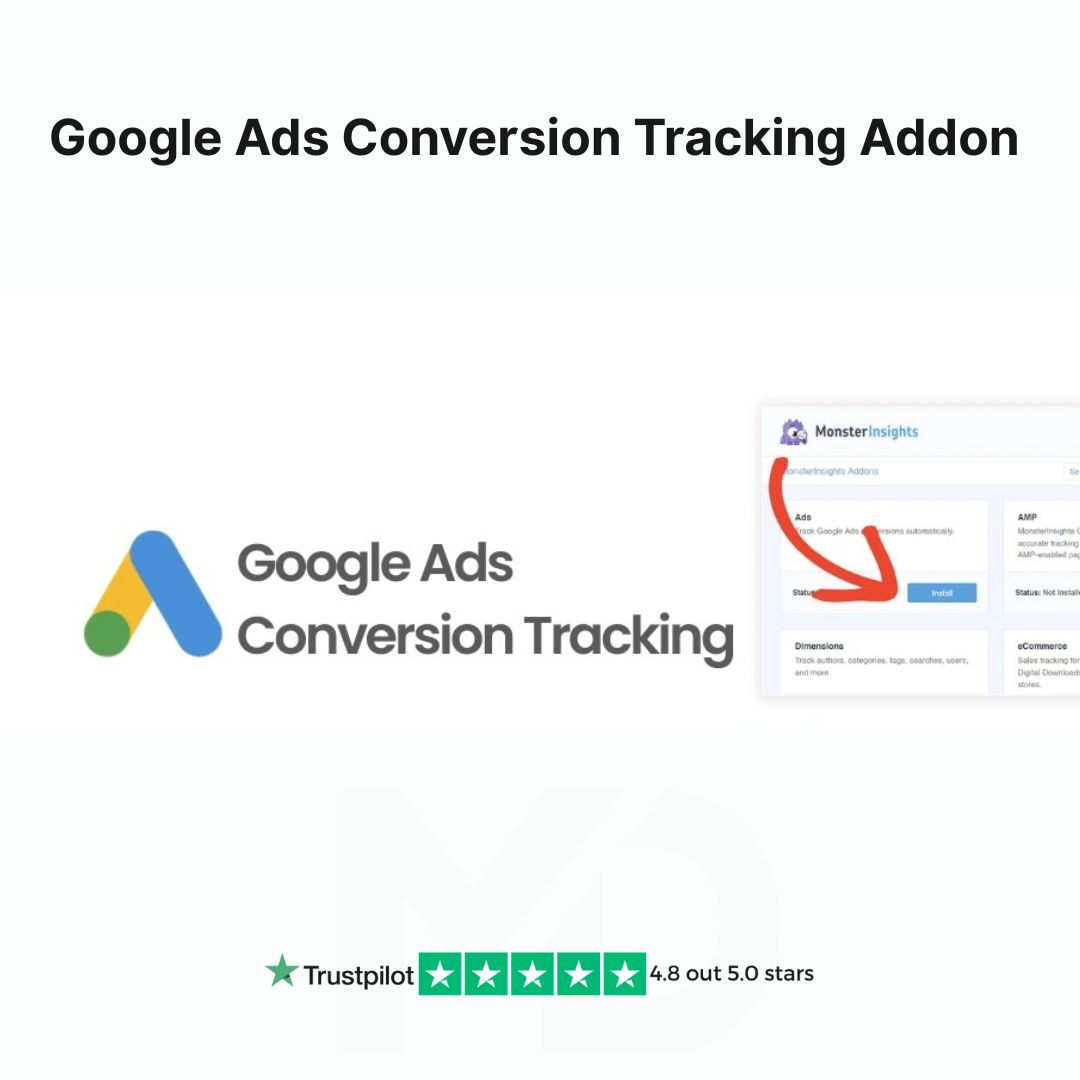


Google Ads Conversion Tracking Addon for MonsterInsight
Unlock the Full Potential of Your Google Ads Campaigns with the MonsterInsight Google Ads Conversion Tracking Addon!
Maximize your advertising performance and make data-driven decisions that boost your ROI with the Google Ads Conversion Tracking Addon for MonsterInsight. Whether you’re a seasoned marketer or just starting out, this powerful addon simplifies tracking and optimizing your Google Ads campaigns directly from your WordPress dashboard.
Why Choose MonsterInsights Google Ads Conversion Tracking Addon?
In today’s digital marketing world, tracking conversions accurately is the key to ensuring your ads are working efficiently. With this addon, you can integrate Google Ads conversion tracking into your WordPress website seamlessly, helping you capture essential data that can be used to fine-tune your campaigns. Here’s why this addon is a must-have for your business:
-
Accurate Conversion Tracking: Track and measure your Google Ads conversions in real-time. This addon ensures you’re always up-to-date on how your ads are performing, giving you insights into which campaigns are bringing in the best results.
-
Easy Google Ads Integration: Connect MonsterInsights with your Google Ads account effortlessly. No need to mess with complex code or third-party tools—everything you need to track your conversions is integrated into your WordPress website with just a few clicks.
-
Boost Campaign Performance: With accurate tracking, you can identify which keywords, ads, and landing pages are driving the most conversions. This allows you to adjust your ad strategies, target the right audience, and maximize your ad spend.
-
Seamless User Experience: The Google Ads Conversion Tracking Addon is designed to work effortlessly with MonsterInsights, which is already one of the most trusted and user-friendly analytics tools for WordPress. No technical expertise required!
-
Detailed Reports: Easily view detailed conversion reports right from your MonsterInsights dashboard. You’ll get insights into goals, purchases, form submissions, and other key actions users take after clicking on your Google Ads, making it easy to analyze performance and improve your campaigns.
-
Optimized for Speed and Security: The addon is built with performance and security in mind. It works efficiently in the background without slowing down your website, ensuring a smooth experience for your visitors.
Features and Benefits:
-
Track Multiple Conversions: Track various types of conversions, including form submissions, purchases, sign-ups, and more. Customize your conversion goals to meet the needs of your business.
-
Detailed Analytics: Understand exactly how your Google Ads campaigns are performing. See which ads lead to conversions and make adjustments on the fly to maximize your marketing budget.
-
No Coding Required: Setup and configuration are simple, with no need for coding. Just activate the addon, connect your Google Ads account, and start tracking.
-
Customizable Tracking: Whether you’re tracking purchases, leads, or any other custom goals, this addon gives you the flexibility to set up conversion tracking that matches your unique business needs.
-
Works with All Google Ads Campaigns: Whether you’re running Search, Display, or Shopping campaigns, you can track conversions from all Google Ads campaigns in one easy-to-read report.
How to Install and Use the Google Ads Conversion Tracking Addon:
Step 1: Install MonsterInsights Plugin
-
Make sure you have MonsterInsights installed and activated on your WordPress website. If not, download and install it from the official MonsterInsights website.
Step 2: Install the Google Ads Conversion Tracking Addon
-
Go to your WordPress Dashboard.
-
Navigate to Insights > Addons.
-
Find the Google Ads Conversion Tracking Addon and click Install.
-
After installation, click Activate.
Step 3: Connect to Google Ads
-
Once activated, go to Insights > Settings.
-
Select the Google Ads tab.
-
Enter your Google Ads account credentials and link it to MonsterInsight.
-
Follow the prompts to configure your conversion goals.
Step 4: Start Tracking Conversions
-
Set up the types of conversions you want to track (e.g., form submissions, product purchases, etc.).
-
The addon will automatically start tracking these conversions in the background and display them in your MonsterInsight dashboard.
-
Use the detailed reports to optimize your Google Ads campaigns and adjust your marketing strategies for maximum results.
Final Thoughts
The Google Ads Conversion Tracking Addon for MonsterInsight is an essential tool for any business looking to make the most of their advertising spend. By providing accurate, actionable data in real-time, it allows you to adjust your campaigns quickly and efficiently. No more guesswork—just data-driven decisions that lead to increased conversions, higher ROI, and overall marketing success.
Start optimizing your Google Ads campaigns today with the Google Ads Conversion Tracking Addon for MonsterInsight and take your advertising efforts to the next level!
⚠️ Copyright & Trademark Disclaimer
All product names, logos, and trademarks belong to their respective owners.
Any brand names mentioned are used only for descriptive and identification purposes.
We do not claim ownership of any third-party trademarks or branding.
Full credit and respect go to the original developer for their outstanding work in creating this product.
This is an independently distributed GPL-licensed product, provided in compliance with WordPress and GPL guidelines.
At MD Digitals, we simply provide it under the GPL license model, giving users affordable access, lifetime usage rights, and manual updates, while maintaining complete transparency and authenticity.







Reviews
There are no reviews yet