
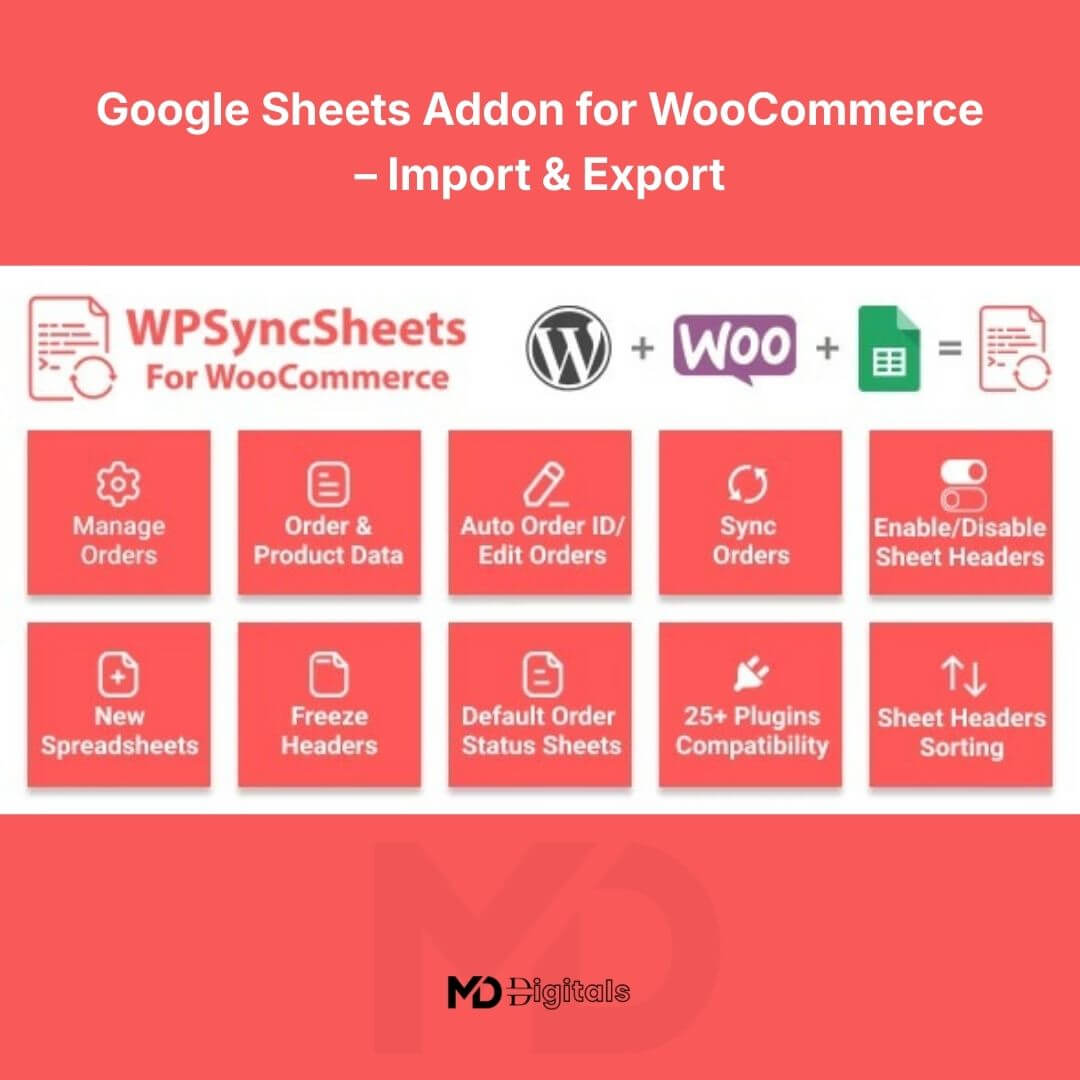


Google Sheets Addon for WooCommerce – Import & Export
Automate your store data. Sync orders instantly. Manage everything from Google Sheets.
The Google Sheets Addon for WooCommerce – Import & Export is a powerful automation tool designed to connect your WooCommerce store directly with Google Sheets. It allows you to automatically export orders, update product data, and manage store information from a familiar spreadsheet interface.
Whether you’re a store owner, dropshipper, accountant, or agency, this addon gives you full control over your store data without logging into your dashboard every time.
No manual copying. No CSV headaches. No wasted time.
🚀 Why You Need This Addon
Managing WooCommerce data manually is time-consuming and error-prone. This addon creates a seamless bridge between your store and Google Sheets, enabling:
-
Real-time or scheduled order exports
-
Easy bulk product updates
-
Centralized reporting
-
Automated workflow management
-
Data access for teams and accountants
If you already use Google Sheets for reporting or inventory tracking, this tool will instantly improve your workflow efficiency.
🔥 Key Features That Drive Results
✅ Real-Time Order Sync
Automatically send new WooCommerce orders to Google Sheets as they are placed. Track sales, customer details, and order status without manual exports.
✅ Import & Export Functionality
-
Export products, orders, and customer data to Google Sheets
-
Import updated product data directly back into WooCommerce
-
Bulk update pricing, stock levels, SKUs, and descriptions
✅ Two-Way Data Management
Make changes in Google Sheets and push updates back to your WooCommerce store. Perfect for bulk editing and fast catalog management.
✅ Custom Field Mapping
Map WooCommerce fields to specific spreadsheet columns for complete control over your data structure.
✅ Automated Scheduling
Set automatic sync intervals to keep your store and spreadsheet updated without manual intervention.
✅ Multi-Store Support
Manage multiple WooCommerce stores from separate or connected spreadsheets.
✅ Secure API-Based Connection
Uses secure authentication methods to ensure safe data transfer between WooCommerce and Google Sheets.
✅ No Technical Skills Required
Simple setup wizard. Easy-to-understand interface. Designed for non-developers.
💼 Who Is This Perfect For?
-
eCommerce store owners
-
Dropshippers managing large product catalogs
-
Accountants handling order reports
-
Agencies managing client stores
-
Inventory managers
-
Virtual assistants
If you manage store data regularly, this addon will save you hours every week.
⚙️ How to Install
-
Download the plugin ZIP file.
-
Log in to your WordPress dashboard.
-
Navigate to Plugins → Add New → Upload Plugin.
-
Upload the ZIP file and click Install Now.
-
Activate the plugin.
-
Go to the plugin settings panel in WooCommerce.
-
Connect your Google account and authorize access to Google Sheets.
-
Configure sync settings and field mappings.
Installation takes just a few minutes.
📊 How to Use
Export Orders to Google Sheets
-
Create or select a Google Sheet.
-
Choose the data type (orders/products/customers).
-
Enable automatic sync or run a manual export.
-
View your live store data inside Google Sheets.
Import Product Updates
-
Update product details inside Google Sheets.
-
Match spreadsheet columns to WooCommerce fields.
-
Click Import/Sync.
-
Changes are instantly reflected in your store.
You can automate the entire workflow to run on a schedule.
🎯 SEO & Business Benefits
-
Improve workflow automation
-
Reduce human errors in data handling
-
Speed up bulk updates
-
Enhance reporting efficiency
-
Improve inventory control
-
Scale your WooCommerce operations
This addon is optimized for stores that want automation, scalability, and better data management.
🔐 Compatibility
-
Latest WordPress versions
-
Latest WooCommerce versions
-
Compatible with most WooCommerce themes
-
Works with standard hosting environments
📌 Copyright & Trademark Disclaimer
This product is not affiliated with, endorsed by, or sponsored by the original developer or marketplace.
All product names, logos, and trademarks belong to their respective owners
Any brand names mentioned are used only for descriptive and identification purposes
We do not claim ownership of any third-party trademarks or branding
This is an independently distributed GPL-licensed product, provided in compliance with WordPress and GPL guidelines.





Reviews
There are no reviews yet