
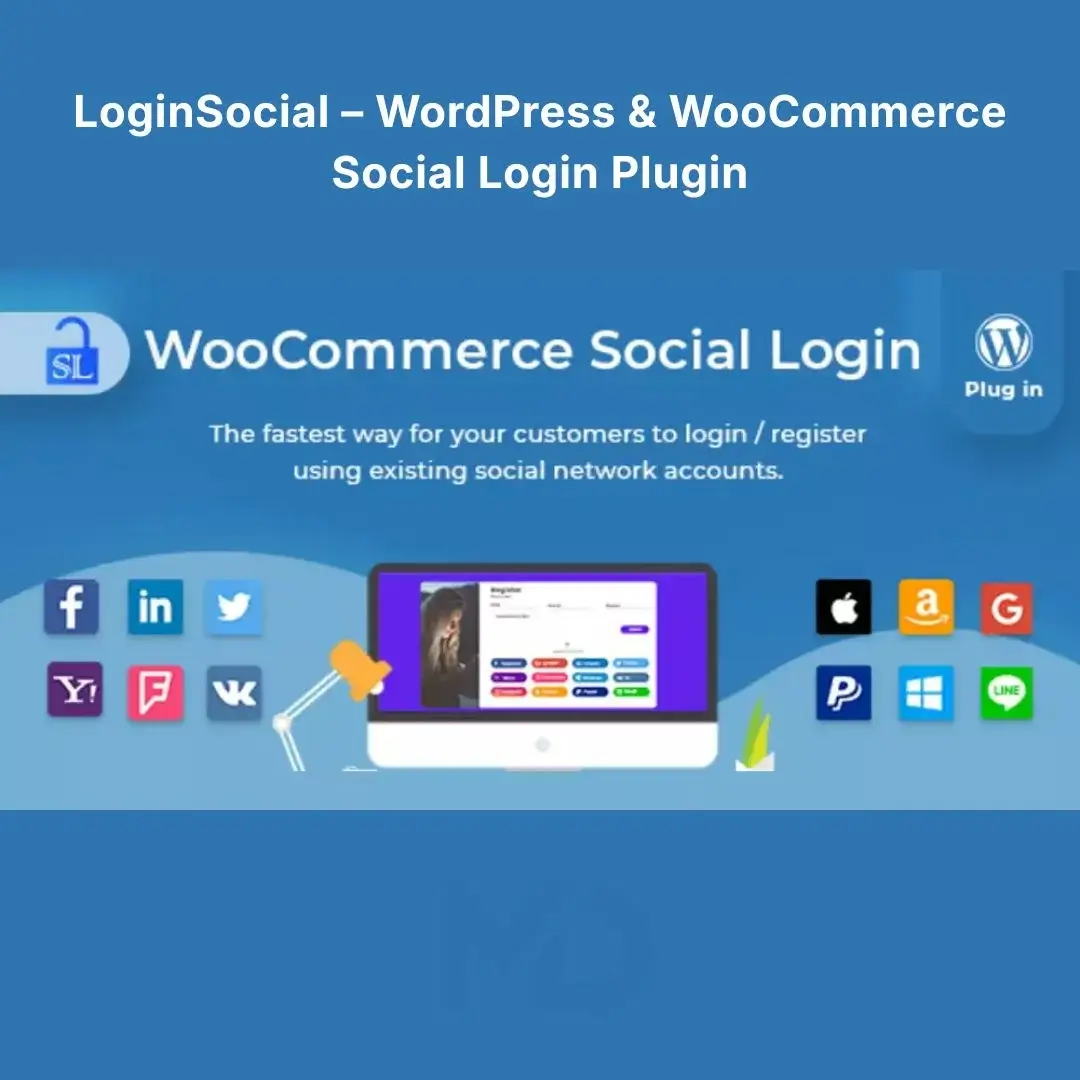


LoginSocial – WordPress & WooCommerce Social Login Plugin
Let Customers Sign In Faster — Reduce Login Friction and Improve the WooCommerce Checkout Experience
Traditional registration forms can create unnecessary friction. Customers have to enter usernames, passwords, email addresses, and other information before they can access your website or complete a purchase.
LoginSocial – WordPress & WooCommerce Social Login Plugin helps simplify this process by allowing visitors to authenticate using supported social accounts instead of creating and remembering another set of login credentials.
Designed for WordPress and WooCommerce, LoginSocial can streamline registration, login, and checkout while providing tools for account linking, social-login management, and administrator reporting. The original product listing confirms that the plugin can also work independently of WooCommerce and integrate with platforms such as BuddyPress, bbPress, and PeepSo.
Why Use LoginSocial?
Every additional step during registration can create friction.
A conventional customer journey might look like:
Register → Create Username → Create Password → Confirm Account → Log In → Checkout
With social authentication, you can make the experience much simpler:
Choose Social Account → Authenticate → Access Account
This can create a smoother experience for returning customers while making registration less cumbersome for new users.
LoginSocial is particularly useful for:
- WooCommerce Stores
- Membership Websites
- Online Communities
- Customer Portals
- Digital Product Stores
- Subscription Websites
- Service Businesses
- WordPress Websites With User Registration
Key Features
🔐 Social Login & Registration
Give visitors a faster way to register and sign in using supported social authentication providers.
Instead of requiring every customer to create a completely new set of credentials, social authentication can simplify account access.
The current product listing includes support for providers such as Google, Facebook, Twitter/X-related integrations, LinkedIn, Amazon, PayPal, GitHub, WordPress.com, Apple and others, although availability can depend on each provider’s current API and authentication requirements.
🛒 WooCommerce Social Login
Make the customer journey smoother on your online store.
Display social login options around WooCommerce login and checkout areas so customers can authenticate without going through a lengthy registration process.
This is particularly useful for stores where reducing checkout friction is a priority.
Potential benefits include:
- Faster account creation
- Easier returning-customer login
- Less password friction
- Smoother checkout experience
- Improved customer convenience
👤 Automatic Account Creation
When a new visitor successfully authenticates through a supported social network, the plugin can create a corresponding WordPress user account.
This means you don’t have to manually create customer accounts.
Existing users can also connect their social accounts to their existing WordPress accounts.
🔗 Link Multiple Social Accounts
Allow customers to connect supported social accounts with their existing website account.
Customers can manage linked accounts from the My Account area, including linking or unlinking available social profiles.
This is especially useful for customers who already have an account but want a faster way to sign in in the future.
📊 Social Login Reports
Monitor which social authentication options customers are using.
The plugin provides an administrator reporting area where you can view registration statistics and compare sign-ups across social networks. It can also generate a graphical representation of social-network registration percentages.
Use these insights to understand which login methods are most popular with your audience.
↕️ Drag-and-Drop Social Login Button Ordering
Control how your login providers appear to visitors.
Administrators can change the order of social login buttons using a drag-and-drop interface, helping you prioritize the authentication options most relevant to your audience.
🎯 Flexible Login Placement
Place social login functionality where it makes the most sense for your website.
Depending on your configuration and theme compatibility, social login buttons can be displayed in areas such as:
- Login Pages
- Registration Pages
- WooCommerce Checkout
- Account Pages
- Thank You Pages
- Custom Content Areas
The plugin also provides a shortcode option for manually placing the social login interface where required.
🙌 Thank You Page Account Linking
Give customers an opportunity to connect a social account after completing their purchase.
This can help turn a first-time customer into a returning customer with easier future authentication. The original plugin documentation specifically describes enabling social login buttons on the WooCommerce Thank You page for this purpose.
🔌 Works Beyond WooCommerce
Although particularly useful for online stores, the plugin can also operate independently of WooCommerce.
The current listing states that it can work as a standalone social-login solution and can be used with WordPress, WooCommerce, BuddyPress, bbPress, and PeepSo.
This makes it suitable for more than traditional eCommerce websites.
🌐 WPML Compatibility
The plugin is listed as compatible with WPML, making it suitable for multilingual WordPress websites.
This is useful for businesses serving customers in multiple languages.
Solve Common Customer Login Problems
Problem: Customers Don’t Want Another Password
Solution: Offer social authentication so users can sign in through supported external accounts.
Problem: Registration Takes Too Long
Solution: Simplify account creation by allowing social authentication.
Problem: Customers Abandon Checkout
Solution: Reduce unnecessary login and registration friction around the WooCommerce checkout process.
Problem: Existing Users Want Faster Login
Solution: Allow customers to link their existing WordPress account with supported social profiles.
Problem: You Don’t Know Which Login Method Customers Prefer
Solution: Use the built-in social login reporting tools to monitor registration activity.
Perfect For
🛍️ WooCommerce Stores
Reduce friction during account creation and checkout.
🎓 Membership Websites
Give members a convenient way to access their accounts.
👥 Community Websites
Combine WordPress user accounts with social authentication.
💻 Digital Product Stores
Make account creation easier for customers purchasing digital products.
📰 Content Websites
Offer convenient login functionality for registered readers.
🏢 Business Websites
Provide clients with a streamlined customer portal login experience.
Installation Guide
How to Install LoginSocial
Step 1 — Download the Plugin
Download the LoginSocial plugin ZIP file from your MDDigitals account.
Step 2 — Open WordPress Plugins
From your WordPress dashboard, go to:
Plugins → Add New → Upload Plugin
Step 3 — Upload the ZIP File
Click Choose File, select the LoginSocial ZIP file, and click Install Now.
Step 4 — Activate the Plugin
After installation, click Activate Plugin.
Step 5 — Configure Your Social Providers
Open the plugin’s settings and configure the social networks you want to offer.
Depending on the provider, you’ll generally need to create an application through that provider’s developer platform and enter the required credentials, such as an application ID/key and secret.
Step 6 — Configure Login Locations
Choose where you want social login buttons to appear, such as:
- WordPress Login
- Registration
- WooCommerce Login
- WooCommerce Checkout
- Account Page
- Thank You Page
Step 7 — Customize Button Order
Arrange your social-login options using the available ordering controls.
Step 8 — Test the Login Process
Open your website in a private/incognito browser window and test each enabled provider.
Make sure:
- Authentication works correctly
- New accounts are created correctly
- Existing accounts can connect
- Redirects work correctly
- WooCommerce checkout works as expected
How to Configure Social Authentication
1. Select Your Providers
Enable only the social networks that are relevant to your audience.
Don’t overwhelm customers with unnecessary options.
2. Create Developer Applications
For providers that require OAuth credentials, create an application through the provider’s official developer portal.
3. Add API Credentials
Enter the required credentials into the plugin’s settings.
4. Configure Callback/Redirect URLs
Copy the callback or redirect URL provided by the plugin into the corresponding provider application settings.
5. Enable the Login Button
Activate the provider after completing its configuration.
6. Test Before Launching
Always test authentication with both a new and existing customer account.
WooCommerce Setup
If you’re using WooCommerce:
- Install and activate WooCommerce.
- Install and activate LoginSocial.
- Open LoginSocial settings.
- Enable WooCommerce social login.
- Select the login providers you want to display.
- Configure the required provider credentials.
- Choose the desired WooCommerce login/checkout locations.
- Save your settings.
- Test the complete customer journey.
Pay particular attention to the checkout experience because authentication issues can directly affect customers attempting to complete purchases.
Recommended Configuration Strategy
Don’t simply enable every available provider.
Instead:
Step 1
Identify the social platforms your customers actually use.
Step 2
Enable your most important 2–4 authentication options.
Step 3
Place your most popular option first.
Step 4
Keep the login interface visually consistent with your website.
Step 5
Test the process on desktop and mobile devices.
Step 6
Monitor registration statistics and adjust your provider selection based on actual usage.
Important Compatibility Notes
Social authentication depends on external platforms and their APIs. Provider requirements can change independently of WordPress plugins.
For example, the original product documentation notes that certain providers may require additional information, such as an email address when the provider does not supply one. It also notes that some historical integrations, such as Instagram login, have been affected by changes to the provider’s API.
Therefore, always verify the current requirements of each provider before configuring it.
The current marketplace listing shows the product updated to version 2.8.8 on July 27, 2026, including improvements related to Apple Sign-In ID-token validation and verification.
Key Advantages
- Social Login & Registration
- WordPress User Authentication
- WooCommerce Social Login
- Faster Customer Registration
- Simplified Checkout Experience
- Existing Account Linking
- Social Account Unlinking
- Social Login Statistics
- Registration Reports
- Drag-and-Drop Provider Ordering
- Shortcode Support
- Thank You Page Login Options
- Standalone WordPress Support
- BuddyPress Compatibility
- bbPress Compatibility
- PeepSo Compatibility
- WPML Compatibility
- Responsive Login Experience
Best Practices for Buyers
Keep the Login Experience Simple
Don’t enable unnecessary providers. A clean interface usually provides a better user experience.
Use HTTPS
Always use an SSL-secured website when configuring authentication and handling customer accounts.
Test Every Provider
A successful configuration in one provider doesn’t guarantee another provider will work. Test each integration individually.
Maintain Backup Login Options
Don’t completely remove traditional WordPress login credentials. Customers should retain a reliable way to access their account if a third-party authentication service becomes unavailable.
Monitor Authentication
Regularly test login, registration, account linking, and checkout functionality after major WordPress, WooCommerce, theme, or plugin updates.
Why Choose LoginSocial?
LoginSocial – WordPress & WooCommerce Social Login Plugin helps remove one of the most common sources of friction on membership and eCommerce websites: complicated account registration and login.
By offering social authentication, account linking, WooCommerce integration, reporting, and flexible placement options, you can create a smoother customer journey from registration to checkout.
Whether you’re running a growing WooCommerce store, membership website, online community, or customer portal, LoginSocial gives you practical tools to make account access faster and more convenient.
Copyright & Trademark Disclaimer
- WordPress®, WooCommerce®, BuddyPress®, bbPress®, PeepSo®, WPML®, and the names/logos of social-network providers are trademarks or registered trademarks of their respective owners.
- This product is distributed under the GNU General Public License (GPL) where applicable.
- MDDigitals is not affiliated with, endorsed by, sponsored by, or associated with the original developer, wpweb, CodeCanyon, Envato, or any third-party social-network provider.
- Product and platform names are used solely for identification, compatibility, and descriptive purposes.
- All copyrights, trademarks, logos, and intellectual property rights remain the property of their respective owners.





Reviews
There are no reviews yet