
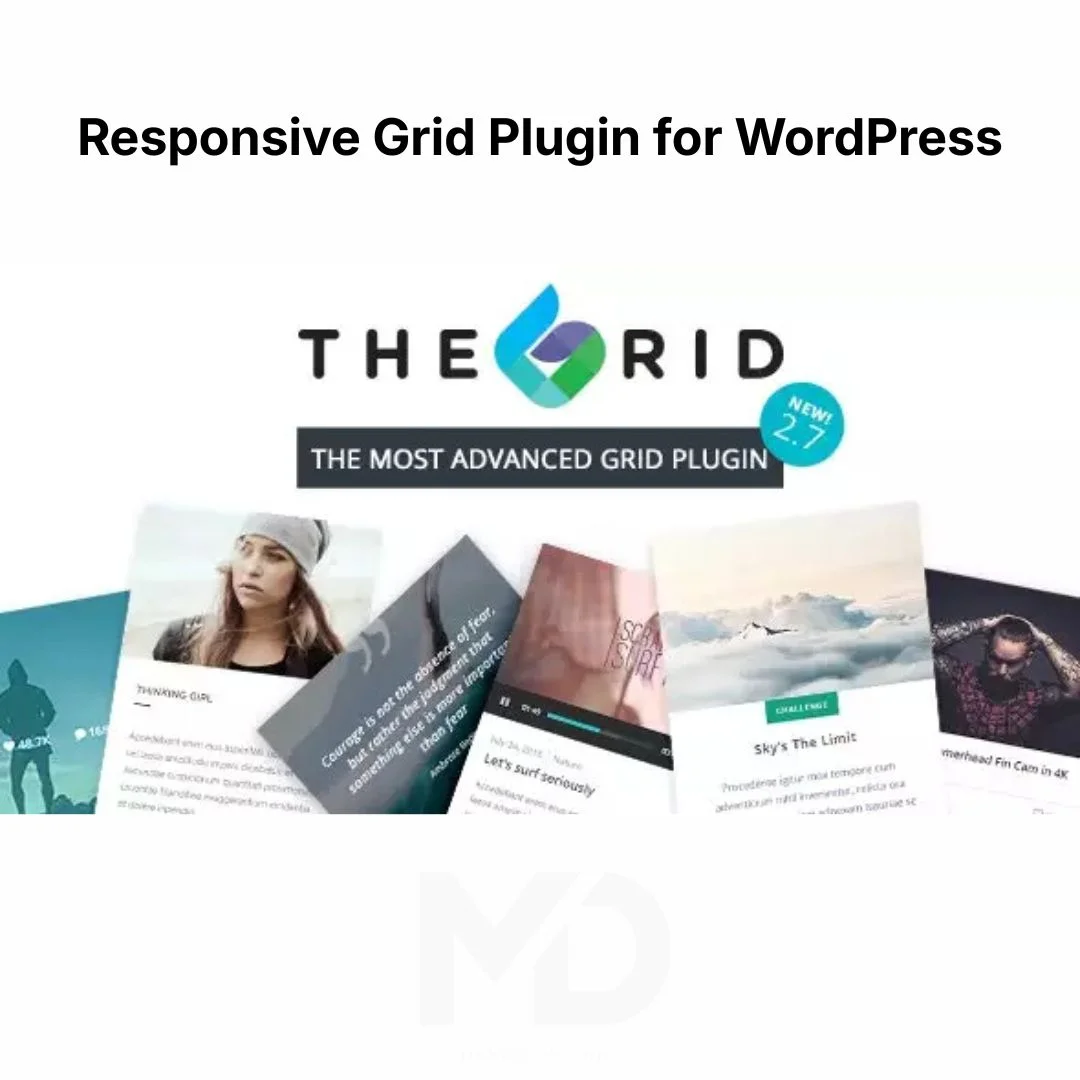


Responsive Grid Plugin for WordPress
Create Stunning, Responsive Grid Layouts for Posts, Portfolios, Products, Galleries, and More—Without Writing a Single Line of Code
Are you looking for a better way to display your website content? Traditional blog layouts and standard archive pages often fail to capture visitors’ attention, making it harder to showcase your best work, products, services, or content effectively.
The Responsive Grid Plugin for WordPress empowers you to build beautiful, fully responsive grid layouts for virtually any type of content on your website. Whether you’re displaying blog posts, portfolios, WooCommerce products, image galleries, team members, testimonials, videos, or custom post types, this powerful plugin gives you complete control over how your content is presented.
Transform ordinary content into visually engaging layouts that improve user experience, increase engagement, and encourage visitors to explore more of your website.
Why Use a Responsive Grid Plugin?
Many WordPress websites struggle with content presentation.
Common problems include:
❌ Boring blog layouts that fail to engage visitors
❌ Difficult-to-navigate content archives
❌ Poor product presentation in online stores
❌ Limited portfolio display options
❌ Inconsistent mobile responsiveness
❌ Low user engagement and content discovery
The Responsive Grid Plugin solves these challenges by providing flexible, modern, and visually appealing grid layouts that automatically adapt to every screen size.
The result?
✔ More professional website design
✔ Better user engagement
✔ Improved content discovery
✔ Enhanced product presentation
✔ Higher visitor retention
✔ Increased conversion opportunities
Key Features
Fully Responsive Grid Layouts
Create grids that automatically adapt to:
- Desktop computers
- Laptops
- Tablets
- Smartphones
Your content will look professional on every device without requiring additional customization.
Display Any Content Type
Showcase virtually any WordPress content including:
- Blog posts
- Pages
- Portfolios
- WooCommerce products
- Image galleries
- Videos
- Testimonials
- Team members
- Events
- Custom post types
Display the content that matters most to your visitors.
Advanced Grid Builder
Design unique layouts with complete flexibility.
Customize:
- Grid structure
- Column counts
- Row spacing
- Item sizing
- Layout arrangements
- Content positioning
Build layouts that perfectly match your brand and website goals.
Powerful Filtering System
Help visitors find content faster.
Allow users to filter content by:
- Categories
- Tags
- Product types
- Custom taxonomies
- Portfolio categories
- Project types
Improve navigation and user experience across large content collections.
Beautiful Hover Effects
Capture visitor attention with engaging animations.
Create:
- Image hover effects
- Overlay content displays
- Animated transitions
- Interactive content previews
- Dynamic visual interactions
These effects help make your website feel modern and professional.
Custom Skins and Templates
Personalize the appearance of every grid item.
Customize:
- Typography
- Colors
- Buttons
- Metadata
- Content overlays
- Featured images
Maintain a consistent design across your entire website.
Masonry and Justified Layout Support
Choose the perfect display style.
Options include:
Standard Grid Layout
Clean and organized content presentation.
Masonry Layout
Pinterest-style layouts for creative websites and portfolios.
Justified Layout
Balanced image displays for galleries and photography websites.
WooCommerce Integration
Showcase products using attractive product grids.
Perfect for:
- Featured products
- Product categories
- Best sellers
- New arrivals
- Sale items
Enhance your online store’s visual appeal and shopping experience.
Portfolio Showcase Capabilities
Ideal for:
- Designers
- Photographers
- Agencies
- Freelancers
- Artists
- Architects
Display your projects professionally and impress potential clients.
Optimized for Performance
Built to handle large content collections efficiently.
Benefits include:
- Smooth browsing experience
- Faster content loading
- Improved usability
- Better visitor engagement
A well-organized website helps users find content more easily.
Perfect For These Types of Websites
Business Websites
Display services, case studies, and team members professionally.
Creative Portfolios
Showcase projects in visually appealing layouts.
Online Stores
Present products in responsive, conversion-focused grids.
Photography Websites
Create beautiful image galleries and portfolios.
Blogs and Magazines
Organize articles into attractive content grids.
Agencies and Freelancers
Highlight work samples and client success stories.
Benefits for Website Owners
Improve User Engagement
Encourage visitors to browse more content through attractive layouts.
Showcase Content Professionally
Present posts, products, and portfolios in a polished format.
Increase Content Visibility
Make it easier for visitors to discover important content.
Enhance Website Appearance
Create a modern, premium user experience.
Improve Navigation
Advanced filtering helps users find relevant content faster.
Save Time
Build sophisticated layouts without coding or custom development.
SEO and User Experience Benefits
Well-organized content layouts can contribute to a better browsing experience.
Potential benefits include:
- Increased page views
- Lower bounce rates
- Longer session durations
- Better content discovery
- Improved visitor engagement
- Enhanced website usability
A positive user experience often contributes to stronger website performance and marketing results.
How to Install Responsive Grid Plugin for WordPress
Step 1: Download the Plugin
Download the plugin package to your computer.
Step 2: Upload the Plugin
- Log in to your WordPress Dashboard.
- Navigate to Plugins → Add New → Upload Plugin.
- Upload the plugin ZIP file.
- Click Install Now.
- Activate the plugin.
Step 3: Create Your First Grid
- Access the plugin settings from your WordPress dashboard.
- Create a new grid layout.
- Choose the content source.
- Configure display settings.
- Customize appearance and layout options.
- Save the grid.
Step 4: Display the Grid
Insert the generated shortcode or block into:
- Pages
- Posts
- Landing pages
- Product pages
- Portfolio sections
Your responsive grid will immediately appear on the front end.
How to Use the Plugin Effectively
Create a Blog Post Grid
Display recent posts in a visually engaging layout that encourages readers to explore more content.
Build a Portfolio Gallery
Showcase completed projects with filtering and interactive effects.
Create Product Grids
Feature WooCommerce products in attractive layouts that improve product visibility.
Display Team Members
Introduce your team using professional grid-based layouts.
Organize Large Content Libraries
Use filtering options to help visitors quickly locate relevant content.
What’s Included
✔ Responsive Grid Plugin for WordPress
✔ Advanced Grid Builder
✔ Responsive Layout System
✔ Masonry Layout Support
✔ Filtering and Sorting Features
✔ WooCommerce Compatibility
✔ Portfolio Display Tools
✔ Hover Animations and Effects
✔ Custom Template Options
✔ Easy WordPress Integration
Why Website Owners Choose This Plugin
Content presentation can significantly impact how visitors interact with your website.
The Responsive Grid Plugin for WordPress gives you the tools to create visually appealing, responsive, and highly customizable layouts that showcase your content more effectively. Whether you’re managing a blog, online store, agency website, portfolio, or business site, this plugin helps you organize content professionally while improving user engagement.
Instead of relying on basic layouts, create stunning grids that attract attention, encourage exploration, and elevate your website’s overall appearance.
Copyright & Trademark Disclaimer
WordPress®, WooCommerce®, The Grid®, and all related product names, logos, trademarks, and registered trademarks are the property of their respective owners.
This is a GPL-distributed version. No official support. Clean, secure, and legally redistributed under the GPL license.
We do not claim any ownership of third-party trademarks or branding.
Full credit and respect go to the original developer for their outstanding work in creating this product.
Transform Your Website Content into a Professional Visual Experience
Stop relying on outdated layouts that hide your best content. With the Responsive Grid Plugin for WordPress, you can build stunning grids for posts, portfolios, products, galleries, and more—creating a modern, engaging experience that keeps visitors exploring your website and discovering what you have to offer. 🚀


Reviews
There are no reviews yet