
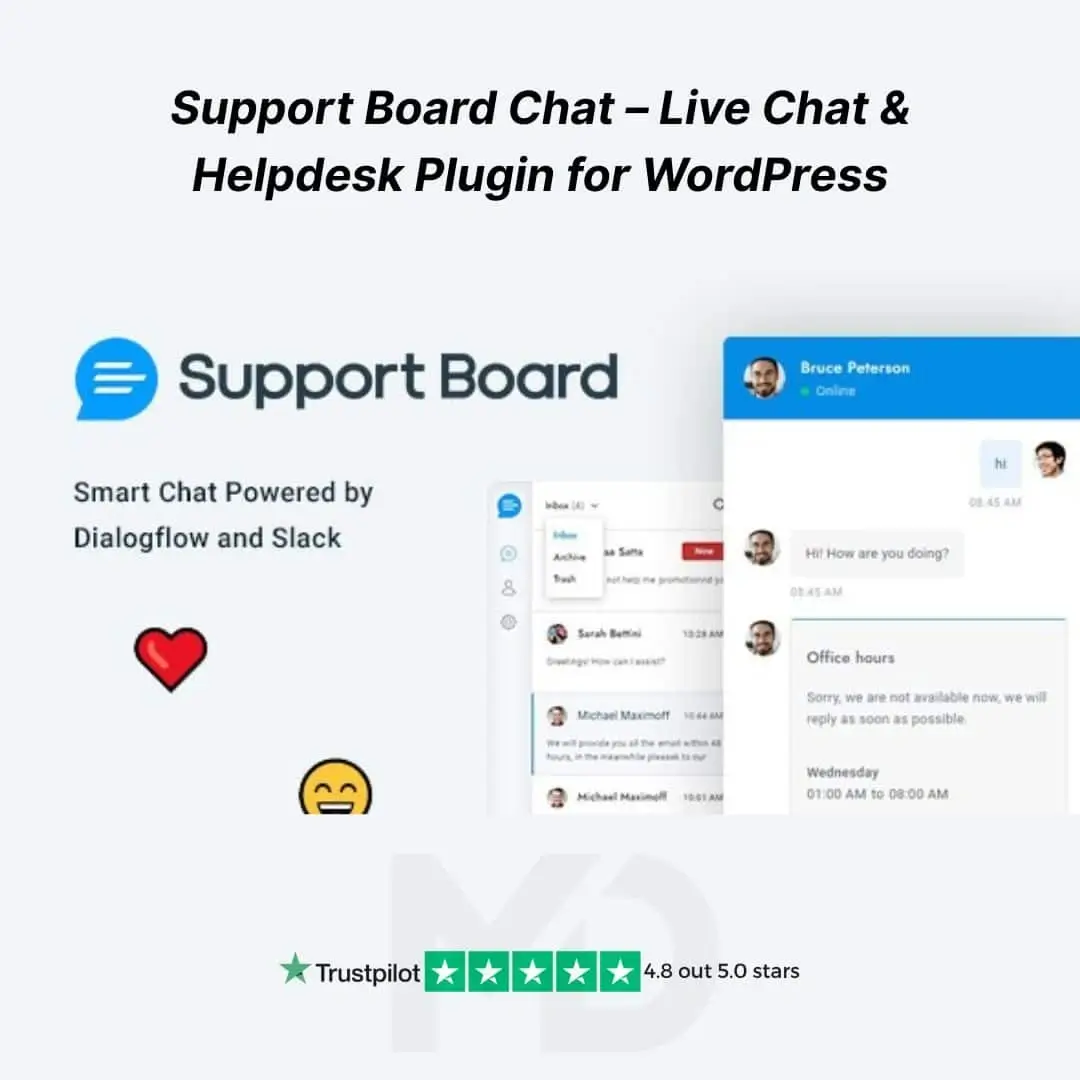


🧩 Support Board Chat – Live Chat & Helpdesk Plugin for WordPress
Turn your website into a smart customer service powerhouse with the Support Board Chat Plugin for WordPress. Whether you’re running a WooCommerce store, an agency website, or an online service, this feature-rich plugin empowers you to offer real-time chat, automate replies with AI, and manage tickets — all from your WordPress dashboard.
This GPL-licensed version gives you full freedom to use the plugin for lifetime, without any subscription or restrictions. The plugin seamlessly integrates with platforms like Dialogflow, Slack, WhatsApp, Facebook Messenger, and more — enabling you to centralize support and skyrocket customer satisfaction.
🚀 Key Features – Why Support Board Stands Out
💬 1. Real-Time Live Chat for WordPress
Provide instant answers to visitors via a fast, modern chat widget. Improve UX and reduce support load with a beautiful and mobile-friendly design.
🤖 2. AI-Powered Chatbot (Dialogflow & OpenAI Integration)
Automate up to 90% of common queries using AI. Integrate with Dialogflow or OpenAI to deliver conversational responses, 24/7, without human effort.
🛒 3. WooCommerce Integration
Support eCommerce customers better by accessing order history, product details, and customer profiles inside chat. Respond faster and more personally.
🧾 4. Ticket System & Email Piping
Convert chat messages to tickets and continue communication via email. Supports full helpdesk workflows inside your WP admin panel.
📱 5. Multichannel Messaging (WhatsApp + Messenger)
Connect WhatsApp Business API and Facebook Messenger to offer multichannel support. Reply to all messages from a single interface.
🧠 6. Smart Triggers & Automation
Set proactive messages based on behavior — like time on site, scrolling, or cart abandonment. Boost engagement and conversions with contextual prompts.
🧑💼 7. User Profiles & CRM Integration
Track user activity, gather customer data, and view a detailed chat timeline with built-in user profile management. Integrate with tools like Slack, Mailchimp, and more.
🔐 8. Secure, GDPR-Ready, and Developer-Friendly
Supports GDPR compliance, works with REST APIs, and is developer-ready for custom hooks, styles, and templates.
🎓 How to Install & Use Support Board on WordPress
Step 1: Install the Plugin
-
Go to your WordPress dashboard → Plugins → Add New
-
Click on Upload Plugin, choose the ZIP file, then click Install Now
-
Activate the plugin once uploaded
Step 2: Basic Configuration
-
Access the plugin from the left-hand menu under Support Board
-
Set up your chat widget’s look, language, behavior, and working hours
Step 3: Connect Services (Optional)
-
Navigate to Settings > Channels
-
Connect with WhatsApp, Facebook Messenger, Dialogflow, or Slack
-
Enter API keys and complete any required authentication steps
Step 4: Start Supporting Users
-
Monitor real-time visitors, reply to messages, assign tickets
-
Automate common answers or chatbot flows using Dialogflow
✅ Why Choose the GPL Version from MD Digitals?
-
💯 Original & Untouched GPL Files
-
🔁 Lifetime Free Updates (Manual)
-
🛡️ Safe & Secure – No Malware, No Nulled Code
-
💸 No Subscription – Pay Once, Use Forever
-
💼 Perfect for Freelancers, Agencies & Developers
⚠️ Copyright & Trademark Disclaimer
This is a GPL-distributed version. No official support. Clean, secure, and legally redistributed under the GPL license.
All product names, logos, and trademarks are the property of their respective owners.
Any brand names mentioned on this website are used strictly for identification and descriptive purposes only.
We do not claim any ownership of third-party trademarks or branding.
Full credit and respect go to the original developer for their outstanding work in creating this product.







Reviews
There are no reviews yet