
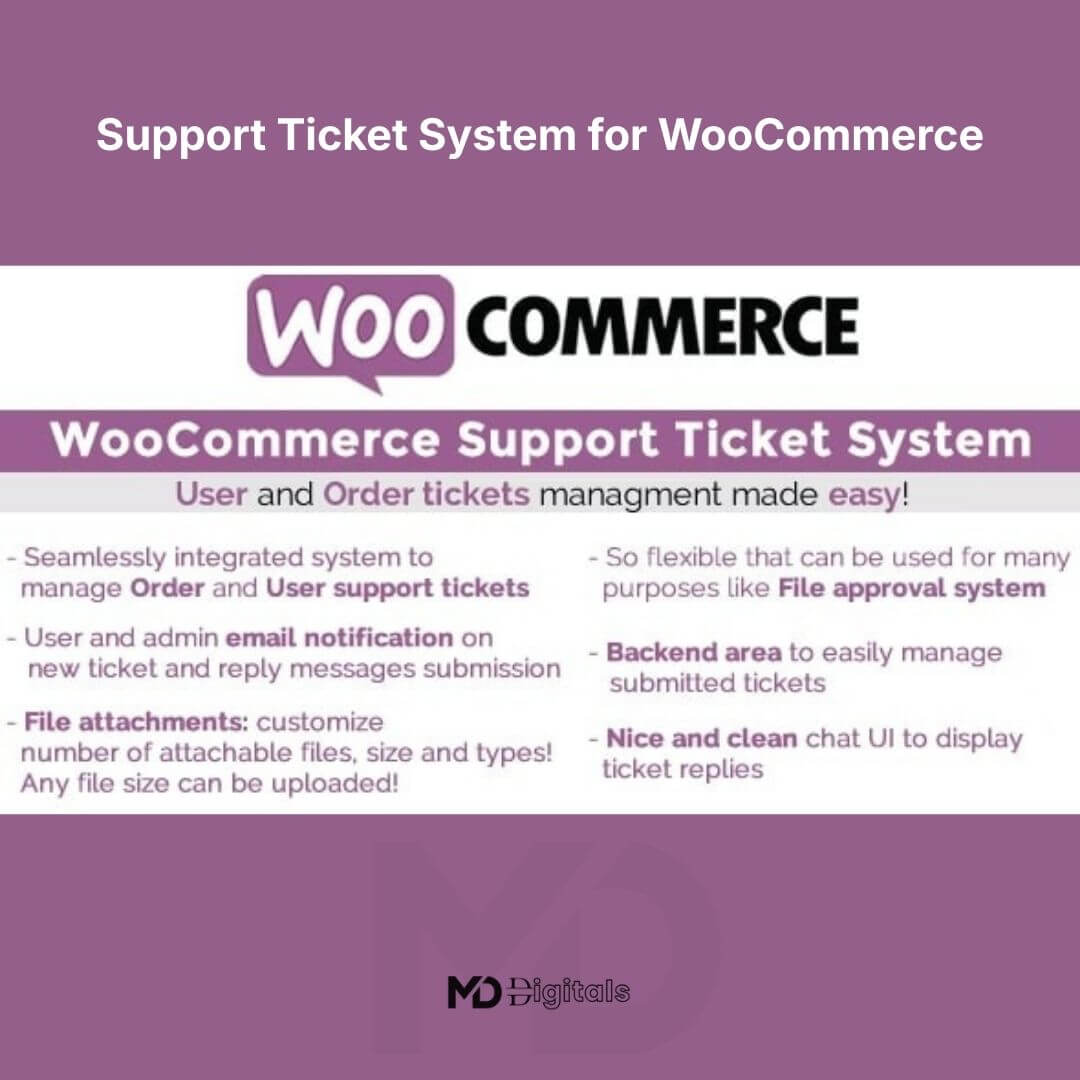


Support Ticket System for WooCommerce
Transform your store’s customer service into a streamlined, professional help desk experience. Support Ticket System for WooCommerce empowers store owners to manage customer inquiries, order-related issues, and technical support requests directly inside WordPress — improving response times, boosting customer satisfaction, and increasing repeat purchases.
Whether you run a small online shop or a high-volume eCommerce business, this powerful WooCommerce support ticket plugin helps you centralize communication, reduce email chaos, and deliver structured customer service that builds trust.
🚀 Why Your Store Needs a Ticket System
Customers expect fast, organized support. Scattered emails and manual tracking lead to delays, miscommunication, and lost sales.
With this WooCommerce help desk solution, you can:
-
Convert customer questions into structured tickets
-
Assign support agents efficiently
-
Track ticket history and status in real time
-
Link tickets directly to orders
-
Maintain professional communication inside your dashboard
This results in:
✔ Faster resolution times
✔ Better team collaboration
✔ Improved customer retention
✔ Higher store credibility
🌟 Key Features (Designed for Results)
🎟️ Smart Ticket Management
Create, manage, and organize support tickets directly from your WooCommerce dashboard. Track ticket status (Open, Pending, Resolved, Closed) with ease.
👤 Customer-to-Order Integration
Customers can submit tickets linked to specific orders. This gives your support team instant context, reducing back-and-forth communication.
👥 Agent Assignment & Role Control
Assign tickets to specific support agents. Control access levels using WordPress user roles to maintain operational security.
📂 Organized Support Workflow
Categorize tickets by topic (billing, shipping, technical issue, refund request, etc.) for better internal management.
🔔 Email Notifications
Automatic notifications keep both customers and agents informed of updates, ensuring faster responses and professional service flow.
📝 Conversation History
Maintain a full communication thread inside each ticket — no more lost emails or confusion.
📊 Performance Tracking
Monitor ticket resolution times and support workload to improve team efficiency.
🌍 Customer Dashboard Integration
Customers can view, track, and reply to tickets from their WooCommerce account page.
🎯 SEO & Conversion Benefits
Implementing a structured WooCommerce support ticket system helps:
-
Improve customer experience signals
-
Increase repeat purchase rates
-
Reduce refund disputes
-
Strengthen brand trust
-
Support scalable eCommerce growth
A professional support structure directly impacts store ratings and long-term revenue.
🛠️ Installation Guide
Follow these simple steps to get started:
Step 1: Install the Plugin
-
Download the plugin ZIP file.
-
Go to your WordPress Dashboard.
-
Navigate to Plugins → Add New → Upload Plugin.
-
Upload the ZIP file and click Install Now.
-
Click Activate.
Step 2: Configure General Settings
-
Go to the plugin settings panel.
-
Enable ticket submission for customers.
-
Configure ticket statuses and categories.
-
Set up email notification preferences.
Step 3: Customize Account Integration
-
Enable ticket visibility in the “My Account” section.
-
Choose whether tickets must be linked to orders.
-
Adjust permissions for support agents.
🧭 How to Use the Support Ticket System
For Customers:
-
Log into their WooCommerce account.
-
Navigate to the Support/Tickets section.
-
Create a new ticket.
-
Select related order (if applicable).
-
Submit issue details.
For Store Admins & Agents:
-
Access tickets from the WordPress dashboard.
-
Assign ticket to a support agent.
-
Update status as progress is made.
-
Reply directly within the ticket thread.
-
Mark as resolved when complete.
💼 Perfect For
-
WooCommerce store owners
-
Dropshipping businesses
-
Digital product sellers
-
Membership sites
-
Multi-vendor marketplaces
-
Agencies managing client stores
⚙️ System Requirements
-
WordPress (latest version recommended)
-
WooCommerce installed and activated
-
PHP 7.4 or higher recommended
📈 Scale Your Customer Support Today
A structured help desk system is no longer optional for serious eCommerce businesses. By implementing a professional WooCommerce support ticket plugin, you reduce operational stress while improving customer loyalty.
Turn support into a growth engine — not a bottleneck.
⚖️ Copyright & Trademark Disclaimer
This product is not affiliated with, endorsed by, or sponsored by the original developer or marketplace.
All product names, logos, and trademarks belong to their respective owners
Any brand names mentioned are used only for descriptive and identification purposes
We do not claim ownership of any third-party trademarks or branding
This is an independently distributed GPL-licensed product, provided in compliance with WordPress and GPL guidelines







Reviews
There are no reviews yet