
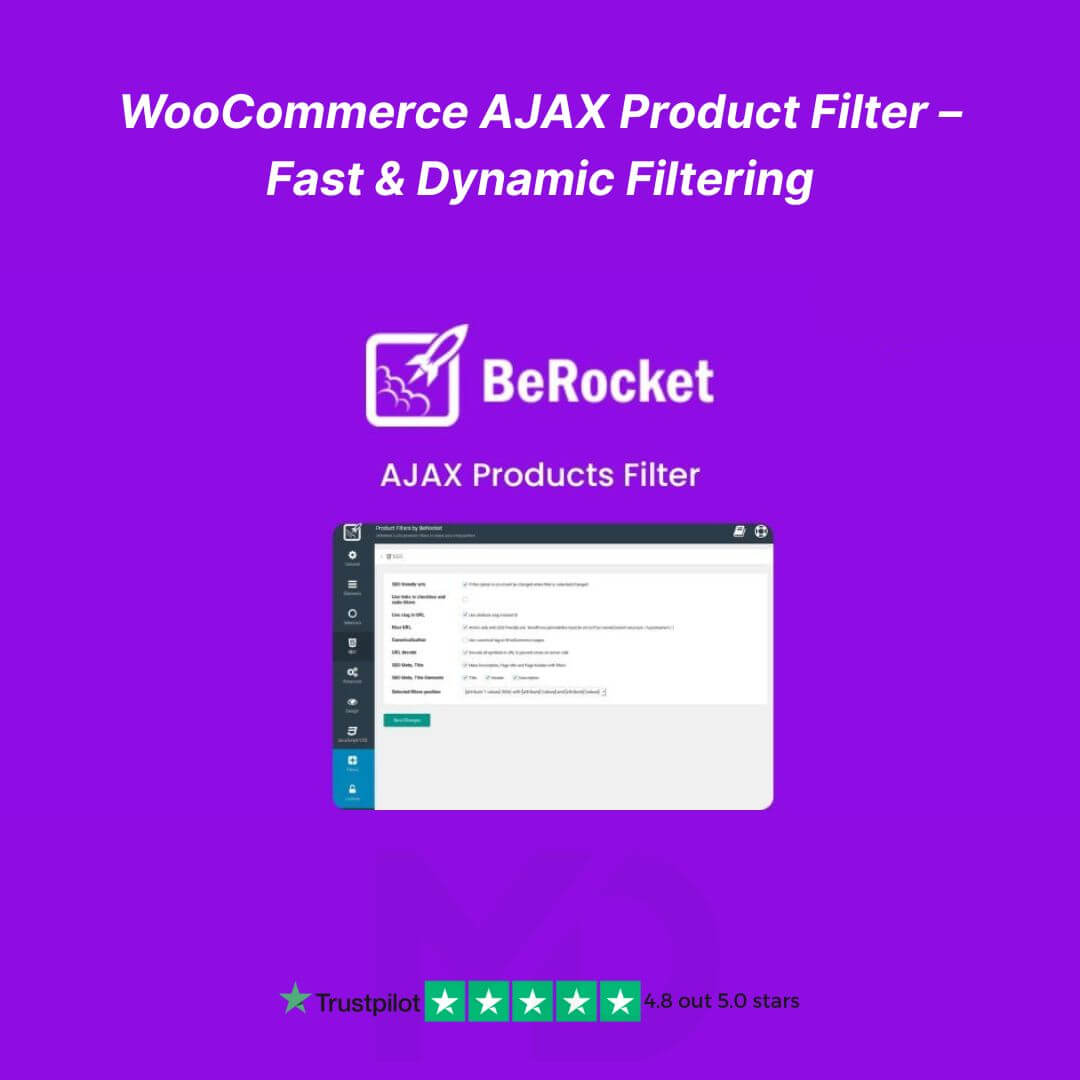


WooCommerce AJAX Product Filter – Fast & Dynamic Filtering
Transform your WooCommerce store into a highly interactive shopping experience with the WooCommerce AJAX Product Filter – Fast & Dynamic Filtering plugin. Designed for online store owners who want to boost conversions, improve navigation, and deliver a seamless shopping experience, this plugin lets your customers filter products instantly without reloading pages.
Whether you run a small boutique or a large eCommerce store, this powerful dynamic filter ensures your shoppers find exactly what they’re looking for in seconds. Say goodbye to slow, clunky product searches and hello to lightning-fast filtering.
Key Features That Make Your Store Stand Out
-
AJAX-Powered Dynamic Filtering: Customers can filter products instantly without page reloads, improving user experience and reducing bounce rates.
-
Multiple Filter Options: Filter by categories, attributes, tags, price ranges, custom fields, and more.
-
Customizable Filter Layouts: Choose from dropdowns, checkboxes, radio buttons, sliders, and color swatches.
-
SEO-Friendly Design: Filters are designed to maintain SEO best practices, helping your product pages rank better in search engines.
-
Mobile-Optimized: Fully responsive and works flawlessly on mobile devices for on-the-go shoppers.
-
Lightweight & Fast: Minimal impact on site speed while providing advanced filtering capabilities.
-
Flexible Integration: Compatible with most WooCommerce themes and supports multiple shop layouts.
-
User-Friendly Admin Panel: Easily configure filters, assign them to pages, and preview changes in real-time.
-
Advanced Conditional Logic: Show or hide filters based on categories, products, or other parameters.
-
Custom Styling Options: Match your store’s branding with easy CSS customization.
Why You Need This Plugin
A cluttered WooCommerce store can frustrate customers, leading to abandoned carts. With this plugin, shoppers can find the products they want instantly, increasing engagement, conversion rates, and overall sales. It’s perfect for stores with large inventories, multiple categories, or variable products.
How to Install and Use WooCommerce AJAX Product Filter
-
Download the Plugin: After purchase, download the plugin zip file from your MD Digitals account.
-
Install the Plugin:
-
Go to your WordPress Dashboard → Plugins → Add New → Upload Plugin.
-
Choose the downloaded ZIP file and click Install Now.
-
Activate the plugin after installation.
-
-
Configure Filters:
-
Navigate to WooCommerce → AJAX Product Filters in the dashboard.
-
Create new filters by selecting filter type (checkbox, slider, dropdown) and assign to categories, attributes, or tags.
-
Customize filter labels, styling, and placement on your shop page.
-
-
Add Filters to Shop Page:
-
Use shortcodes or widgets to place your filters in sidebars, headers, or above product listings.
-
-
Test & Launch: Preview your shop and test all filter options to ensure a smooth, dynamic experience for your customers.
SEO & Marketing Tips
-
Use keywords in filter labels to improve search engine indexing.
-
Combine multiple filters to help customers narrow down results quickly.
-
Highlight fast-loading AJAX filters in your marketing copy to emphasize convenience and speed.
GPL License & Copyright Disclaimer
This plugin is a GPL-licensed version, giving you the freedom to use, modify, and distribute it. All plugins sold on MD Digitals are:
-
Infringement-free and manually verified
-
Virus-free and secure
-
Sourced from authentic providers
⚠️ Copyright & Trademark Disclaimer
This product is not affiliated with, endorsed by, or sponsored by the original developer or marketplace.
All product names, logos, and trademarks belong to their respective owners
Any brand names mentioned are used only for descriptive and identification purposes
We do not claim ownership of any third-party trademarks or branding
This is an independently distributed GPL-licensed product, provided in compliance with WordPress and GPL guidelines



Reviews
There are no reviews yet