
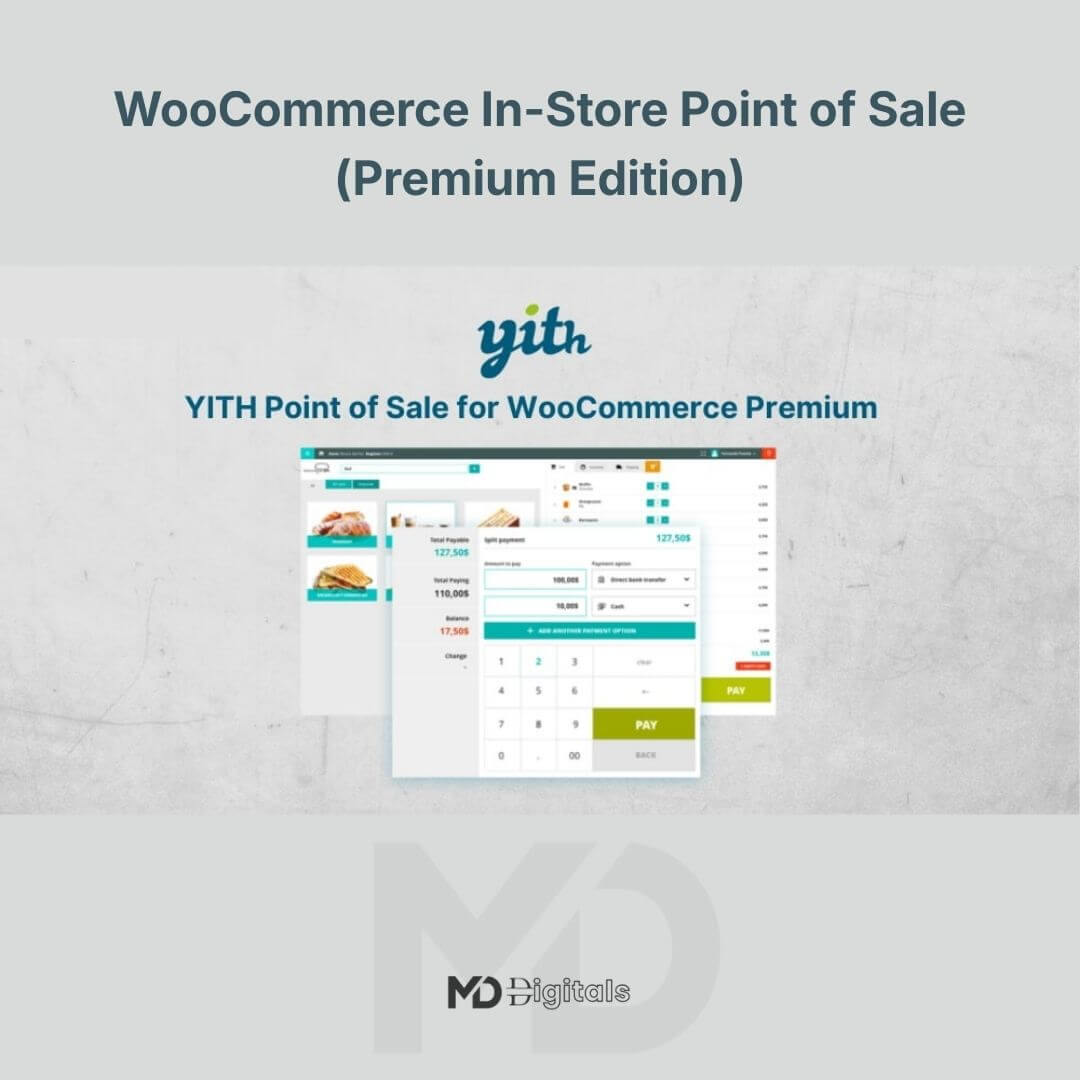


WooCommerce In-Store Point of Sale (Premium Edition)
Transform your physical store into a powerful retail hub with WooCommerce In-Store Point of Sale (Premium Edition) — a professional POS solution designed to seamlessly connect your brick-and-mortar sales with your WooCommerce online store.
Whether you run a retail shop, café, boutique, electronics store, pharmacy, or multi-location business, this advanced WooCommerce POS plugin enables you to manage in-store transactions directly from your WordPress dashboard. Say goodbye to disconnected systems and manual stock updates — everything stays synchronized in real time.
🚀 Why You Need a WooCommerce POS System
Modern retail demands flexibility. Customers expect fast checkout, multiple payment options, and accurate inventory. This plugin empowers you to:
-
Accept in-person orders directly through WooCommerce
-
Automatically sync stock between online and offline sales
-
Track revenue, customers, and cashier performance
-
Reduce human errors in manual stock adjustments
-
Manage multiple registers and store locations efficiently
If you’re serious about scaling your WooCommerce business into physical retail, this tool is essential.
🌟 Key Features & Benefits
🛒 Real-Time WooCommerce Integration
Every in-store transaction instantly updates your WooCommerce inventory, orders, and customer database. No duplication. No manual syncing.
💳 Flexible Payment Methods
Accept cash, card, and custom payment methods configured within WooCommerce. Offer split payments and partial payments for greater flexibility.
👥 Cashier & Register Management
Create multiple cashier accounts with specific permissions. Monitor performance, shift activity, and register reports for better store oversight.
🏬 Multi-Store & Multi-Register Support
Run multiple physical locations or registers under one WooCommerce installation. Ideal for franchises and expanding retail brands.
📦 Barcode Scanning Support
Speed up checkout with barcode scanning functionality. Add products instantly to cart and reduce long checkout lines.
📊 Sales Reports & Analytics
Access detailed reports directly from your WordPress dashboard:
-
Daily and monthly sales tracking
-
Cash drawer reports
-
Product performance
-
Tax summaries
Make data-driven decisions to increase profitability.
👤 Customer Management
Search existing customers or create new profiles during checkout. View purchase history and offer personalized service.
🖥️ Responsive POS Interface
Optimized for desktops, tablets, and touch-screen devices. Turn any device into a fully functional POS station.
🔍 SEO-Optimized Benefits for Store Owners
This WooCommerce POS plugin is perfect for:
-
Retail store owners
-
Supermarkets & grocery stores
-
Cafés & restaurants
-
Fashion boutiques
-
Electronics shops
-
Pharmacy stores
-
Multi-location WooCommerce businesses
By integrating physical sales with WooCommerce, you create a unified commerce experience that boosts operational efficiency and customer satisfaction.
⚙️ Installation Guide
Follow these simple steps to install:
Step 1: Install the Plugin
-
Log in to your WordPress dashboard.
-
Navigate to Plugins > Add New > Upload Plugin.
-
Upload the plugin ZIP file.
-
Click Install Now, then Activate.
Step 2: Configure POS Settings
-
Go to the POS settings panel inside WooCommerce.
-
Configure:
-
Payment methods
-
Tax rules
-
Store locations
-
Cashiers and user roles
-
-
Set up product visibility for POS usage.
Step 3: Set Up Registers
-
Create one or more registers.
-
Assign cashiers.
-
Configure receipt settings and payment options.
Step 4: Start Selling
Open the POS interface, add products via search or barcode, process payment, and complete checkout — your WooCommerce store will update automatically.
💡 Pro Tips for Best Performance
-
Use a barcode scanner for faster checkout.
-
Assign role-based permissions to avoid cashier errors.
-
Regularly review sales reports to track trends.
-
Use a fast hosting provider for smoother POS performance.
-
Keep WooCommerce and WordPress updated.
🔒 System Requirements
-
WordPress (latest version recommended)
-
WooCommerce installed and activated
-
PHP 7.4 or higher recommended
-
Modern browser (Chrome, Edge, Safari)
🎯 Why Choose This Premium Edition?
Unlike basic POS tools, this Premium Edition offers:
-
Advanced reporting
-
Multi-register functionality
-
Enhanced cashier control
-
Seamless WooCommerce synchronization
-
Professional retail-grade features
This is not just a checkout tool — it’s a complete retail management solution built for WooCommerce.
📌 Copyright & Trademark Disclaimer
This product is distributed under the GNU General Public License (GPL).
All original product names, trademarks, and copyrights belong to their respective owners.
This product is not affiliated with, endorsed by, or officially connected to the original developer or marketplace. Any references to brand names are used strictly for identification purposes only.
If you require official support, premium support services, or automatic updates, please purchase directly from the original developer.
For full docs and more information, visit:🌐yithemes.com


Reviews
There are no reviews yet