
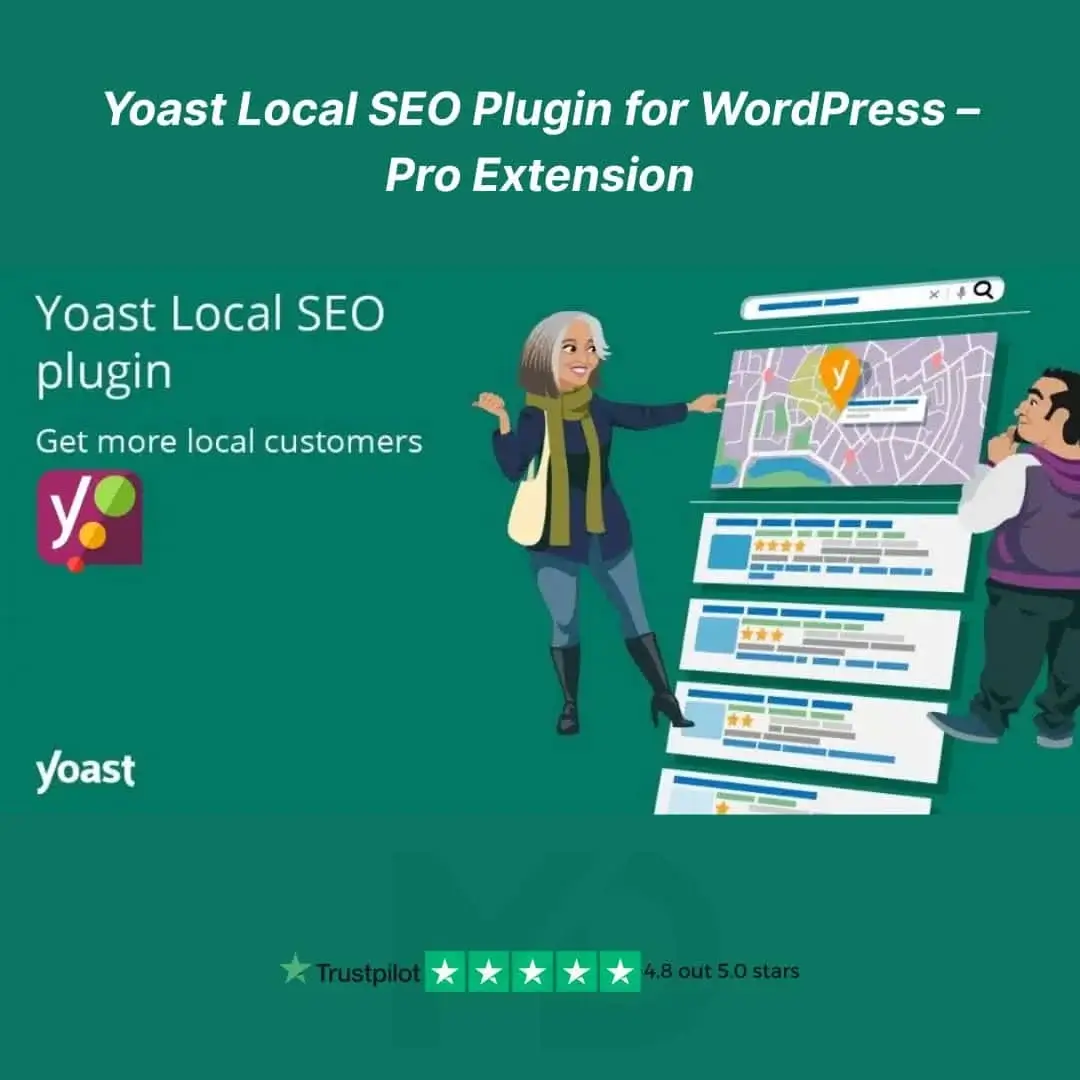


🔍 Local SEO Plugin for WordPress – Pro Extension
Boost Your Local Visibility & Drive More Nearby Customers to Your Website!
Take your local business to the next level with the Local SEO Plugin for WordPress – Pro Extension – the ultimate toolkit to dominate local search rankings. Whether you run a small business, a service-based website, or a multi-location company, this powerful plugin helps you get found where it matters most — locally.
🚀 Why You Need This Local SEO Plugin
Ranking in Google’s local search results is no longer optional — it’s a necessity. This plugin is specifically built to help you:
-
🌍 Appear in Google’s Local Pack & Maps
-
📍 Optimize for location-based keywords
-
🏢 Create SEO-friendly business locations
-
🗺️ Add Schema markup for business details
-
📞 Display rich contact information with map embeds
-
🔁 Improve local rankings across multiple areas
With this Pro Extension, you can easily manage and optimize single or multiple locations, making it perfect for local shops, agencies, service providers, restaurants, salons, clinics, and more.
💡 Top Features & Benefits
✅ Multiple Locations Support
Add detailed SEO-optimized business profiles for each of your locations.
✅ Smart Location Schema Markup
Improve your chances of appearing in rich results on Google with automatically generated, structured data.
✅ Google Maps Integration
Display dynamic, mobile-friendly maps of your business location with easy embed options.
✅ Custom Opening Hours
Let your customers know when you’re open – and when you’re not – with accurate, localized time settings.
✅ NAP Consistency
Maintain Name, Address, and Phone number consistency across your entire site to boost trust and rankings.
✅ SEO Audit Friendly
Ensure your local SEO setup passes all the key SEO checks – reduce friction, and improve site authority.
🛠️ Installation & Setup Guide
Step 1: Download the plugin ZIP file after purchase.
Step 2: Login to your WordPress dashboard and navigate to Plugins > Add New.
Step 3: Click Upload Plugin, select the ZIP file, and hit Install Now.
Step 4: Once installed, click Activate.
Step 5: A new Local SEO menu will appear in your dashboard where you can configure your business info, locations, and settings.
💡 Tip: For best results, make sure your global SEO settings are configured properly before adding location-specific content.
🔒 100% Safe & GPL Licensed
This product is GPL licensed, fully legal to use, and sourced from original providers. We manually verify, scan, and test all products to ensure they’re safe, virus-free, and working flawlessly.
🎯 Who Is This For?
-
Local Businesses & Startups
-
Digital Marketers & SEO Experts
-
Agencies Managing Multi-Location Clients
-
WordPress Website Owners
-
Entrepreneurs targeting specific cities or regions
⚡ Make Your Website Locally Discoverable – Instantly!
Don’t get lost in global search results. This plugin gives you the edge to rank higher, convert better, and drive more local customers to your site. Start optimizing your site for local SEO today and watch your business grow in your neighborhood!
⚠️ Copyright & Trademark Disclaimer
This product is not affiliated with, endorsed by, or sponsored by the original developer or marketplace.
All product names, logos, and trademarks belong to their respective owners.
Any brand names mentioned are used only for descriptive and identification purposes.
We do not claim ownership of any third-party trademarks or branding.
This is an independently distributed GPL-licensed product, provided in compliance with WordPress and GPL guidelines.
For full documentation and information, visit:🔗yoast.com





Reviews
There are no reviews yet