
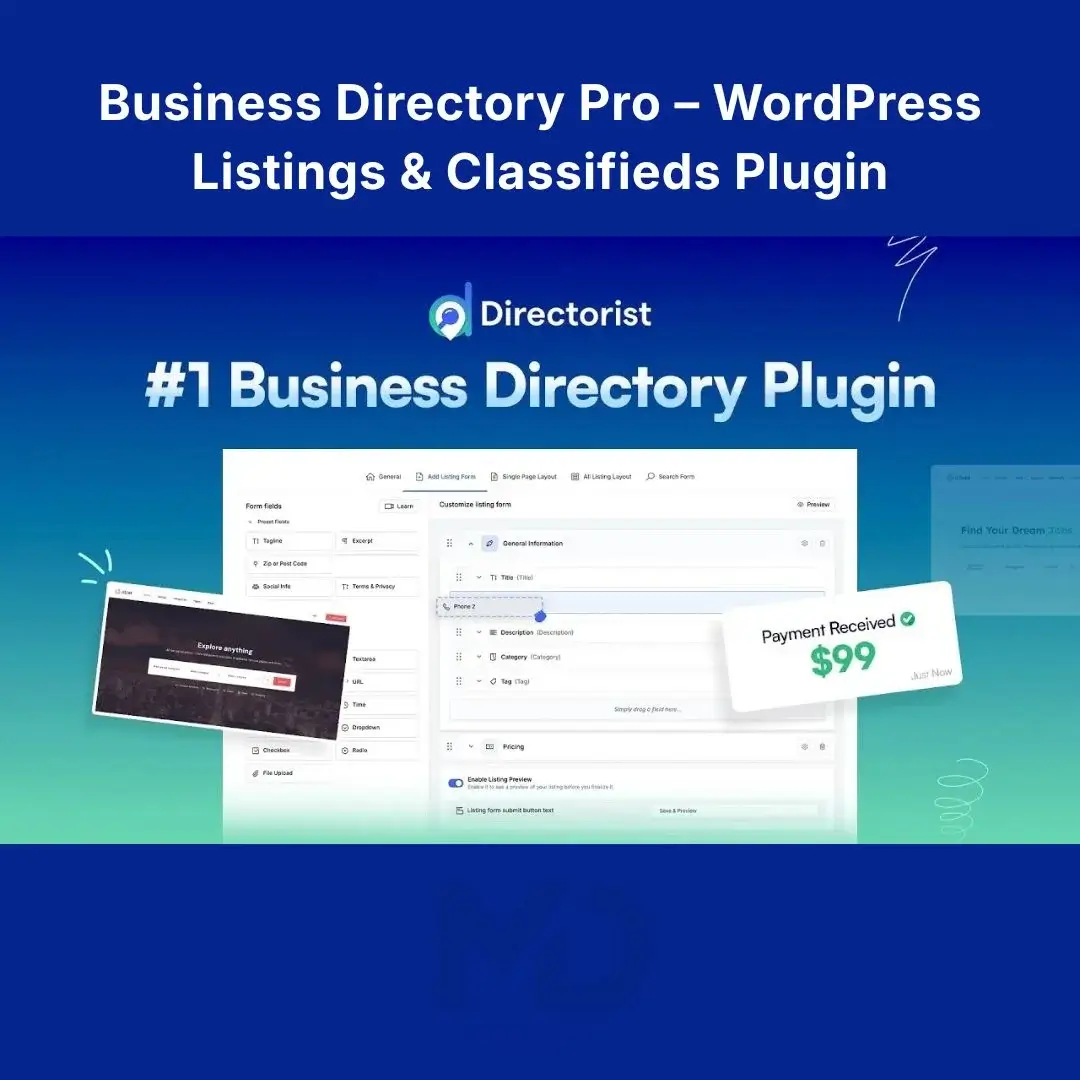


Business Directory Pro – WordPress Listings & Classifieds Plugin
Create a professional business directory, classified listings website, service directory, job board, real-estate directory, or local business portal with Business Directory Pro.
This powerful WordPress directory solution helps you organize listings, categories, locations, custom fields, search filters, user submissions, and directory pages without building the entire system from scratch. The official Directorist platform supports multiple directory types, custom fields, grid/list/map layouts, advanced search, featured listings, CSV import/export, and SEO-friendly directory structures.
Key Features
Business & Classified Directories
Create directories for:
- Local businesses
- Classified advertisements
- Real estate
- Restaurants
- Jobs
- Services
- Hotels
- Cars
- Professionals
- Niche-specific listings
Custom Listing Fields
Create listing forms tailored to your industry. Add fields such as:
- Phone number
- Website
- Address
- Price
- Categories
- Images
- Opening hours
- Custom attributes
Advanced Search & Filters
Help visitors find relevant listings quickly using keywords, categories, locations, and custom fields.
Grid, List & Map Layouts
Display listings using flexible grid, list, or map-based layouts to create a directory that suits your website.
Frontend Listing Submission
Allow users or businesses to submit their own listings through the frontend while you maintain control over the directory.
Featured Listings
Highlight important or premium listings to give them greater visibility.
Multiple Directory Support
Create different directory types on one WordPress website, making it suitable for larger portals and multi-category projects.
CSV Import & Export
Import or export large amounts of listing data using CSV, making directory migration and bulk management easier.
SEO-Friendly Structure
Build search-friendly directory pages with SEO-friendly URLs and schema-ready listings. Remember that using an SEO-friendly plugin does not guarantee Google rankings.
Page Builder Compatibility
The platform supports popular WordPress builders and editing workflows, including Elementor and Gutenberg.
How to Install
Method 1 – WordPress Dashboard
- Log in to WordPress Admin.
- Go to Plugins → Add New → Upload Plugin.
- Upload the provided ZIP file.
- Click Install Now.
- Click Activate Plugin.
The official documentation confirms that Directorist can be installed directly from the WordPress dashboard or manually using a ZIP file.
Important: If you’re installing an extension rather than the core plugin, the free Directorist base plugin must be installed and activated first.
How to Set Up Your Directory
After activation:
- Create your directory categories.
- Configure your listing fields.
- Set up the search and filtering options.
- Choose your preferred listing layout.
- Create several sample listings.
- Configure frontend submission if required.
- Test searching, filtering, and listing submission.
- Optimize your directory pages for SEO.
- Test everything on desktop and mobile before launch.
For best results, keep your categories organized and only request information that is genuinely useful to visitors.
Common Problems & Solutions
Listings Show 404 Errors
Check Settings → Permalinks and use a proper permalink structure rather than the Plain option. Directorist’s documentation specifically notes that the Plain permalink structure is not compatible.
Search Results Are Too Broad
Add more relevant custom fields and filters so visitors can narrow results by category, location, price, type, or other attributes.
Directory Looks Empty
Add several sample listings before launch so visitors can immediately understand how your directory works.
Who Is This For?
Business owners: Create a local business directory.
Entrepreneurs: Launch a niche listing or classified marketplace.
Agencies: Build directory websites for clients.
Real-estate businesses: Organize searchable property listings.
Service providers: Create directories for professionals and local services.
Job websites: Build structured job listing directories.
Copyright & Trademark Disclaimer
Business Directory Pro – WordPress Listings & Classifieds Plugin is an independently distributed software product.
Directorist®, wpWax®, and related names, logos, and trademarks are the property of their respective owners.
This product is not affiliated with, endorsed by, sponsored by, or officially connected with wpWax, Directorist, or their respective trademark owners unless explicitly stated otherwise.







Reviews
There are no reviews yet