
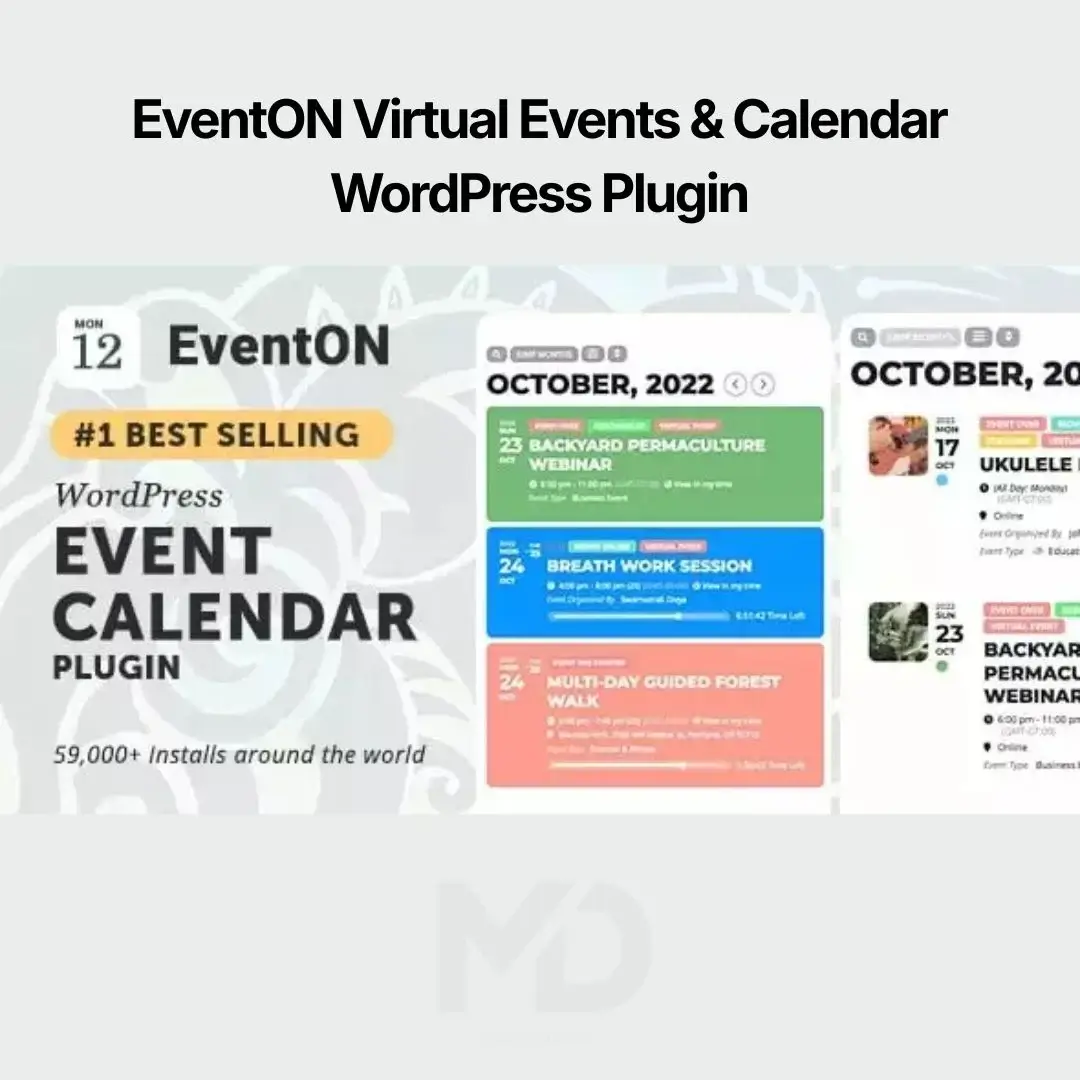


EventON Virtual Events & Calendar WordPress Plugin
Create Stunning Event Calendars and Manage Virtual or In-Person Events with Ease
Planning and managing events can quickly become complicated without the right tools. Whether you’re organizing conferences, webinars, workshops, concerts, festivals, business meetings, online classes, or community gatherings, you need an event management solution that keeps everything organized while providing visitors with an engaging and professional experience.
EventON Virtual Events & Calendar WordPress Plugin is a powerful event management plugin that helps you create beautiful, responsive event calendars and manage both virtual and physical events from your WordPress website. With customizable calendar layouts, recurring events, event categories, speaker information, online meeting integration, ticketing compatibility, and advanced scheduling options, this plugin is ideal for businesses, educational institutions, event organizers, and nonprofits.
Whether you’re hosting online webinars or large-scale live events, EventON provides the tools you need to organize, promote, and manage every event efficiently.
Why Choose EventON Virtual Events & Calendar WordPress Plugin?
Managing events manually often results in:
- Confusing event schedules
- Missed registrations
- Poor event promotion
- Limited attendee engagement
- Difficult calendar management
- Unorganized event listings
- Inefficient event administration
EventON simplifies the entire event management process with an intuitive calendar system that helps visitors discover, register for, and attend your events with ease.
Key Features
Beautiful & Interactive Event Calendar
Display events in an attractive, modern calendar that enhances your website’s appearance.
Perfect for showcasing:
- Upcoming Events
- Conferences
- Webinars
- Workshops
- Seminars
- Festivals
- Concerts
- Corporate Meetings
- Training Sessions
- Community Programs
Present your events professionally and make them easy to browse.
Virtual Event Support
Manage online events directly from your WordPress website.
Suitable for:
- Zoom Meetings
- Webinars
- Live Classes
- Online Conferences
- Virtual Workshops
- Remote Training Sessions
Share meeting details, schedules, and event information from one centralized location.
Recurring Events
Automatically create recurring schedules for regular events.
Ideal for:
- Weekly Meetings
- Monthly Workshops
- Daily Classes
- Annual Conferences
- Seasonal Events
Save time by eliminating repetitive event creation.
Event Categories & Organization
Keep your calendar organized with categories and tags.
Examples include:
- Business
- Education
- Music
- Sports
- Charity
- Community
- Technology
- Health
- Entertainment
Help visitors quickly find events that interest them.
Event Details & Speaker Information
Display complete event information, including:
- Date & Time
- Venue
- Organizer Details
- Speaker Profiles
- Event Descriptions
- Contact Information
- Registration Links
Provide attendees with everything they need before joining.
Location & Venue Management
Add detailed venue information for in-person events.
Include:
- Venue Name
- Address
- Maps
- Directions
- Contact Details
Improve the attendee experience by providing accurate location information.
Event Images & Galleries
Promote your events with eye-catching visuals.
Display:
- Featured Images
- Event Posters
- Speaker Photos
- Gallery Images
- Promotional Graphics
Increase engagement and attract more registrations.
Responsive & Mobile-Friendly Design
Your event calendar looks great on every device.
Optimized for:
- Smartphones
- Tablets
- Laptops
- Desktop Computers
Visitors can browse and register for events anytime, anywhere.
WooCommerce Compatibility
Integrate with WooCommerce to support event-related sales.
Perfect for:
- Paid Events
- Workshops
- Conference Tickets
- Training Programs
- Merchandise
Manage event-related transactions from your website.
SEO-Friendly Structure
Built with clean code and optimized for search engines.
Benefits include:
- Better indexing
- Faster loading
- Improved Core Web Vitals
- Enhanced user experience
- Higher search visibility
Reach a wider audience through organic search.
Fast & Lightweight Performance
Optimized to handle large event calendars while maintaining excellent website speed.
Benefits include:
- Faster page loads
- Better visitor experience
- Reduced bounce rates
- Improved engagement
Highly Customizable
Customize the appearance and functionality of your calendar.
Adjust:
- Colors
- Typography
- Layouts
- Event Cards
- Calendar Views
- Display Settings
Create a calendar that perfectly matches your brand.
Perfect For
This plugin is ideal for:
- Event Organizers
- Conference Hosts
- Educational Institutions
- Training Centers
- Universities
- Webinar Providers
- Business Consultants
- Nonprofit Organizations
- Community Groups
- Churches
- Music Festivals
- Corporate Companies
Business Benefits
Increase Event Attendance
Promote events professionally and encourage more registrations.
Simplify Event Management
Manage multiple events from one easy-to-use dashboard.
Save Time
Automate recurring events and organize schedules efficiently.
Improve User Experience
Visitors can easily browse events, view details, and stay informed.
Grow Your Brand
Create a professional event management platform that builds trust and credibility.
Real-World Use Cases
Online Training Centers
Manage virtual classes, webinars, and certification programs.
Conference Organizers
Publish speaker schedules, sessions, and registration information.
Schools & Universities
Display academic calendars, seminars, workshops, and student events.
Music & Entertainment
Promote concerts, festivals, and live performances.
Businesses
Schedule meetings, product launches, and corporate events.
Nonprofit Organizations
Organize fundraising events, volunteer programs, and community activities.
Installation Guide
How to Install EventON Virtual Events & Calendar WordPress Plugin
- Download the plugin ZIP file from your MDDigitals account.
- Log in to your WordPress dashboard.
- Navigate to Plugins → Add New → Upload Plugin.
- Upload the plugin ZIP file and click Install Now.
- Activate the plugin.
- Configure the calendar settings according to your preferences.
- Create your first event and customize its details.
- Display your event calendar using the provided shortcode, widget, or block.
How to Use
Step 1: Configure Calendar Settings
Customize colors, layouts, event display options, and general settings.
Step 2: Create Events
Add event titles, descriptions, dates, times, venues, speakers, categories, and featured images.
Step 3: Organize Your Calendar
Group events using categories, tags, and recurring schedules.
Step 4: Publish Your Calendar
Embed the calendar on any page or post using the available shortcode or block.
Step 5: Manage Future Events
Update schedules, add new events, and monitor your calendar regularly.
Key Advantages
- Interactive Event Calendar
- Virtual & In-Person Event Support
- Recurring Events
- Event Categories
- Venue Management
- Speaker Profiles
- WooCommerce Compatibility
- Responsive Design
- SEO Optimized
- Fast Performance
- Highly Customizable
- Easy Event Management
Best Practices
- Add complete event descriptions to improve search visibility and attendee understanding.
- Use high-quality featured images for every event.
- Organize events into categories for easier navigation.
- Keep your event calendar updated with accurate schedules.
- Optimize images to maintain fast loading speeds.
- Back up your website before updating plugins.
- Keep the plugin updated to ensure compatibility with the latest version of WordPress.
Why Choose EventON Virtual Events & Calendar WordPress Plugin?
Whether you’re hosting online webinars, business conferences, educational workshops, concerts, or community events, EventON Virtual Events & Calendar WordPress Plugin provides a complete solution for creating and managing professional event calendars. With beautiful calendar layouts, recurring event support, virtual event management, venue organization, WooCommerce compatibility, and responsive design, this plugin helps you streamline event planning while delivering an outstanding experience for your visitors.
Launch a feature-rich event management system that keeps your audience informed, engaged, and ready to participate.
Copyright & Trademark Disclaimer
WordPress®, WooCommerce®, Zoom®, and all related product names, logos, trademarks, and registered trademarks are the property of their respective owners.
This product is distributed under the GNU General Public License (GPL) where applicable.
MDDigitals is not affiliated with, endorsed by, or sponsored by the original developer, Codecanyon, Envato, or any trademark owner. We do not claim ownership of any third-party trademarks, brand names, or logos.
All credit for the original software belongs to its respective developer and copyright holder.


Reviews
There are no reviews yet