
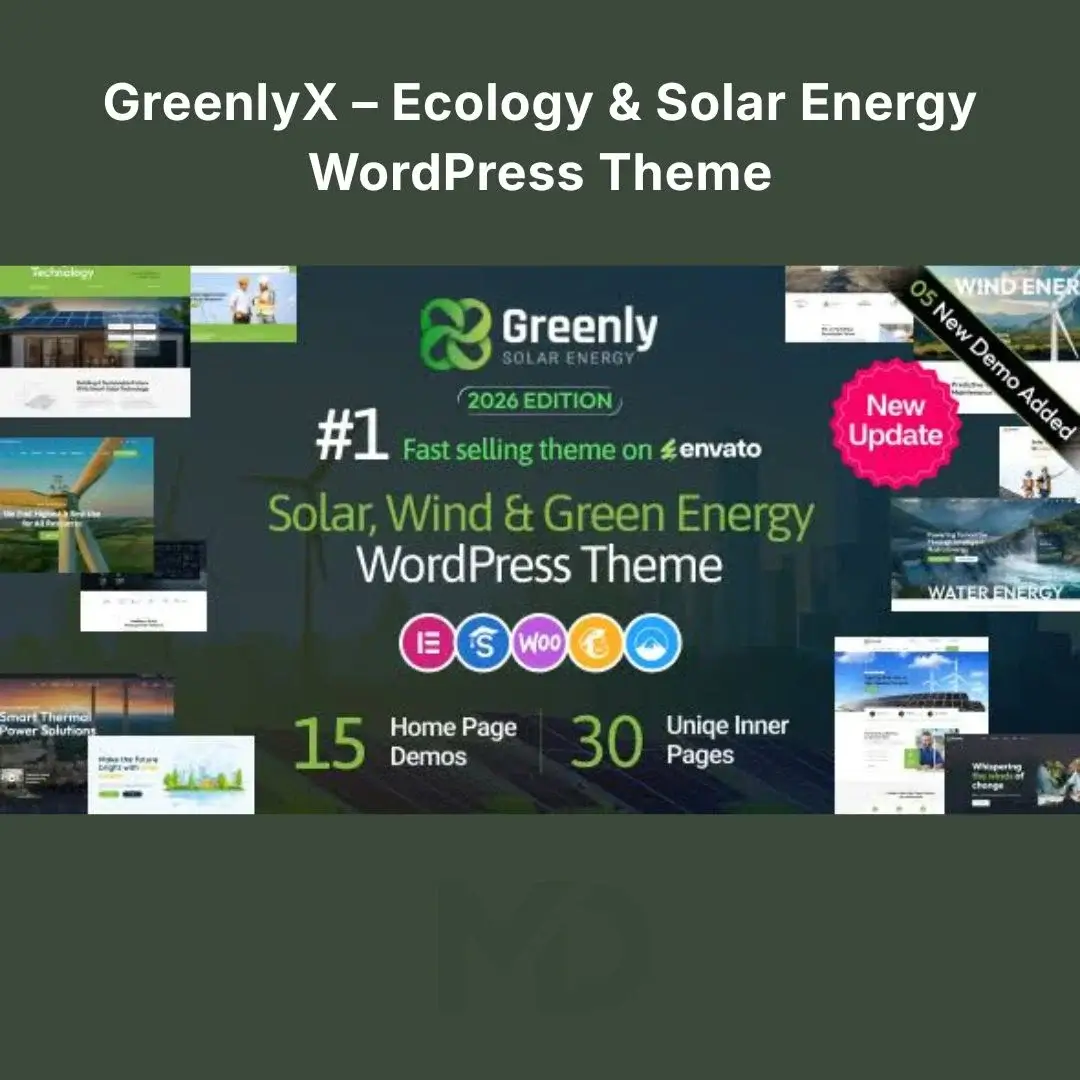


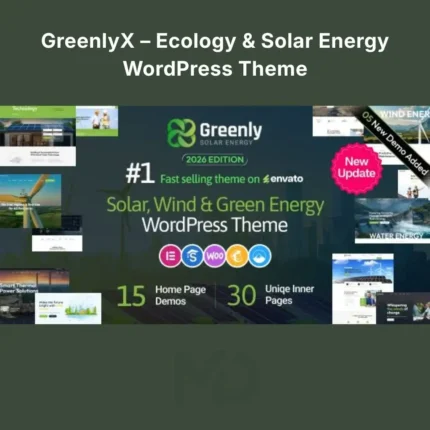
GreenlyX – Ecology & Solar Energy WordPress Theme
Build a Professional Website for Your Green Energy or Solar Business
GreenlyX – Ecology & Solar Energy WordPress Theme is a modern and flexible WordPress theme designed for businesses and organizations working in solar energy, renewable energy, wind power, green technology, environmental services, sustainability, recycling, and eco-friendly industries.
A green-energy business needs more than a basic website. You need to clearly explain your services, showcase your projects, build trust, and make it easy for potential customers to request a consultation or quote.
GreenlyX provides a professional foundation with 15 ready-made demos, Elementor compatibility, WPBakery support, WooCommerce integration, a demo setup wizard, responsive layouts, custom widgets, unlimited color options, and SEO-friendly structure.
Perfect for Green Energy & Ecology Businesses
GreenlyX is suitable for:
- Solar Energy Companies
- Solar Panel Installers
- Renewable Energy Businesses
- Wind Energy Companies
- Green Technology Startups
- Ecology Organizations
- Environmental Agencies
- Recycling Companies
- Sustainability Projects
- Organic Energy Businesses
- Natural Energy Services
- Eco-Friendly Product Stores
Key Features
15 Ready-Made Website Demos
Starting from a blank website can take time and require design experience.
GreenlyX includes 15 pre-built demo designs, allowing you to select a layout that matches your business and then customize it with your own content.
Replace the demo content with:
- Your logo
- Company information
- Solar and energy services
- Project images
- Testimonials
- Contact details
- Pricing or quote information
This gives you a professional starting point and helps reduce website development time.
Elementor Drag-and-Drop Editing
Customize your website visually with Elementor.
You can edit:
- Text
- Images
- Buttons
- Sections
- Service blocks
- Colors
- Typography
- Spacing
- Layouts
No advanced coding knowledge is required for most common website customizations.
WPBakery Page Builder Support
GreenlyX also supports WPBakery Page Builder, providing flexibility for users who prefer working with WPBakery instead of Elementor.
This can be particularly useful when managing an existing website or workflow built around WPBakery.
One-Click Demo Setup Wizard
Get your website started faster with the built-in demo setup process.
Instead of manually creating every page, menu, service section, and layout, import the available demo structure and then customize it for your business.
Recommended approach:
Choose a demo closest to your business model, import it, then replace all sample content with your own branding and services.
Create a Strong Solar & Energy Services Website
A visitor should immediately understand what your business offers.
Use dedicated service pages for:
- Solar Panel Installation
- Residential Solar Systems
- Commercial Solar Solutions
- Wind Energy
- Renewable Energy Consulting
- Energy Storage
- Green Technology
- Maintenance Services
A strong service page should explain:
Customer Problem → Your Solution → Key Benefits → Process → Call to Action
For example:
High electricity costs?
Show how your solar installation services can help customers reduce dependence on conventional electricity.
Showcase Your Projects & Case Studies
For energy and solar companies, showing real projects can build trust.
Use portfolio or project sections to display:
- Solar installations
- Commercial projects
- Residential projects
- Wind energy solutions
- Environmental initiatives
- Before-and-after results
Each project can demonstrate your experience and help potential customers visualize the quality of your work.
WooCommerce Ready
If your business sells products online, GreenlyX supports WooCommerce.
You can potentially create an online store for:
- Solar accessories
- Energy equipment
- Eco-friendly products
- Green technology products
- Renewable energy accessories
WooCommerce allows you to manage:
- Products
- Orders
- Inventory
- Coupons
- Customers
- Payments
- Shipping
Responsive & Mobile-Friendly Design
Your potential customers may visit your website from:
- Smartphones
- Tablets
- Laptops
- Desktop computers
GreenlyX is designed with a responsive layout so your website can adapt to different screen sizes.
Always test your final website on real mobile devices before publishing.
Custom Typography & Unlimited Color Options
Create a website that matches your company’s visual identity.
Customize:
- Font styles
- Font colors
- Theme colors
- Layout elements
- Branding details
The theme provides custom typography and unlimited color options without requiring direct code editing for basic changes.
Additional Custom Widgets
GreenlyX includes additional widgets to help you create useful website sections and business content.
Use these components strategically to create:
- Service sections
- Project displays
- Testimonials
- Statistics
- Client logos
- Pricing tables
- Calls to action
Slider & Visual Content Options
Use prominent visual sections to showcase your services, projects, and sustainability message.
Large visual content can be particularly effective for:
- Solar panel installations
- Wind farms
- Energy infrastructure
- Environmental projects
- Green technology
The current release history also includes Smart Slider and Slider Revolution-related support and updates.
Problem-Solving Benefits
Problem: Your solar business website looks outdated.
Solution: Use modern green-energy-focused layouts and professionally structured sections to create a stronger digital presence.
Problem: Customers don’t understand your energy services.
Solution: Create dedicated service pages that clearly explain the problem, solution, benefits, process, and next step.
Problem: You need a website quickly.
Solution: Start with a ready-made demo and customize it instead of designing every page from scratch.
Problem: You don’t know how to code.
Solution: Use Elementor or WPBakery for visual page editing.
Problem: Your business needs more customer inquiries.
Solution: Add clear calls to action such as:
Request a Free Quote
Get a Solar Consultation
Calculate Your Savings
Contact Our Team
Problem: Customers need proof of your experience.
Solution: Showcase completed projects, customer testimonials, business statistics, and case studies.
SEO-Friendly Foundation
GreenlyX is built with SEO best practices in mind and provides an SEO-oriented technical foundation.
However, a theme alone cannot guarantee search-engine rankings.
For better SEO results:
- Create unique service pages.
- Use clear headings.
- Optimize images.
- Add descriptive image alt text.
- Write useful content about solar and renewable energy.
- Create project and case-study pages.
- Optimize meta titles and descriptions.
- Improve website loading speed.
- Build internal links between related services.
Useful SEO Keywords
- Solar Energy WordPress Theme
- Ecology WordPress Theme
- Renewable Energy WordPress Theme
- Green Energy Website
- Solar Company Website
- Environmental WordPress Theme
- Wind Energy Website
- Solar Panel Installation Website
Installation & Setup Guide
Step 1: Install WordPress
Install WordPress on your hosting account.
Make sure your server environment meets the current theme requirements. The source listing indicates compatibility with WordPress 7.0, PHP 7.4 through PHP 8.4.x, Elementor, WPBakery, and WooCommerce 10.x.
Step 2: Upload the Theme
Go to:
WordPress Dashboard → Appearance → Themes → Add New → Upload Theme
Upload the GreenlyX theme ZIP file.
Click:
Install Now → Activate
Step 3: Install Required Plugins
After activating the theme, install the recommended and required plugins.
Depending on your preferred workflow, this may include:
- Elementor
- WPBakery Page Builder
- WooCommerce
- Theme companion/addons
- Slider plugins
Only install the plugins required for the features you plan to use.
Step 4: Import Demo Content
Open the theme’s setup wizard or demo importer.
Choose the demo closest to your business and complete the import process.
Important: Wait for the import process to finish completely and avoid closing the browser during the import.
Step 5: Customize Your Website
Replace the demo content with:
- Your logo
- Business name
- Services
- Solar projects
- Images
- Contact information
- Company details
- Testimonials
Step 6: Create Service Pages
Create separate pages for your most important services.
For example:
Residential Solar → Commercial Solar → Maintenance → Energy Consulting
This makes your website easier for visitors to understand and improves opportunities for search-engine optimization.
Step 7: Add Your Projects
Showcase completed work using high-quality images and useful project descriptions.
Include:
- Project location
- Project type
- Services provided
- Challenges
- Solution
- Results
Step 8: Configure Contact Forms
Create forms for:
- General inquiries
- Solar consultations
- Quote requests
- Project discussions
- Customer support
Step 9: Configure WooCommerce
If selling products online, configure:
- Products
- Payments
- Shipping
- Taxes
- Checkout
- Order emails
Step 10: Test Before Launch
Test your complete website on:
- Mobile
- Tablet
- Desktop
Also test:
- Contact forms
- Menus
- Buttons
- WooCommerce checkout
- Service pages
- Project pages
Recommended Homepage Structure
For a solar or renewable energy business, consider this conversion-focused structure:
Hero Section
Clear sustainability message + CTA
Our Services
Why Choose Solar Energy
How It Works
Featured Projects
Key Statistics
Customer Testimonials
Frequently Asked Questions
Request a Quote
This takes visitors through:
Problem → Solution → Benefits → Proof → Action
Key Features at a Glance
- 15 Ready-Made Demos
- Elementor Compatible
- WPBakery Compatible
- WooCommerce Ready
- Demo Setup Wizard
- Responsive Design
- Mobile-Friendly Layout
- Custom Widgets
- Custom Typography
- Unlimited Color Options
- Live Customizer Options
- Project & Portfolio Layouts
- Service Pages
- Pricing Sections
- Blog Layouts
- Testimonials
- Client Sections
- Slider Support
- SEO-Friendly Structure
- Child Theme Support
- Translation Ready
- GDPR Ready
- Cross-Browser Compatibility
- Online Documentation
The latest listed release is version 9.0, dated July 13, 2026, adding five new demos for a total of 15, plus additional layout styles for blogs, clients, facts, headers, portfolios, pricing, services, and testimonials.
Copyright & Trademark Disclaimer
- WordPress®, Elementor®, WPBakery®, WooCommerce®, WPML®, Bootstrap®, and other third-party names and trademarks belong to their respective owners.
- MDDigitals is not affiliated with, endorsed by, sponsored by, or associated with Creatives_Planet, Envato, ThemeForest, or the original theme developer.
- This product is distributed under the GNU General Public License (GPL) where applicable.
- All third-party copyrights, trademarks, logos, and intellectual property rights remain the property of their respective owners.
Note: Customers should test the theme in a staging environment and verify compatibility with their WordPress, PHP, plugins, and hosting configuration before using it on a live production website.




Reviews
There are no reviews yet