
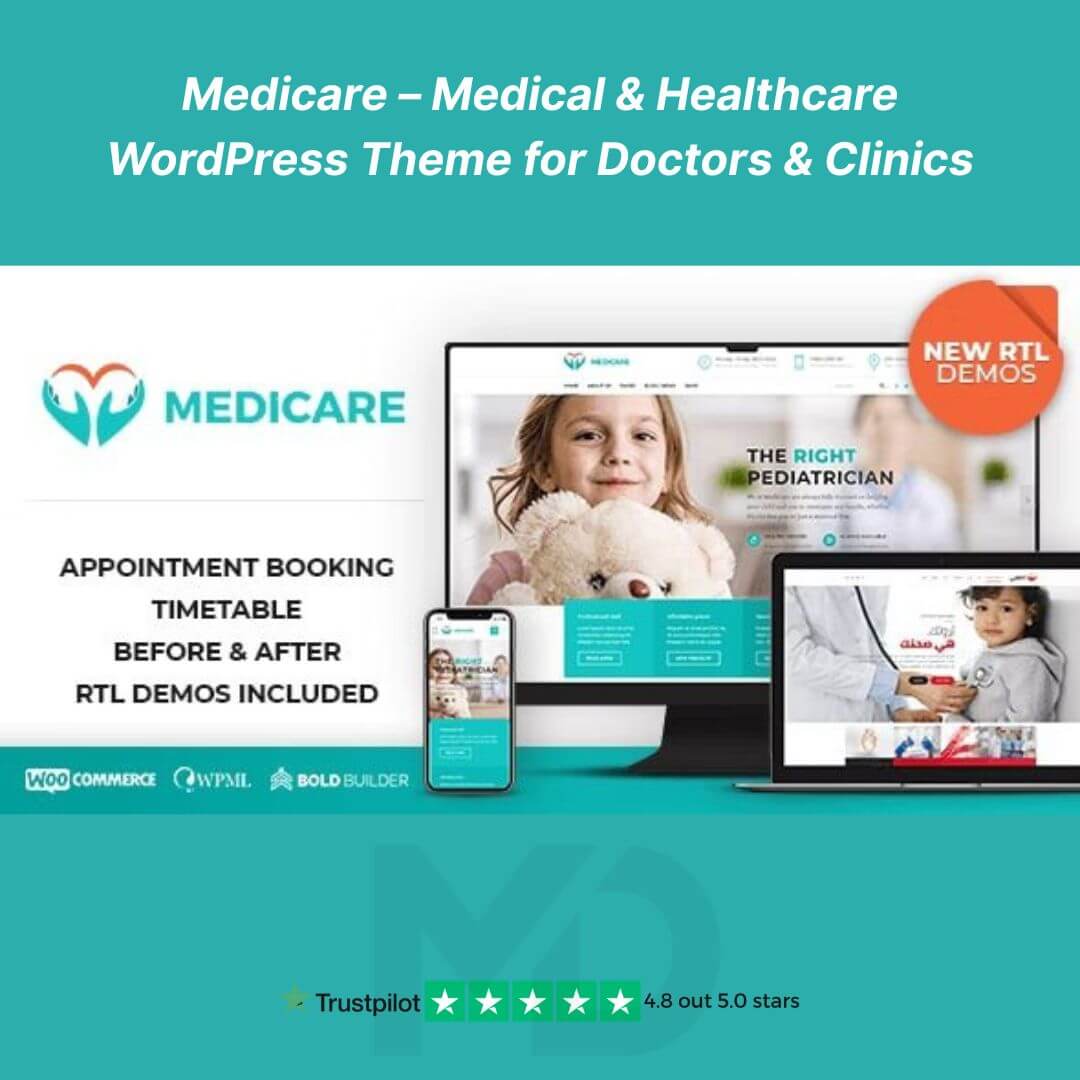


Medicare – Medical & Healthcare WordPress Theme for Doctors & Clinics 🌟
Elevate your medical or healthcare website with a clean, professional, and fully responsive WordPress theme! Medicare is designed for doctors, clinics, hospitals, and healthcare professionals who want a modern online presence without any hassle. Built with flexibility, speed, and user-friendliness in mind, this theme is perfect for showcasing your services, team, and patient testimonials, while driving appointments and consultations.
Key Features 🩺
-
Fully Responsive & Mobile-Ready 📱
Your website will look perfect on all devices — smartphones, tablets, and desktops — ensuring your patients can access your services anywhere. -
Customizable Homepage & Layouts 🎨
Drag-and-drop page builder compatibility lets you create unique pages for your clinic, services, or staff without touching a single line of code. -
Appointment Booking & Contact Forms 🗓️
Easily integrate forms for patient appointments, inquiries, or consultations. Simplify the booking process and enhance patient engagement. -
Services Showcase 💉
Highlight your medical services with modern layouts and interactive elements, making it easy for visitors to understand what you offer. -
Doctor & Team Profiles 👨⚕️👩⚕️
Create detailed staff pages with professional profiles, photos, and specialties to build trust with your patients. -
SEO-Friendly & Optimized for Speed ⚡
Designed with clean code and proper schema markup to help your site rank higher on search engines and load faster for better user experience. -
WooCommerce Ready 💳
Sell healthcare products, consultations, or medical supplies directly from your website with full WooCommerce integration. -
Pre-Built Demos & One-Click Import 🚀
Get your website up and running quickly with ready-to-use demo content. Customize it to match your brand in minutes. -
Translation & Multilingual Ready 🌐
Fully compatible with WPML and other translation plugins to reach patients in multiple languages. -
Regular Updates & Compatibility 🔄
Stay secure and up-to-date with the latest WordPress versions, plugins, and themes.
How to Install & Use 🛠️
-
Download & Upload: Download the GPL-licensed theme package from mddigitals.com. Upload it to your WordPress dashboard under Appearance → Themes → Add New → Upload Theme.
-
Activate: Click “Activate” to set Medicare as your active theme.
-
Install Required Plugins: Follow the theme prompts to install recommended plugins for page building, forms, and WooCommerce support.
-
Import Demo Content: Use the one-click demo importer to quickly get the sample website layout.
-
Customize: Use WordPress Customizer or the integrated page builder to modify colors, fonts, content, and layout according to your brand.
-
Launch: Add your medical services, staff profiles, testimonials, and contact forms, then publish your website.
Why Choose Medicare? ✅
-
Perfect for doctors, clinics, hospitals, and health services
-
Fully responsive, SEO-friendly, and easy to customize
-
Compatible with the latest WordPress and essential plugins
-
Saves time and money with ready-to-use layouts and features
-
Supports appointment booking and patient engagement tools
⚠️ Copyright & GPL Disclaimer
This product is GPL-licensed and distributed independently. It is not affiliated with, endorsed by, or sponsored by the original developers or marketplaces.
All product names, logos, and trademarks belong to their respective owners. Any brand names mentioned are used only for descriptive and identification purposes.
This theme is provided in compliance with WordPress and GPL guidelines and is virus-free, authentic, and ready to use.





Reviews
There are no reviews yet