
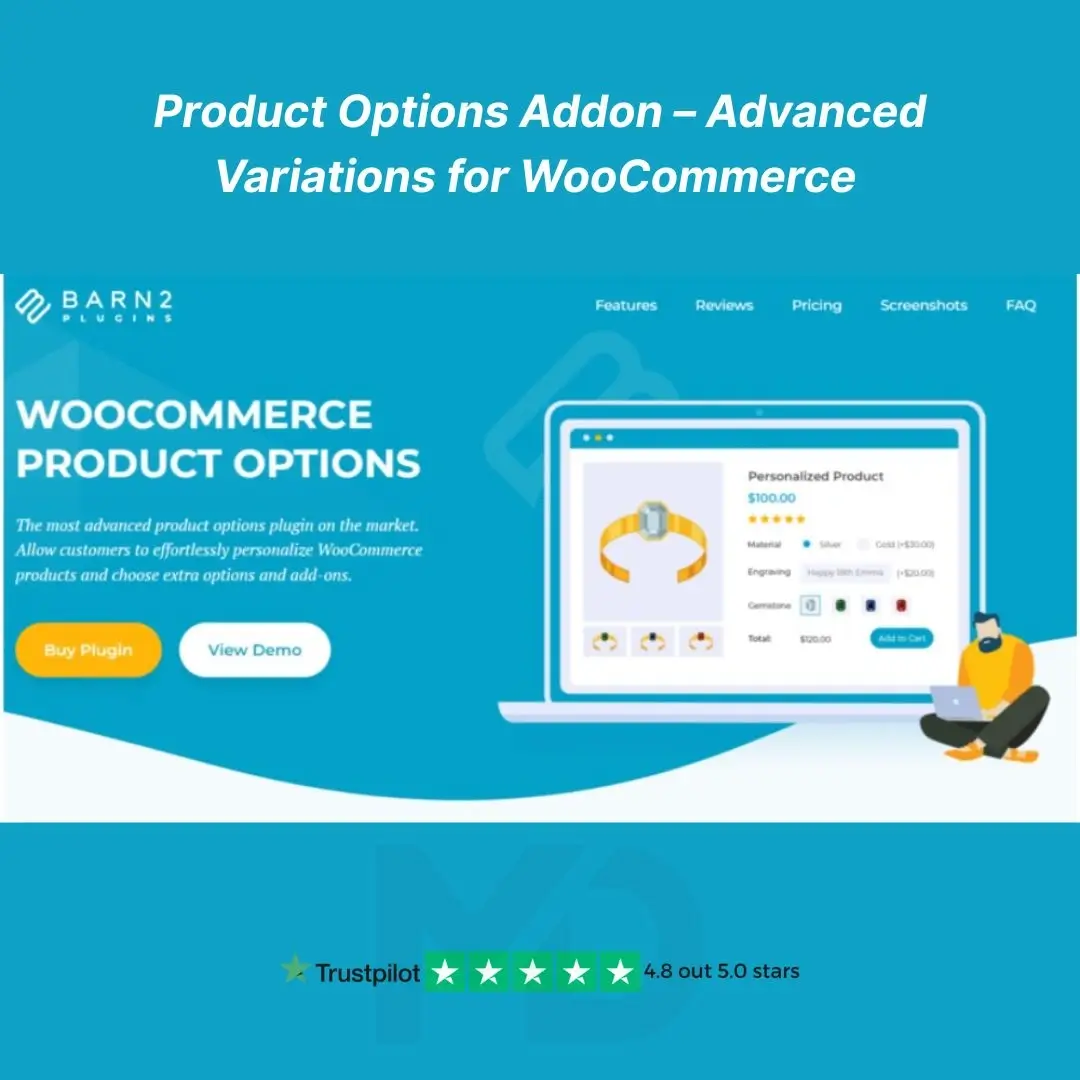


🛍️ Product Options Addon – Advanced Variations for WooCommerce
Enhance your WooCommerce store with flexible and dynamic product customization features. The Product Options Addon – Advanced Variations for WooCommerce empowers you to create complex, user-friendly product options that go beyond the default WooCommerce variation settings.
Whether you’re selling personalized gifts, food items, services, clothing, or any product with custom features, this addon gives you total control over how shoppers configure their orders—leading to higher engagement and increased sales.
✨ Key Features That Drive Conversions:
✅ Unlimited Product Option Fields
Easily add text fields, radio buttons, checkboxes, dropdowns, date pickers, file uploads, and more. Give your customers multiple ways to customize their product selection.
✅ Smart Conditional Logic
Display or hide fields dynamically based on previous selections. For example, if a user chooses “custom engraving,” a text input field appears.
✅ Add Extra Costs or Adjust Pricing
Charge additional fees based on selected options. Whether it’s a fixed price or percentage increase, your pricing becomes smarter and more flexible.
✅ Global or Per-Product Control
Set product options globally for categories or customize them individually for specific products.
✅ Group Fields & Improve UX
Organize fields using tabs, collapsible sections, or grouped layouts for better user experience and cleaner design.
✅ Fully Responsive Design
The addon is mobile-friendly and lightweight, ensuring fast performance across devices.
✅ Works Seamlessly with Page Builders
Compatible with Elementor, WPBakery, Divi, Gutenberg, and most modern WooCommerce themes.
✅ Translation & Multilingual Ready
Supports WPML, Loco Translate, and other multilingual plugins.
🧩 Ideal Use Cases:
-
T-Shirt Customization – Let users upload logos and add text.
-
Restaurant Orders – Build menu combinations with extra toppings.
-
Service Bookings – Allow date/time selections and optional services.
-
Gift Shops – Offer engraving, packaging, and custom messages.
-
Subscription Boxes – Let customers choose contents via checkbox or dropdowns.
📥 Installation Guide:
-
Download the plugin ZIP file from your MD Digitals account.
-
Go to your WordPress Dashboard → Plugins → Add New → Upload Plugin.
-
Upload the ZIP file, click Install Now, then Activate.
-
Navigate to Products > Edit Product and scroll to the new Product Options panel.
-
Add your custom fields, set conditional rules, and assign prices if needed.
🚀 How to Use:
-
Go to the product where you want to add options.
-
Scroll to the “Product Options” section.
-
Click “Add New Field” and choose a field type (text, dropdown, checkbox, etc.).
-
Configure labels, conditions, and pricing.
-
Save changes and preview the product on the front-end.
All options are user-friendly and don’t require coding knowledge.
🔐 GPL Licensing Notice:
At MD Digitals, we simply provide it under the GPL license model, giving users affordable access, lifetime usage rights, and manual updates, while maintaining complete transparency and authenticity.
⚠️ Copyright & Trademark Disclaimer
All product names, logos, and trademarks are the property of their respective owners.
Any brand names mentioned on this website are used strictly for identification and descriptive purposes only.
We do not claim any ownership of third-party trademarks or branding.
Full credit and respect go to the original developer for their outstanding work in creating this product.
MD Digitals Pro is not affiliated with, endorsed by, or associated with any third-party developers or trademark owners. All products available on this website are distributed under the GNU General Public License (GPL) and are provided in compliance with WordPress licensing guidelines.





Reviews
There are no reviews yet