
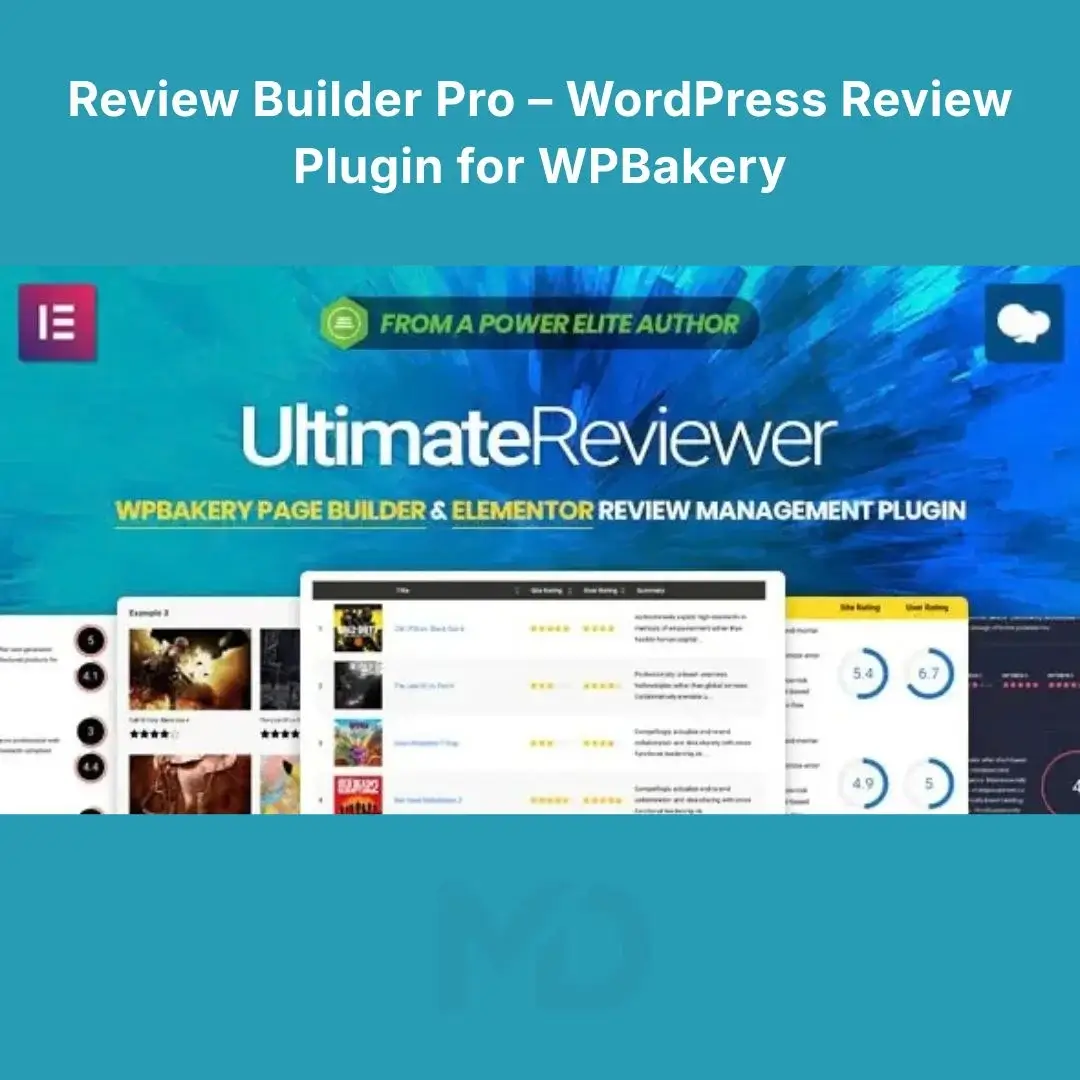


Reviewer Builder Pro – WordPress Review Plugin for WPBakery
Turn a standard WordPress website into a professional review, rating, and comparison platform with Review Builder Pro – WordPress Review Plugin for WPBakery.
If you’re building a product review website, affiliate website, comparison portal, magazine, directory, service website, or any content-focused site where ratings and user feedback matter, basic WordPress content often isn’t enough. You need a structured way to present ratings, review criteria, pros and cons, user opinions, and comparison information.
Review Builder Pro provides a visual toolkit for creating sophisticated review layouts with WPBakery Page Builder, allowing you to build customized review experiences without having to develop a review system from scratch. The original product documentation describes functionality including custom review templates, multiple rating styles, user reviews, weighted criteria, comparison tables, and rich-snippet support.
Why Use Review Builder Pro?
A simple star rating can tell visitors whether something scored well, but it doesn’t always explain why.
A professional review page can present:
- Overall ratings
- Individual criteria
- Weighted scores
- Pros and cons
- Review summaries
- User ratings
- User comments
- Comparison tables
- Review images
- Call-to-action buttons
- Multiple products or services side-by-side
This gives you a more structured way to publish detailed reviews and comparison content.
Instead of manually creating every review box and comparison table, you can build reusable layouts and apply them across your WordPress website.
Key Features
1. Create Professional Review Templates
Build reusable review layouts instead of designing every review from the beginning.
You can create review templates containing elements such as:
- Review title
- Overall score
- Individual criteria
- Summary
- Good points
- Bad points
- Review image
- Rating indicators
- Review buttons
The original plugin supports both predefined templates and custom drag-and-drop review templates.
Problem solved:
Your reviews maintain a consistent professional appearance without repeatedly rebuilding the same layout.
2. Multiple Rating Styles
Present ratings in a format that matches your website design.
Depending on the available element and configuration, rating styles include:
- Stars
- Circles
- Gauges
- Percentages
- Bars
- Other visual rating formats
This allows you to create anything from a simple five-star review to a more detailed percentage-based evaluation.
Example
Performance: 92%
Design: 88%
Features: 95%
Value: 90%
Overall Rating: 91%
This is especially useful for technology, software, hosting, product, and service review websites.
3. Multiple Review Criteria
Don’t limit every review to a single score.
Create multiple criteria for evaluating a product or service.
For example, a web hosting review could contain:
- Performance
- Uptime
- Support
- Features
- Pricing
- Ease of Use
A theme review could use:
- Design
- Customization
- Performance
- Documentation
- Support
- Features
This makes your reviews more informative and useful to visitors.
4. Weighted Rating Criteria
Some criteria may be more important than others.
For example:
| Criterion | Weight |
|---|---|
| Performance | 40% |
| Features | 25% |
| Ease of Use | 15% |
| Support | 10% |
| Value | 10% |
Weighted criteria can help create a more structured overall score instead of treating every rating equally.
The original product supports multiple rating criteria and weighted criteria.
5. Good Points & Bad Points
Make your reviews easier to scan by clearly separating strengths and weaknesses.
Good Points
- Fast performance
- Easy setup
- Extensive customization
- Responsive design
Bad Points
- Some advanced features require additional configuration
- Learning curve for beginners
This gives visitors useful information before they commit to a purchase.
The original product supports dedicated Good/Bad Points information within review data.
6. User Reviews & Ratings
Allow your visitors to contribute their own opinions.
Depending on your configuration, users can:
- Submit ratings
- Leave review comments
- Rate specific criteria
- Participate through the comment form
- Vote on other user reviews
The plugin also provides controls for determining who can submit reviews and preventing users from voting more than once.
Problem solved:
Instead of relying entirely on administrator-written reviews, you can build a community-driven feedback system.
7. Review Moderation
User-generated content needs moderation.
Review Builder Pro provides options for controlling and moderating user-submitted reviews before they become part of your website’s public content.
This can be particularly useful for:
- Product review websites
- Affiliate websites
- Community websites
- Service directories
- Membership websites
- Customer feedback platforms
8. User Review Filtering
When a website has hundreds of reviews, displaying everything at once can make the page difficult to navigate.
The review functionality includes options for dynamically filtering user comments by factors such as:
- Date
- Rating
- Helpfulness
Users can therefore focus on the feedback most relevant to them.
9. Comparison Tables
One of the most useful features for affiliate and comparison websites is the ability to create product comparison tables.
Compare multiple products or services within a structured layout.
For example:
| Feature | Product A | Product B | Product C |
|---|---|---|---|
| Performance | 9/10 | 8/10 | 9/10 |
| Features | 9/10 | 9/10 | 8/10 |
| Value | 8/10 | 9/10 | 8/10 |
The original product supports customizable comparison tables, different content arrangements, vertical/horizontal formats, and dynamic ordering of table content.
Ideal for:
- Product comparisons
- Hosting comparisons
- Theme comparisons
- Plugin comparisons
- Software comparisons
- Service comparisons
- Affiliate websites
10. WPBakery Integration
Review Builder Pro is designed to work with WPBakery Page Builder, allowing you to use review-specific elements within your visual page-building workflow.
Instead of developing custom review components manually, you can work with dedicated review elements and configure their settings through the page builder.
The developer also lists Elementor compatibility in its current product information, but this MD Digitals listing is specifically positioned around the WPBakery workflow.
11. Automatic Review Template Insertion
For large websites, manually adding a review layout to every post can become time-consuming.
Review templates can be configured to automatically appear on selected post types, helping you maintain a consistent review structure across your website.
Example:
You create one:
Software Review Template
Then configure it for your software review posts.
Instead of recreating the design for every article, the appropriate template can be automatically applied.
12. Manual Review Template Placement
You aren’t limited to automatic placement.
Review templates can also be manually inserted into:
- Posts
- Pages
- Custom post types
This gives you more control when certain pages require a unique review layout.
13. Review Images & Call-to-Action Elements
Make your reviews more useful by combining ratings with supporting visual content and action buttons.
A review layout can contain:
Product Image → Overall Rating → Summary → Pros/Cons → Detailed Ratings → CTA
This structure works particularly well for affiliate and commercial review websites.
14. Rich Snippet Support
The original product information includes rich snippets support for ratings in search engine results.
Structured review data can help search engines understand rating information when implemented correctly.
However, rich-result eligibility and appearance are determined by search engines. Using a review plugin does not guarantee that Google or another search engine will display review stars in search results.
Who Can Benefit From Review Builder Pro?
Affiliate Websites
Create detailed reviews and comparison tables for products, services, software, hosting, themes, plugins, and more.
Technology Websites
Build structured reviews for:
- Software
- Apps
- WordPress plugins
- Themes
- Hosting
- SaaS products
Product Review Websites
Create consistent review layouts with ratings, criteria, pros, cons, and user feedback.
Service Websites
Allow customers to evaluate services using structured rating criteria.
Directory Websites
Give listed businesses, products, or services their own rating and review system.
Magazine & Editorial Websites
Create professional review sections alongside regular editorial content.
How to Install Review Builder Pro
Before installing any WordPress plugin, create a complete website backup. If possible, test the plugin on a staging website before installing it on a production site.
Step 1 — Download the Plugin
Obtain the plugin ZIP file and extract it if the supplied package contains documentation or additional files.
The original installation documentation indicates that the actual plugin ZIP may be located inside the downloaded package.
Step 2 — Log in to WordPress
Go to:
WordPress Dashboard → Plugins → Add New Plugin
Step 3 — Upload the Plugin
Click:
Upload Plugin
Select the appropriate plugin ZIP file and click:
Install Now
Step 4 — Activate
After installation completes, select:
Activate Plugin
The original documentation also provides an FTP installation method if the WordPress uploader cannot accept the plugin package.
How to Use Review Builder Pro
Step 1 — Create Your Review Criteria
First determine what you want to evaluate.
For example, for a WordPress theme:
- Design
- Performance
- Customization
- Documentation
- Support
- Value
Avoid adding unnecessary criteria. Focus on the factors that genuinely help your audience make an informed decision.
Step 2 — Create Your Review Template
Use the available review-building elements to construct your layout.
A useful structure is:
Product Title
↓
Featured Image
↓
Overall Rating
↓
Short Summary
↓
Good Points / Bad Points
↓
Individual Ratings
↓
Detailed Review
↓
User Reviews
↓
Call to Action
Step 3 — Add Your Review
Create a new WordPress post or page and enter the review information.
You can add:
- Overall rating
- Multiple criteria
- Rating scores
- Summary
- Good points
- Bad points
- Review content
The developer’s documentation describes adding review information to posts, pages, and custom post types.
Step 4 — Configure User Reviews
If you want visitors to contribute reviews, configure:
- Who can submit reviews
- Rating limits
- Review moderation
- Comment review settings
- Voting permissions
- Review filtering
Start with moderation enabled if your site is new or receives significant user-generated content.
Step 5 — Build Comparison Tables
Create comparison tables when your content involves multiple products.
Keep tables focused on information that actually helps visitors compare options.
For example:
Price | Features | Performance | Support | Rating
Avoid overcrowding your comparison tables with dozens of unnecessary fields.
Recommended Review Page Structure
For an affiliate or product review website, I recommend this structure:
1. Product Overview
Briefly explain what you’re reviewing.
2. Overall Rating
Display the primary score prominently.
3. Quick Verdict
Summarize the major strengths and limitations.
4. Detailed Criteria
Show individual ratings.
5. Good & Bad Points
Make advantages and disadvantages easy to scan.
6. Detailed Review
Provide useful supporting information.
7. Comparison
Show how the product compares with alternatives.
8. User Reviews
Display community feedback.
9. Final Information / CTA
Provide the appropriate next step for the visitor.
This structure makes long reviews easier to navigate and gives readers the information they need at different stages of their decision-making process.
Troubleshooting
Plugin Doesn’t Appear in WPBakery
Check that:
- The plugin is activated.
- WPBakery Page Builder is installed and active.
- You’re using a compatible version.
- The plugin’s elements are enabled.
- Another plugin isn’t causing a conflict.
Upload Fails
If WordPress displays an upload or timeout error, check your hosting limits.
The developer’s documentation lists requirements including 256 MB or higher PHP memory, 64 MB or higher upload/post limits, and 180 seconds or higher maximum execution time for optimal operation.
Ratings Are Not Calculating Correctly
Check:
- Rating criteria
- Minimum and maximum values
- Criterion weights
- Whether reviews are approved
- Whether cached content is being displayed
Clear relevant caching after making configuration changes.
SEO Best Practices for Review Websites
Review Builder Pro can help you structure and present review content, but your overall SEO strategy still matters.
For better search visibility:
- Write original, genuinely useful reviews.
- Use descriptive page titles.
- Use relevant headings.
- Explain how ratings were calculated.
- Include meaningful pros and cons.
- Avoid thin or duplicate review content.
- Add useful comparison information.
- Keep your review criteria consistent.
- Optimize images.
- Ensure pages work well on mobile.
- Use appropriate structured data.
- Don’t add ratings simply to manipulate search results.
Most importantly, only publish ratings that are supported by your actual review process or legitimate user feedback.
Compatibility & Important Notes
Review Builder Pro is designed around the WordPress + WPBakery workflow. The original developer’s documentation provides specific server requirements and installation instructions, so check your hosting environment before deployment.
The developer’s changelog shows continued historical compatibility work with WPBakery versions, including updates through version 8.7.2 in November 2025. Because WordPress and page-builder software continue to change, test compatibility with your current environment before deploying major updates.
Key Benefits at a Glance
- Professional WordPress review layouts
- WPBakery Page Builder integration
- Custom review templates
- Predefined review layouts
- Multiple rating styles
- Multiple rating criteria
- Weighted rating criteria
- Overall ratings
- Pros and cons
- Review summaries
- User ratings
- User-submitted reviews
- Review moderation
- Review filtering
- User review voting
- Comparison tables
- Horizontal and vertical comparison layouts
- Automatic template insertion
- Manual template placement
- Custom post type support
- Review images
- Call-to-action elements
- Rich snippet support
- Suitable for affiliate and comparison websites
- No custom review-system development required
Copyright & Trademark Disclaimer
WordPress®, WPBakery®, and other referenced names, logos, product names, and trademarks are the property of their respective owners. These names are used solely for identification, compatibility, and descriptive purposes.
This product is not affiliated with, endorsed by, sponsored by, or officially connected with the original developer, GhostPool, or the respective trademark owners unless explicitly stated otherwise.
MD Digitals does not claim ownership of the original product’s trademarks, branding, logos, or proprietary intellectual property. Where a GPL-distributed version is offered, it is provided according to the applicable GPL licensing terms.


Reviews
There are no reviews yet